Jul 28, 2026
Best Shopify apps to grow your store in 2026
Written by
Tymofii Sankov
Published Sep 28, 2026 comments
Key takeaways
- Choose apps that solve a clear business problem, whether that means helping shoppers buy, improving campaign data, or saving your team time.
- Start with reliable tracking. Stape Conversion Tracking helps connect Shopify data to your analytics and advertising setup, with hosting and GTM configuration needed for server-side tracking.
- Look beyond the starting price. Usage limits, extra services, and setup costs can change what an app actually costs your store.
- Test apps together before committing. Check that they work with your theme and existing tools, then keep those that deliver useful results.
Opening the Shopify App Store to solve one problem can leave you with twelve subscriptions, three popups, and a loyalty program nobody understands. Every app promises to help your business grow, which makes it easy to lose sight of what you came looking for.
That's why the best Shopify apps should earn their place by solving a clear issue: helping shoppers find the right product, giving marketers better data, or saving your team hours of manual work. The question is simple: will this app make running your store easier, or just add another monthly bill?
This guide covers 24 apps across ten business needs, from tracking sales to packing and shipping orders. You won't need everything here. The aim is to find the tools that solve your store's current problems, understand what they add, and avoid paying twice for the same job.
What are Shopify apps?
Shopify apps are tools that add features to your store or connect it with other services. Some change what shoppers see, such as reviews or product filters. Others work behind the scenes, passing order data to analytics platforms or helping teams manage deliveries.
Think of them as extra tools you can add when the business needs them. A subscription coffee brand would benefit from a convenient way to manage regular orders; a store selling art prints now and then probably doesn't.
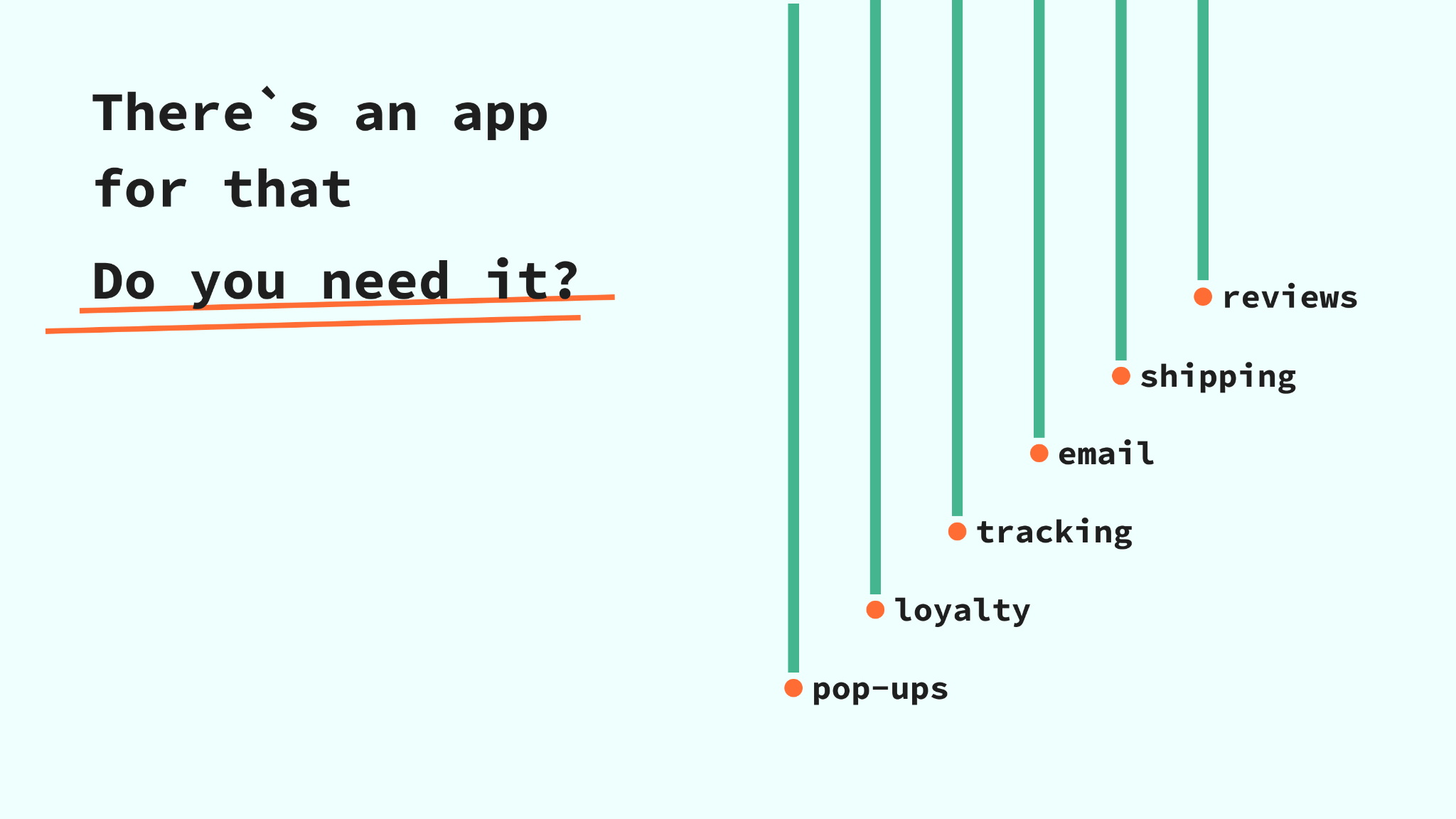
That is why lists of must-have Shopify apps are worth questioning. The tools you need depend on your products, customers, sales channels, and how your team works. Start with the job that needs doing, then look for software that does it well.
How we picked the best Shopify apps for 2026
This list is based on research – we checked official app listings and product guides, focusing on useful features, use cases, what setup involves, and what it cannot do.
We would like to highlight that the most popular Shopify apps can be useful starting points, but the right choice depends on what your store needs. We included different options for similar jobs and tools serving different needs within a category. Their order does not mean one is better than the other for all cases.
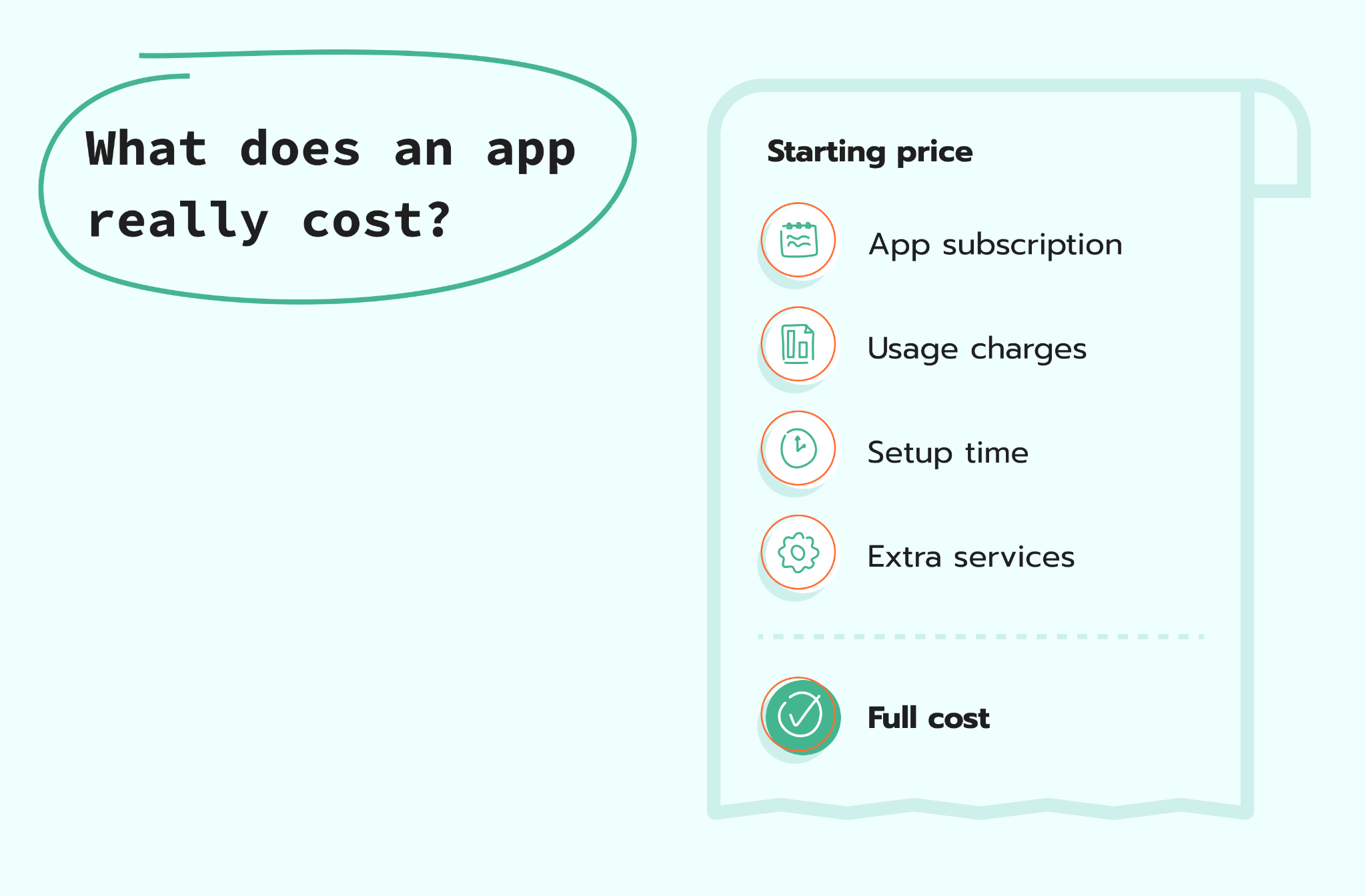
When considering an app, look at the plan that includes your required features before signing up. Subscription fees, usage limits, and additional services can make a big difference to the final bill. A free installation is sometimes just a very welcoming front door.
With that in mind, let's start with the apps that help you understand what's happening in your store and which marketing efforts lead to sales.
Best Shopify apps for tracking & analytics
Tracking and analytics tools help you understand how people shop and which marketing efforts lead to purchases. The top Shopify apps in this category send customer activity and order data to the platforms your team uses to measure those results.
Stape Conversion Tracking
Stape Conversion Tracking adds Google Tag Manager and an eCommerce data layer to your Shopify store, supporting both client-side and server-side tracking setups, with the latter being its key feature.
Once configured, it helps reduce tracking gaps caused by browser restrictions, giving marketers more reliable data to assess campaigns. Your team also gets functionality to control what information reaches each platform and adapt tracking as business needs change. Purchase and refund webhooks help capture order updates directly from Shopify. The app is free and reduces manual coding, while server-side tracking requires hosting, GTM configuration, and testing.
Best Shopify apps for marketing & email/SMS
The best Shopify marketing apps help you send relevant messages when needed. Look for easy setup and ways to group customers by their interests or actions; the ability to send more messages is less impressive when everyone starts unsubscribing.
Klaviyo
Klaviyo is a marketing platform that uses customer and store data to power email, SMS, and other messaging channels. Marketers can group customers by how they shop and set up messages that send automatically depending on the category instead of sending everyone the same promotion. It suits teams ready to use customer data regularly.
Klaviyo offers a free plan for up to 250 contacts. Paid email plans start at $20 per month, while SMS plans start at $15 per month. Costs increase with your contact list and messaging needs.
Omnisend
Omnisend combines email, SMS, signup forms, and marketing automation in one app. It can welcome new subscribers and remind shoppers about items left in their cart. Templates and product suggestions save time on writing and design. Consider it if you want to grow your contact list and run campaigns from one place.
Omnisend has a free plan, with paid offers starting at $16 per month for up to 500 contacts; SMS costs extra.
Privy
Privy brings together popups, email marketing, and SMS tools for eCommerce stores. It helps encourage visitors to join your email or SMS list, then supports follow-up messages through campaigns and automation. This makes it relevant when your main challenge is building an audience you can contact again.
Plans start at $24 per month for popups only, $30 for email marketing, and $45 for email and SMS.
Best Shopify apps for conversion rate optimization
The best Shopify apps to increase sales remove a specific problem between browsing and buying. The main focus is helping people find products and buy related items together, although a larger basket and a higher conversion rate are different outcomes and should be measured separately.
Shopify Search & Discovery
Shopify Search & Discovery is Shopify's free app for customizing search, filters, and product recommendations. You can link different search terms to the same products and suggest related items shoppers might need. Treat it as a starting point to test: try the filters and recommendations in your store to see whether they help shoppers find relevant products more easily.
Bundles.app – Inventory Sync
Bundles.app lets store owners sell product sets, multipacks, and mix-and-match bundles while keeping stock counts in sync. You can sell related items together without updating the available amount by hand after each sale. Think starter kits, gift boxes, or refill packs. However, get the price right: a bigger order isn't much of a victory if the bundle discount eats up your profit.
Pricing starts at $19 per month for non-Plus stores and $39 per month for Shopify Plus stores, with a 15-day free trial.
Best Shopify apps for reviews & social proof
When choosing the best apps for Shopify store growth, consider the ones focusing on getting reviews. This approach is especially useful when the reviews answer practical questions about the item.
Judge.me Product Reviews
Judge.me collects and displays product reviews, star ratings, and customer photos or videos. Review requests help bring in feedback without your team having to contact every buyer. Review boxes on product pages let shoppers read feedback before buying.
Its free plan includes unlimited product and store reviews, making it a useful starting point for stores collecting their first reviews. Its paid Awesome plan costs $15 per month, adding more design options, automated review reminders, and integrations with tools such as Klaviyo.
Loox
Loox focuses on collecting and displaying visual product reviews. Customer photos and videos help shoppers see products outside the carefully lit studio where every cushion apparently lives on a spotless sofa. Automatic requests keep new reviews coming in, while review displays can match the look of your store. Consider it when seeing a product in ordinary use could help buyers decide.
Loox offers a free plan, while paid offers start at $49.99 per month for 300 orders, with additional charges as order volume grows.
Okendo
Okendo offers product reviews as part of a set of tools for loyalty, surveys, quizzes, and referrals. It can collect reviews automatically and display them to shoppers at decision-making stages. The connected tools are worth exploring if your team also wants to learn what people want or encourage them to recommend the store.
You can try the app for free if you expect up to 50 orders per month, with paid plans starting at $19/month for up to 200 orders.
Best Shopify apps for loyalty & subscriptions
Many lists of Shopify must-have apps treat keeping customers as a single checkbox, but rewards and regular orders solve different problems. Choose loyalty tools when you want to encourage another visit, and subscription tools when customers have a regular need for your products.
Smile
Smile lets stores create loyalty programs with points, rewards, referrals, and VIP levels. It gives customers a clear reason to return and gives marketers something more interesting to share than another discount for everyone. Branded displays help explain the program on your storefront. Keep rules for earning and using points simple enough that customers don't need a spreadsheet to appreciate them.
If you have no more than 200 orders/month, you can use the free plan; be ready to pay at least $15 per month if you expect to exceed this amount.
Recharge Subscriptions
Recharge manages repeat orders and the customer experience around subscriptions. Customers can skip a delivery, swap a product, or change a date in their account without asking support for help. Tools that retry failed payments and offer alternatives to canceling can improve retention. The app works well for businesses focused on subscription-based products and working with customers who want regular deliveries.
The starter plan costs $25/month and covers the first 50 subscriptions. Be ready to pay almost a hundred plus transaction fees each month if you are planning to have more.
Best Shopify apps for SEO & site speed
When comparing top apps for Shopify SEO, focus on useful fixes rather than promises to get you found overnight. Shopify already includes tools to load images and pages efficiently, so find out what still needs work before paying to fix it. Shopify's performance guidance can help you with this.
Tiny SEO Speed Image Optimizer
Tiny SEO helps improve images, check SEO issues, and speed up pages. It helps manage image sizes, descriptions, broken links, and product details for search engines in fewer steps. That is useful when a growing product range makes these small jobs easy to miss. Check how each feature affects your store before turning everything on; you may not need every box ticked.
Tiny SEO offers 50 free image optimizations per month, with extra images charged at $0.03 per piece and monthly plans starting at $14.
Booster SEO
Booster SEO handles SEO checks, page titles and descriptions, image file sizes, as well as broken links. It can reduce repeated tasks for teams without someone available to check every product page. Use it to support a clear SEO process and regularly review your website's "SEO health." Don't forget, though, that better page titles help, but the app cannot give shoppers a reason to want your product. That part is still your job.
Booster SEO offers a free plan, with paid plans starting at $39 per month; image compression is included in the $69-per-month Premium plan.
Best Shopify apps for customer support
Sometimes the best app for Shopify store growth is the one that answers a customer's question before they leave. Match the tool to your support workload, whether that means a quick chat with a shopper or a shared helpdesk for a growing team.
Shopify Inbox
Shopify Inbox adds chat to your store with an optional AI sales assistant connected to your store's content. Shoppers can ask questions and get help finding products without stopping their shopping experience. If you use the AI assistant, you can configure its tone and rules. Shopify Inbox is a practical option when your customers ask questions, but not so many that you need to introduce a larger support system.
Gorgias
Gorgias brings customer messages together in a helpdesk and can automate some replies. It gives support teams one place to handle conversations, with automated support handing over to a team member when needed. Consider it when the flow of support requests overwhelms the capabilities of your support team.
Plans start at $10 per month for 50 support tickets, with extra charges for additional tickets and AI automation.
Best Shopify apps for page building & design
The best apps in Shopify for page design give teams room to explain products and build focused campaigns. A page builder becomes useful when your theme's layouts make it hard to explain your offer, rather than simply because someone wants another row of sliding images.
PageFly
PageFly is a visual page builder for landing, product, collection, and other store pages. Drag-and-drop editing and templates help shop owners build pages for each campaign without asking a developer to assist with every single change. This way, you can quickly launch new products and create pages for them. Set shared design rules early so faster publishing doesn't gradually turn your store into five different brands.
This app offers a free plan for one published page or section, with paid plans starting at $24 per month for five pages or sections.
GemPages
GemPages lets you design store pages and add offers at different steps of a purchase. Templates and editable layouts help teams launch pages for specific campaigns, and test extra product offers along the way. Consider it when a standard product page feels too limited. Judge the result by customer behavior, not by how many sections survived the design meeting.
There is a free plan for one published page, with paid options starting at $29 per month; sales funnels and post-purchase offers require the $59-per-month Optimize plan.
Best Shopify apps for packing, shipping & print-on-demand
The best Shopify apps for eCommerce order management help keep the delivery promise made at checkout. These tools cover different jobs: organizing deliveries, keeping buyers informed, and producing goods after an order arrives.
ShipStation
ShipStation brings order management, packing, and shipping tasks into one place. You can manage activity across sales channels and use automation to cut down on repeated admin tasks. It helps when switching between tools starts causing delays or mistakes. Before choosing a plan, check the delivery companies and features available where you ship from and to.
Plans start at $14.99 per month, with pricing varying by location and monthly order volume, and a 30-day free trial available.
AfterShip Order Tracking
AfterShip Order Tracking fills tracking pages with your branding, delivery updates, and tools to check order progress. Customers can follow their parcel without contacting support, while staff can track deliveries in one place. It suits stores where unclear delivery dates lead to repeated questions and lost clients. Clear updates won't make a delayed truck move faster, but they can make the wait less mysterious.
There is a free plan for 50 shipments per month, with paid plans starting at $11 per month for 100 shipments and extra charges above that limit.
Printful
Printful app connects your Shopify store to Printful's printing and shipping service. The app sends customer orders to the company, which prints your designs on products such as T-shirts, mugs, and posters, then packs and ships them to buyers. You can try new designs without buying stock in advance or storing products yourself. Order samples to check quality, and factor production and shipping costs into your prices.
The app is free to install, with production and shipping charged per order; an optional Growth plan costs $24.99 per month and offers product discounts.
Best Shopify apps for international & B2B selling
Even the best Shopify apps need to match how your customers buy: overseas shoppers may need content in their language, while wholesale buyers need different pricing and ways to order. These recommendations address those different needs rather than pretending international and B2B selling are the same project.
Shopify Translate & Adapt
Shopify Translate & Adapt helps store owners translate store content and adapt it for individual markets. It supports free automatic translation into up to two languages, alongside manual translation and editing. You can also adjust content for markets operating in the same language. Use it to make product details easier to understand; however, it is advised to have important pieces reviewed by someone who understands the target audience and is proficient with its language. The app is completely free to use with no hidden payments.
BSS B2B Wholesale Pricing
BSS B2B Wholesale Pricing adds wholesale tools including different prices for customer groups, bulk discounts, and business registration. Sales teams can present suitable pricing and collect buyer information through a clear process. It is relevant for stores serving both retail and wholesale customers. Write down your pricing and ordering rules first, then check how the app handles them alongside your existing Shopify setup.
A free plan covers basic wholesale pricing and registration, while paid plans start at $29 per month with a 14-day free trial.
How to choose the right Shopify apps for your store
Ask a more useful question than "What should we install?": "Which Shopify apps best solve the problem of costing us time, customers, or money?" That gives you a way to decide whether the purchase worked.
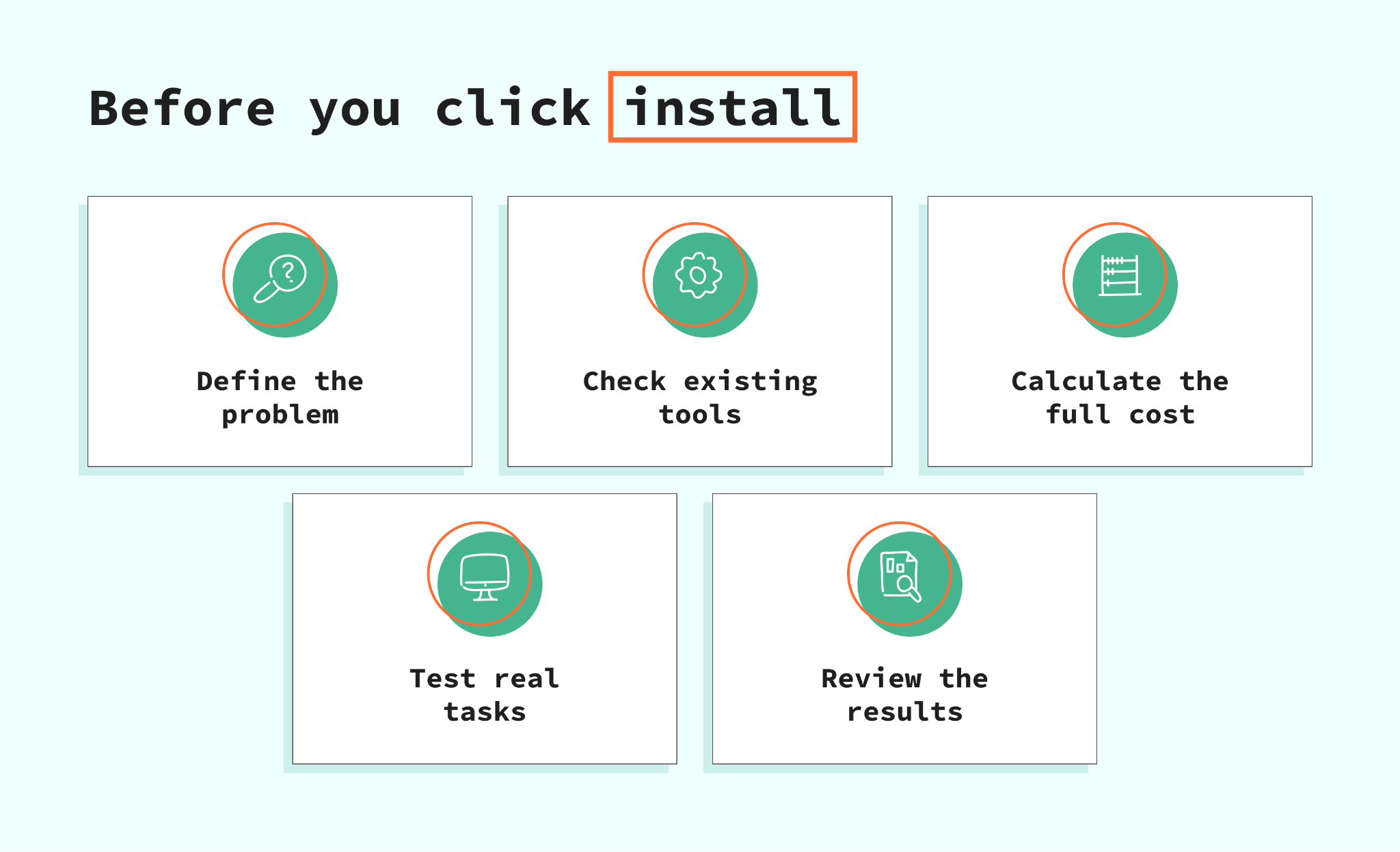
- 1.Choose one result. Perhaps shoppers cannot find accessories that fit their products, or support spends hours answering delivery questions. Name the problem and choose something to measure: search success, delivery questions, repeat purchases, or how much order data reaches your reports.
- 2.Check what you already have. Review your Shopify plan, theme, and installed apps before adding another subscription. Apps doing the same job can mean repeated messages, crowded pages, and settings nobody remembers owning.
- 3.Work out the full cost. Include usage charges, setup, staff time, and any required services. For example, a $50 monthly tool that saves five hours of routine work could be better value than a $10 app producing a report nobody reads.
- 4.Give the trial a proper job. Test your own products and daily tasks. For a shipping tool, try the types of orders you normally receive. For tracking, check that purchases and refunds reach the right tools correctly. Getting an app to run is only the first step.
- 5.Put someone in charge and set a review date. Someone should understand the settings, check the results, and decide whether to keep the app. Otherwise, a two-week experiment can become a year of payments simply because everyone was too busy to cancel.
The next step is checking and debugging: can a customer use loyalty points on a subscription, or see reviews on a page built with your page builder? A smooth shopping experience depends on those connections as much as on each app's features.
Recommended app stacks by store type
Do not rush to install every single app you see; it is much better to define a small set that will fit the way your store works and start with it. Also, it is important to check the pricing and available connections before installing anything; otherwise, you are risking seeing some extra numbers in your monthly bills.
| Store type | Starting combination | Why consider it? |
|---|---|---|
| New store with a small team | Judge.me, Shopify Inbox, Omnisend | Collect feedback, answer shoppers, and start sending useful follow-up messages. |
| Growing direct-to-consumer brand | Stape Conversion Tracking, Klaviyo, Loox | Set up tracking, organize customer messaging, and show visual customer feedback. |
| Subscription business | Stape Conversion Tracking, Recharge, Klaviyo, Gorgias | Manage regular orders, send customer messages, and organize support as the store grows. |
| Print-on-demand store | Printful, Judge.me, Shopify Inbox | Make, pack, and ship products while gathering reviews and answering product questions. |
| Retail store expanding into wholesale | Stape Conversion Tracking, BSS B2B Wholesale Pricing, ShipStation | Organize business-buyer pricing and shipping tasks as the business grows. |
FAQ
Want to start on the server side?
Try for freeRecommended for you
Sep 17, 2026
Solutions
Stape Conversion Tracking app for Shopify
Easily add GTM to Shopify & improve tracking! The Stape Conversion Tracking app offers Cookie Keeper, dataLayer events, webhooks, and custom domain support.
Sep 15, 2026

Comments