
Google Analytics MCP server
Google Analytics MCP server lets you ask questions about your GA4 data directly in your AI chat. Request reports, check real-time activity, review property details, confirm Google Ads links, or fetch annotations without opening GA4 or building API requests yourself.
How to access Google Analytics MCP server
Google Analytics MCP server is available for free. To use it, you need Node.js v18 or higher, an AI app that supports MCP, such as Claude Desktop, and a Google account with access to the GA4 property you want to use.
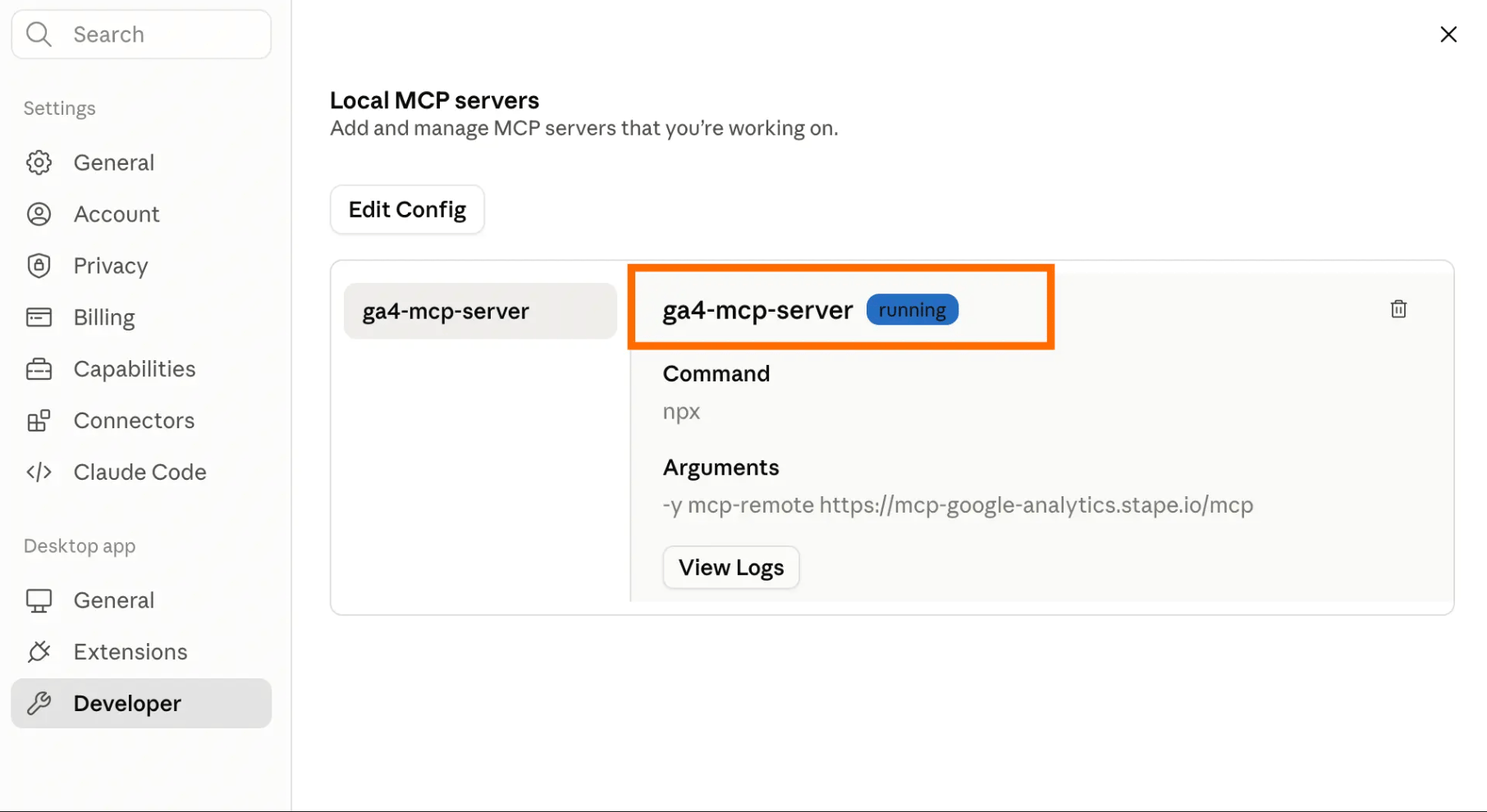
Follow our Google Analytics MCP server setup guide to add the required configuration, connect the server to your AI app, and complete Google OAuth.
How Google Analytics MCP server works
Google Analytics MCP server works between your AI app and GA4. You type a request in the AI app, and the server sends it to GA4 through the Google Analytics APIs.
The connection uses Google OAuth. This means the AI app works with the GA4 properties your connected Google account can access.
Benefits of the MCP server for GA4
- Get GA4 answers without opening the dashboard. Ask your AI app for a report, a real-time check, or an account summary and receive the results in the same chat.
- Reduce manual GA4 checks. Check whether new events are firing and whether GA4 is collecting the expected data without building a new report for every check.
- Validate GTM work with GA4 data. If you also use GTM MCP server, create or update your GTM setup through your AI app, then confirm in GA4 that the expected events are being collected.
- Reuse your reporting process. In Claude, save regular GA4 checks as Skills or scheduled tasks, so you do not need to rebuild the same workflow for every report.
- Run the same checks across multiple properties. Work with every GA4 property your connected Google account can access, which helps with agency and multi-brand reporting.
Complete GA4 tasks faster in your AI chat
Ask your AI app to run reports, check real-time activity, review property details, retrieve annotations, or check whether Google Ads accounts are linked. Google Analytics MCP server returns the GA4 data in the same chat.
Useful links
Related to this solution
Blog
How to configure the MCP Server for Google Tag Manager
Check out how to implement the MCP Server for GTM in no time. Simplify the GTM account and container management with Stape’s solution.
Blog
How to set up the Stape MCP server
Discover how to set up Stape MCP Server. Stape’s solution makes managing your containers easier than ever.
Solutions
GTM MCP server
GTM MCP server lets your AI app manage GTM accounts, containers, tags, and permissions with plain text requests.