
Stape Conversion Tracking Hubspot app
The Stape Conversion Tracking HubSpot app connects HubSpot CRM with ad platforms like Meta and Google Ads, as well as server-side tracking tools.
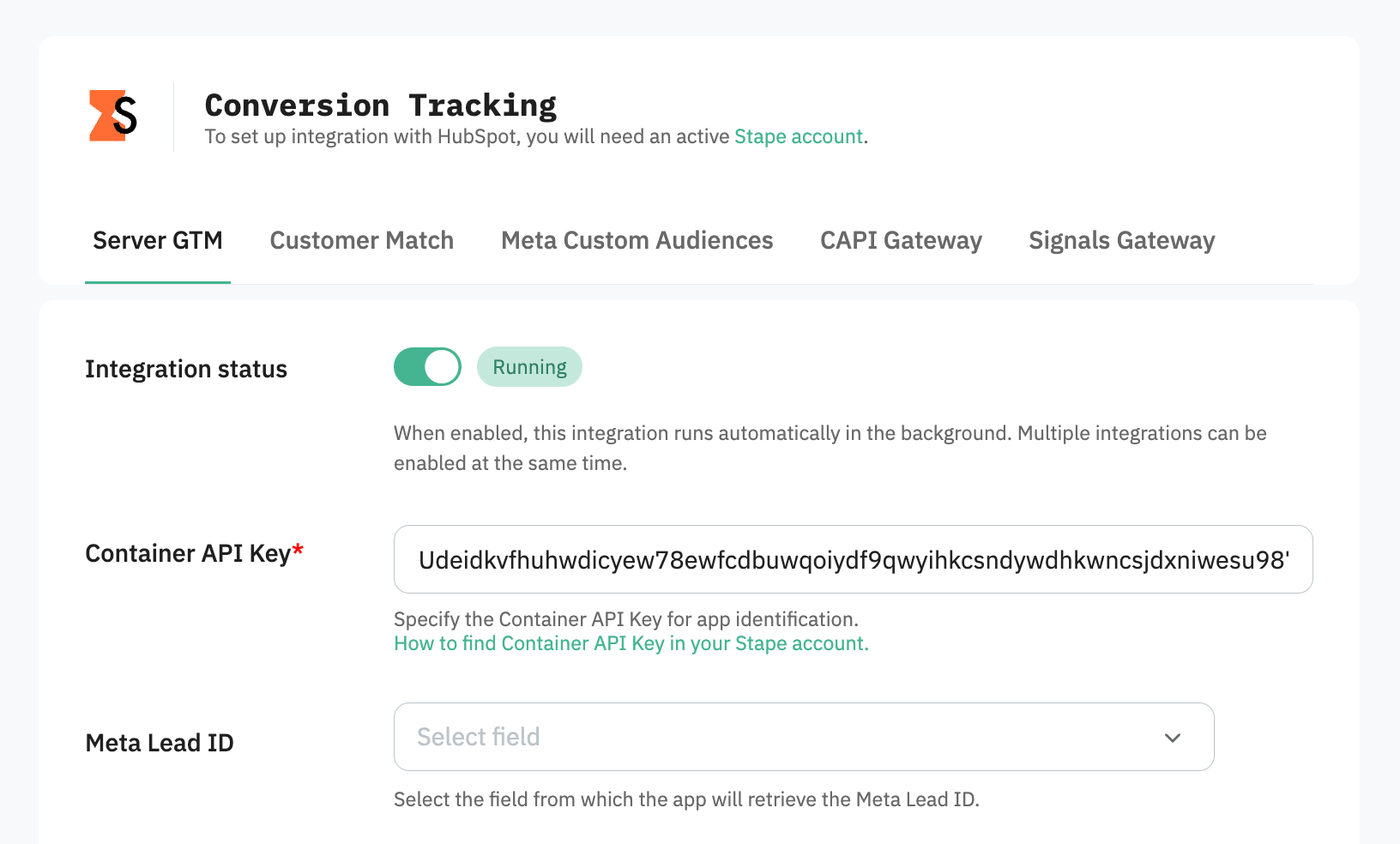
It tracks Contact progress and sends conversion events to your CAPI Gateway, server GTM container, or Signals Gateway. You can also sync data with Google Ads Customer Match or automatically update Meta Custom Audiences.
How to access the Stape Conversion Tracking app for HubSpot CRM
You can install the app directly by using the direct app link.
The app is designed to reduce manual work and make conversion tracking from CRM data reliable, automated, and easy to manage.
How it works
The app monitors Contacts in HubSpot CRM and tracks changes to their lifecycle stages and statuses. When a Contact reaches a specific stage or meets defined conditions, the app automatically creates a corresponding conversion event.
These events are sent through your preferred integration method – server GTM container, Meta Conversions API Gateway, or Signals Gateway – and then forwarded to advertising platforms such as Meta and Google Ads. Depending on your setup, you can connect one or multiple destinations.
Once configured, the app continuously sends conversion data without any manual input.
Benefits of the Stape Conversion Tracking app for HubSpot CRM
- Improve Meta Ads performance with CRM data. The app sends Contact and lifecycle stage updates from HubSpot back to Meta. It helps Meta's algorithms understand which leads become qualified opportunities and customers. In this way, Meta can optimize campaign delivery toward users who are more likely to generate revenue.
- Optimize Google Ads campaigns with real conversion data. The app sends Contact stage updates and conversion events to Google Ads and automatically creates/updates Customer Match audiences. This allows Google Ads to optimize campaigns based on actual sales outcomes instead of only website conversions or lead form submissions.
- Track offline conversions without manual uploads. Many conversions happen through sales calls, demos, consultations, or offline interactions. Once these activities result in a Contact update inside HubSpot, the app can automatically send conversion data to Meta or Google Ads without requiring CSV uploads or manual imports.
- Automatically update Meta Custom Audiences. The app integrates with the Meta Marketing API to add or remove contacts from Custom Audiences in real time based on HubSpot data. This ensures your audiences remain accurate, up-to-date, and aligned with the current customer journey.
- Send HubSpot data to multiple platforms. After connecting the app with a server GTM container, you can route CRM conversion data to any platform that supports server-side tracking. This gives you flexibility beyond Meta and Google Ads and allows you to build a centralized conversion tracking infrastructure.
Ready to improve your tracking?
Install the Stape Conversion Tracking app for HubSpot CRM to transform your CRM pipeline into reliable conversion data that helps improve marketing performance and get better advertising results.
Useful links
Related to this solution
Send data from CRM to Facebook Conversions API using webhooks
Track offline conversions by sending CRM data to Facebook Conversions API via webhooks. Easily set up with GTM server containers for accurate attribution. The most popular way of integrating Facebook Conversions API is using the Google Tag Manager server container. But there are other ways to do that: using Zapier, direct integration, integration with the CRM using webhooks, and much more.
How to send all GA event data to your URL/Site/CRM
Use GTM Server Side's JSON HTTP Request tag to send GA event data to your CRM or URL. Avoid insecure methods & improve site performance.