Nov 25, 2026
Hiring a server-side tracking specialist: where to look and what to ask
Written by
Maryna Semidubarska
Published Nov 25, 2026 comments
Key takeaways
- Find specialists through Stape's Partner Directory, Upwork, or LinkedIn.
- Look for experience with your website platform and advertising tools.
- Ask for test evidence. Make sure your business owns the tracking accounts and keeps access to them. Agree on what support is included after setup.
- Compare setup, hosting, and maintenance costs separately.
Who is a server-side tracking specialist?
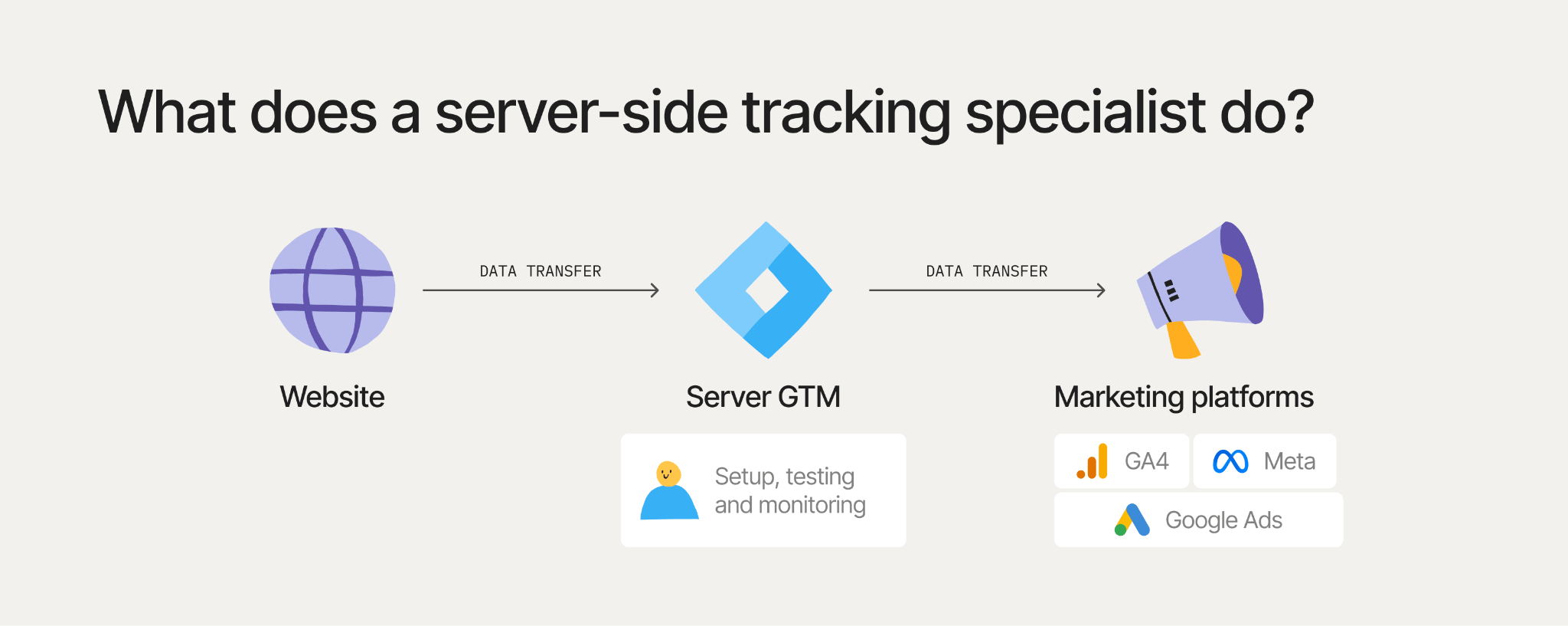
A server-side tracking specialist is a person who sets up and maintains the flow of data from your website through a server to your analytics and advertising tools.
For example, a customer buys a product on your website. The specialist sets up tracking so the purchase details reach your tracking server. They also configure the server to send the required data to platforms such as Google Analytics 4 (GA4) and Meta.
What does a server-side tracking specialist do?
The main responsibilities of a server-side tracking specialist are:
- Audit existing tracking and find missing, duplicate, or incorrect events. Events are customer actions, such as purchases or form submissions.
- Plan which events and details to send to each platform.
- Configure Google Tag Manager (GTM), server hosting, and a tracking url.
- Connect GA4, Google Ads, Meta Conversions API, or other required tools.
- Apply consent settings and control which customer details are shared.
- Test the data, document the setup, and agree on maintenance.
When hiring a server-side tracking specialist, ask for a test report showing a test purchase, its order value and currency, the data sent, and evidence from the receiving platforms.
When do you need a server-side tracking specialist?
You need a specialist when setting up server-side tracking for the first time, fixing inaccurate conversion data, connecting new platforms, or maintaining tracking after website changes.
Hire a specialist to:
- Set up tracking that sends more complete purchase and lead data to ad platforms for campaign optimization.
- Control which customer details are shared and apply consent settings.
- Reduce the tracking code that runs in visitors’ browsers and help pages load faster.
- Send purchase data from physical stores or phone orders from your sales or customer management system to ad platforms.
- Add new events, advertising platforms, or analytics tools.
- Keep tracking working through website, checkout, or platform changes.
- Find and fix missing, duplicate, or incorrect events.
- Get ongoing monitoring and support without managing the setup yourself.
Best places to hire a server-side tracking specialist in 2027
Choose a tracking specialist based on the work you need. Before contacting anyone, list your website platform, advertising tools, key events, current problems, and deadline. Send the same brief to each candidate so their quotes are easier to compare.
Stape Partner Directory
You can browse the Stape Partner Directory for agencies and independent specialists already working in the Stape ecosystem. Filter by location, open partner profiles, and visit their websites.
Ask for an example of a past server-side tracking project using the same website platform and advertising tools as yours. For example, if you use Shopify and Google Ads, ask how they set up purchase tracking for another Shopify store running Google Ads. Confirm who will do the technical work and whether support is included.
Stape setup and Care
To have our team set up server-side tracking, request a quote through Stape Care. New implementations include two weeks of monitoring. We also offer audits of existing tracking setups. Each audit includes a written report with the issues we find, areas for improvement, and recommendations for fixing them. The audit does not include changes to your tracking setup.
For ongoing help, add a Care subscription after our team completes the initial work. It covers monitoring, troubleshooting, tracking updates, and consultations.
Upwork
Upwork is useful for finding freelancers for a defined project or ongoing work. Search for specific terms such as "server-side GTM," "Stape," and "Meta Conversions API," or any other tools you want to implement.
Read reviews for tracking projects similar to yours. Ask shortlisted freelancers to explain one past problem, how they fixed it, and how they checked the result. You can also agree on a small paid audit before pricing the full implementation.
Use LinkedIn when you need an employee or specialist to work closely with your team. Search related titles, including analytics engineer, tracking specialist, and technical web analyst.
Put the actual work in the job description: your website platform, tracking tools, required integrations, and maintenance needs. Ask for examples of completed server-side projects, with private client details removed.
Skills to look for in a server-side tracking expert
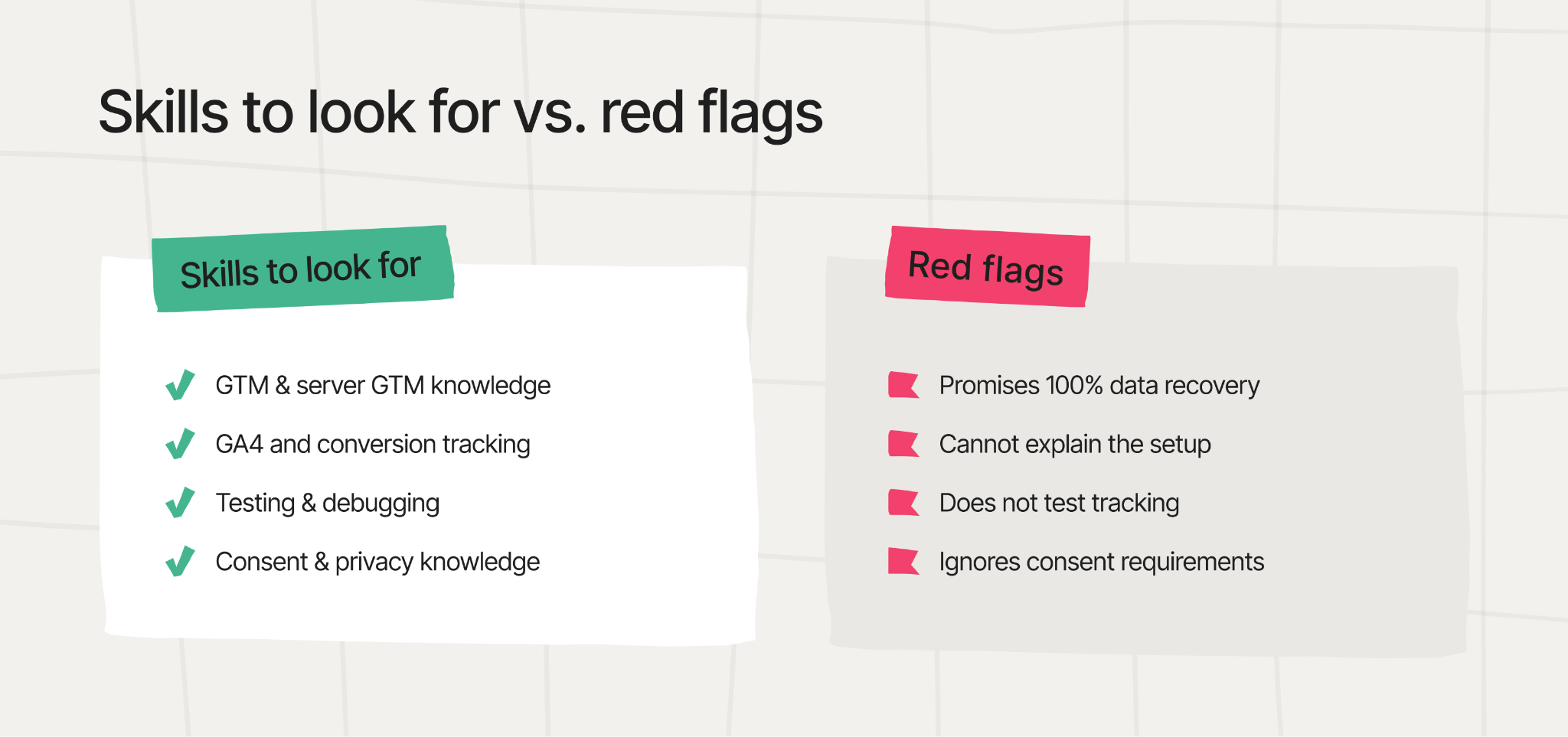
Look for practical experience with both web and server GTM, your website platform, and the tools receiving your data. They should understand:
- The data layer: structured website information used for tracking, such as order value.
- Deduplication: making sure the same purchase or other customer action is counted only once when both the browser and server report it.
- Consent signals and platform rules for customer data, including hashing: turning details such as email addresses into coded values for matching.
- Debugging: checking what enters the server, what leaves it, and each platform’s response.
- Basic JavaScript and APIs, which let systems exchange data.
- Best practices and industry trends: staying up to date with changes in tracking tools and platforms, following industry best practices, and recommending improvements beyond the basic setup.
Before hiring, explain which actions you want to track and what data you need for each, such as the value and currency of a purchase. Ask the specialist to outline the setup steps and how they will test the results. Check that their plan covers your goals and the tools you use.
30 interview questions to ask a server-side tracking expert
Pick the questions that match your project. Ask for examples or a screen share when discussing technical work, with client details hidden.
Experience and planning
1. Have you set up server-side tracking for websites built on the same platform as ours? Please share an example.
2. In that example, what did you set up yourself, and what did other people do?
3. What would you check in our current setup first?
4. How would you help our marketing team decide which customer actions to track?
5. What work will our developer need to do?
6. Which parts of this project need custom code?
Implementation
7. Which tracking code should stay in the browser?
8. How will purchase details reach the server?
9. How will you check order values and currencies?
10. What prevents duplicate purchases in Meta?
11. How will you handle our existing tracking plugins?
12. How will you track visits across our domains?
Consent and customer data
14. How will you test rejected consent?
15. Which customer details does each platform need?
16. How will you stop unwanted data reaching a platform?
17. Which customer details require hashing before sending?
18. What access do you need, and why?
Testing and troubleshooting
19. Walk us through testing one purchase.
20. How will you confirm the platform received it?
21. What will you check if purchase counts double?
22. What will you check if the server receives no events?
23. Which report differences are expected after setup?
24. How will you restore the previous setup if needed?
Delivery and support
25. What exactly is included in your quote?
26. Which costs are separate from your fee?
27. What test evidence will you hand over?
28. Will our business own the accounts and containers?
29. How long will you monitor the setup after launch?
30. Who fixes tracking after future website changes?
Server-side tracking specialist red flags
Be careful with candidates who promise 100% tracking, a fixed increase in ad returns, or identical numbers across every report. Tracking quality depends on the data available, consent choices, and each platform's rules.
Other warning signs include changing tracking without checking the existing setup, ignoring plugins, or treating "tag fired" as complete proof. A fired tag alone does not prove that the receiving platform accepted and correctly processed the event.
Agree on your ownership of accounts, documentation, and a support period before work starts. Keep access under your control and give the specialist the permissions needed for the job.
Freelancer vs agency vs Stape setup service
| Option | Good fit | Check before hiring |
|---|---|---|
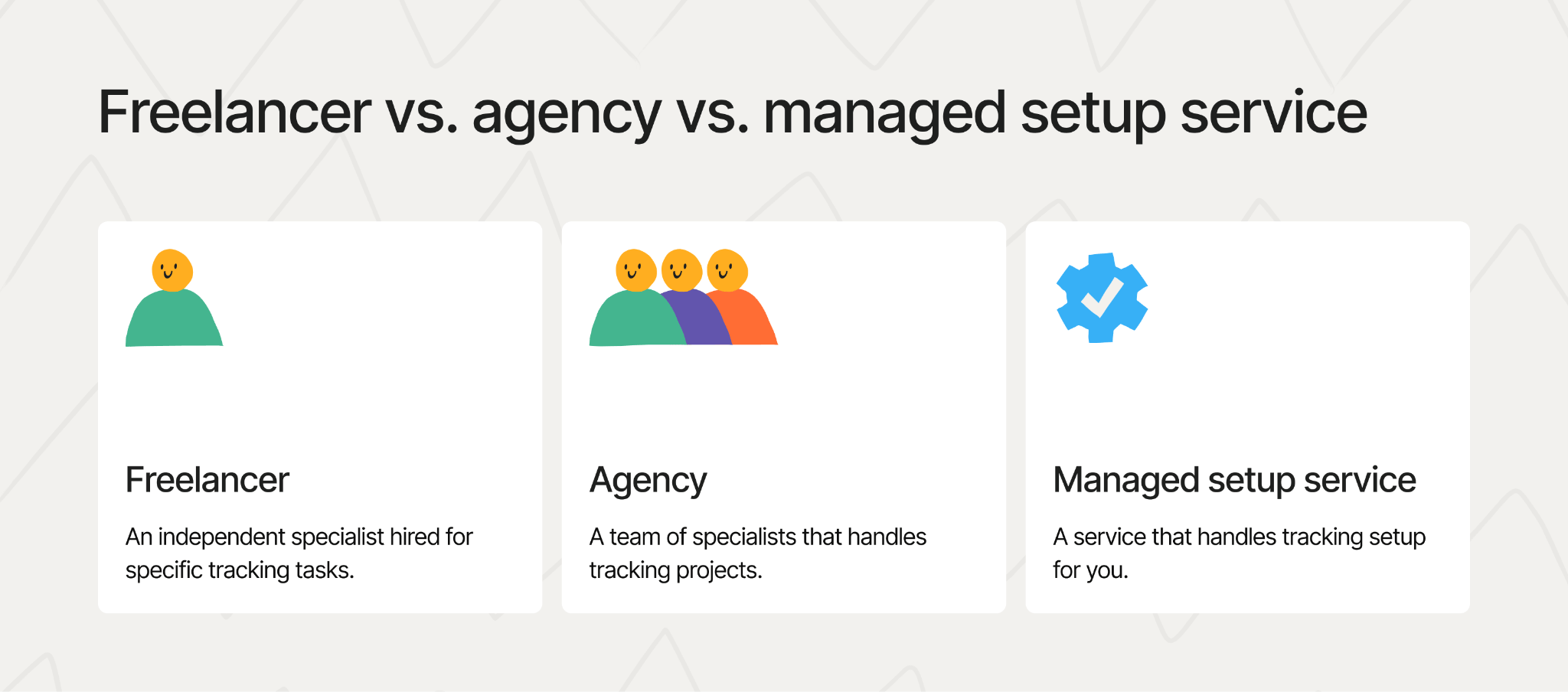
| Freelancer | One tracking project, such as setting up purchase tracking for your website | When they are available, how they test their work, and who helps if they are unavailable |
| Agency | Several websites or a project that includes tracking, ads, and other marketing work | Who sets up tracking, what the price includes, and what support you get after setup |
| Stape setup service | Getting tracking set up by the company whose tracking service you use, with optional ongoing monitoring and support | Which tools they connect, what the setup includes, and whether ongoing support costs extra |
How much does it cost to hire a server-side tracking specialist?
Compare quotes for the same tracking tasks. The price depends on how your website is built, whether the specialist needs to write extra code, how many tools you want to connect, and what support you need after setup.
As of November 2026, prices include:
- Upwork: lists $2,000 – $5,000 per project for server-side tagging setup.
- Stape initial setup or audit with fixes: starts at $1,100, with a quote based on the required work.
- Stape Care: $99 – $199 per month on monthly billing, depending on your container hosting plan, after the required initial setup or audit.
Conclusion
A good server-side tracking specialist hire leaves you with tracking your team understands, evidence that it works, and a clear owner for future changes. Put these deliverables in the quote before work starts.
Get reliable tracking with expert help
Recommended for you
Nov 25, 2026
Blog
Server-side tracking doesn't stay fixed: how to maintain, monitor, and debug after launch
Deploying server-side tracking is just the start. Learn how to keep your client's data accurate over time with a repeatable three-step troubleshooting loop.
Sep 2, 2026

Comments