
Shopware extension
The Stape Conversion Tracking extension for Shopware is a solution that simplifies the connection of your Shopware store with Google Tag Manager and Stape’s server-side infrastructure. It helps you collect and send accurate conversion data, improving ROAS from paid ads.
How to access the Stape Conversion Tracking extension for Shopware
You can find it on the Shopware Store by searching for “Stape Conversion Tracking” or by following the link to Shopware directly.
The extension is created to reduce manual setup complexity and improve tracking reliability across your marketing stack.
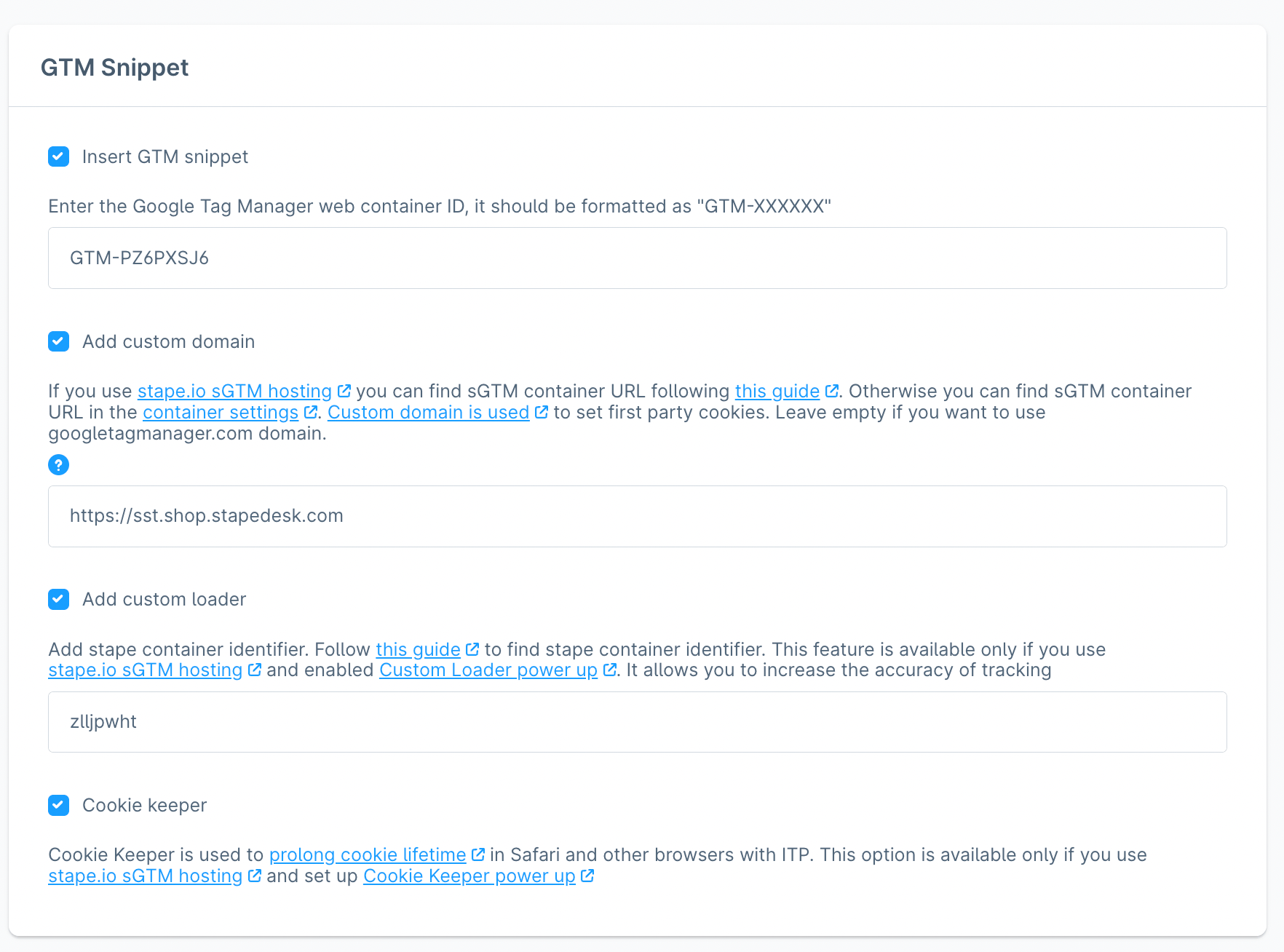
How it works
The extension installs a tracking layer on your Shopware store that automatically detects key ecommerce events (like product views, add-to-cart actions, checkout steps, and purchases).
These events are formatted into a standardized structure and sent to Google Tag Manager and to Stape’s server-side GTM setup (if you configure server-side tracking). In this way, data is processed server-side, and you get better accuracy and consistent tracking.
Benefits of the Stape Conversion Tracking extension for Shopware
- Simplify both client-side and server-side tracking without complex manual setup or development. The extension automatically pushes standardized ecommerce events to GTM and provides a ready-to-use connection to Stape’s server-side GTM hosting, so you don’t need to configure data layers, tracking scripts, or maintain your own server tracking infrastructure.
- Extend cookie lifetime and improve attribution accuracy. The extension enables server-side tracking that allows cookies to last longer compared to browser-based limitations. This helps you maintain user journeys over a longer period and results in more accurate attribution across your channels.
- Recover more conversions and increase ROAS from your paid advertising. The extension sends key ecommerce events such as purchases and checkouts through server-side tracking infrastructure. In this way, it helps you capture more conversions that would otherwise be missed. This leads to better optimization of ad campaigns and stronger return on ad spend.
- Make your data more complete by sending webhooks. The extension supports webhook-based data collection, so you can enrich your tracking with backend and offline data sources. In this way, you get a more comprehensive dataset for analysis.
Ready to improve your tracking?
Install the Stape Conversion Tracking Extension from the Shopware Store and recover more conversions from your paid ads to boost ROAS with more accurate and complete ecommerce data!
Useful links
Related to this solution
Stape Conversion Tracking extension for Magento 2
Don't miss out on the benefits of server-side tagging for Magento 2. Learn how to set it up with Stape’s extension in this quick and easy guide!
Chrome extension GTM Helper by Stape: key features and use cases
Learn how to install and use Stape Chrome Extension, a free tool to make your GTM experience more efficient!
How to track Shopware conversions server-side with Stape
Don't lose data to ad blockers. Compare Shopware tracking options, use Stape’s free extension to automate GTM and server-side tracking for much higher ROAS.