
Google Ads MCP server
The Google Ads MCP server allows your AI application to connect directly to your Google Ads account using the Model Context Protocol (MCP). With this setup, AI tools like Claude can interact with your Google Ads data, execute commands, and assist with campaign management tasks in real time. Developed by Stape, this solution turns your AI client into a powerful interface for working with Google Ads.
How to access Google Ads MCP server
To use Google Ads MCP server, you need an AI app that supports MCP, such as Claude Desktop, and a Google account with access to the Google Ads account you want to use.
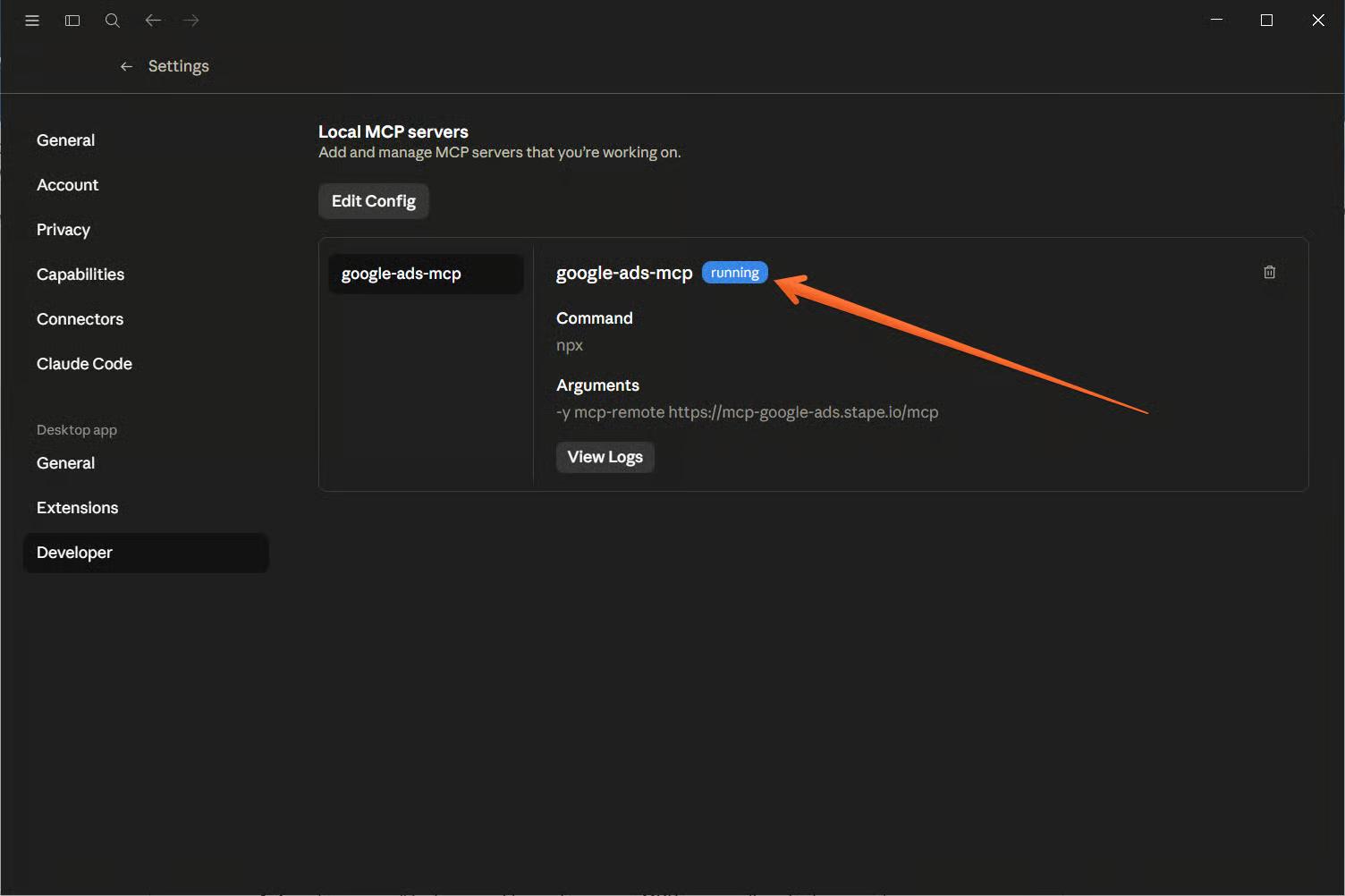
Follow our Google Ads MCP server setup guide to connect the server to your AI app through an HTTP connection or mcp-remote, and complete Google OAuth. After the setup, MCP Google Ads lets you send requests about your account directly in the AI chat.
How Google Ads MCP server works
Google Ads MCP server works between your AI app and Google Ads. You type a request in the AI app, and it is routed through the Model Context Protocol (MCP) to the MCP server for Google Ads. The server processes the request, such as fetching campaign data, and returns the results in the same chat.
Google Ads MCP uses Google OAuth. This means the AI app works with the Google Ads accounts your connected Google account can access.
Benefits of the Google Ads MCP server
The Google Ads MCP server enables a wide range of automation and data access capabilities:
- Campaign insights. Retrieve performance data across campaigns, ad groups, and keywords to analyze trends and optimize results.
- Automated workflows. Use AI to execute routine actions, such as adjusting bids or updating campaign settings, without manual input.
- Simplified setup. No need for complex infrastructure. Once configured, your AI app can immediately start interacting with the Google Ads interface.
Useful links
Related to this solution
Blog
How to configure the MCP Server for Google Tag Manager
Check out how to implement the MCP Server for GTM in no time. Simplify the GTM account and container management with Stape’s solution.
Blog
How to set up the Stape MCP server
Discover how to set up Stape MCP Server. Stape’s solution makes managing your containers easier than ever.
Blog
How to configure the MCP Server for Google Analytics 4
Simplify the GA4 management and data reporting with Stape’s solution. Find out how to implement the GA4 MCP Server in a few minutes.