
Stape MCP server
Stape MCP server lets you manage your sGTM containers from your AI app and save time on account work. Use it to list, create, or delete containers and container zones without writing API requests.
How to access the Stape MCP server
Stape MCP server is available to all Stape users. You need Node.js v18 or higher, a Stape Account API key, and an AI app that supports MCP, such as Claude Desktop.
Follow the Stape MCP server setup guide to add the configuration and connect the server to your account.
After the setup, you can manage Stape tasks through your AI app, as shown in this video:
How the Stape MCP server works
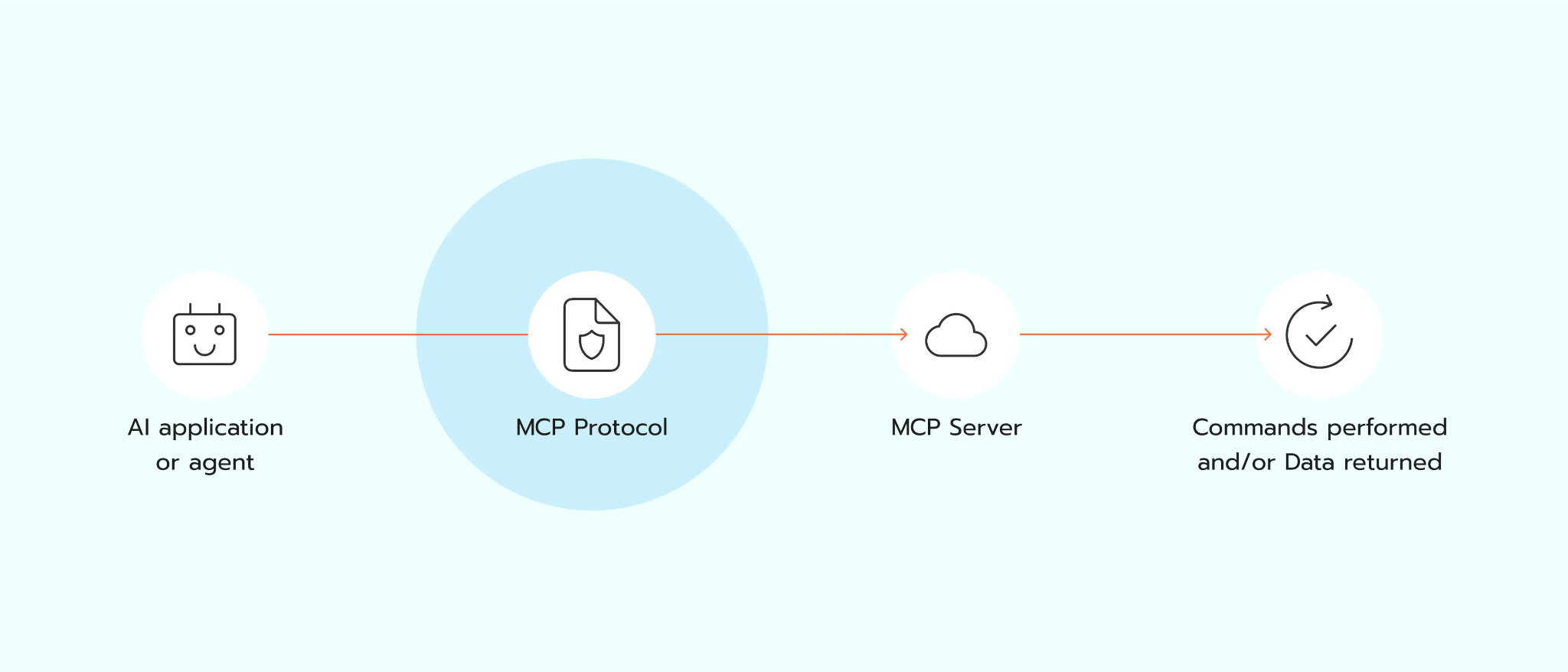
Stape MCP server is a layer between your AI app and your Stape account. When you type a request, the server sends it to Stape through the API using your Stape Account API key. You can use it to view existing sGTM containers, create new ones, remove old containers, and manage server locations.
Benefits of Stape MCP server
- Complete time-consuming container tasks faster. Use Stape MCP server to list, create, or delete sGTM containers and container zones from your AI app, so account setup and cleanup take less time.
- Reduce repeated work. Ask your AI app to run container tasks, so you do not repeat the same API steps across server-side tracking projects.
- Connect it with other MCP servers by Stape. Use Stape MCP server together with GTM MCP server when you need to manage sGTM containers and also edit tags, triggers, and variables. Add the Google Analytics MCP server when your work also needs GA4 report data.
Manage Stape containers with AI
Use Stape MCP server to list, create, or delete sGTM containers and container zones from your AI app without writing API requests manually.
Useful links
Related to this solution
Blog
How to set up the Stape MCP server
Discover how to set up Stape MCP Server. Stape’s solution makes managing your containers easier than ever.
Solutions
API
Stape API: automate account, sGTM container, & partner management. Edit accounts, control power-ups/domains, get logs/stats, manage sub-users/payouts.
Solutions
GTM MCP server
GTM MCP server lets your AI app manage GTM accounts, containers, tags, and permissions with plain text requests.