
Nuvemshop app
Stape Conversion Tracking app for Nuvemshop simplifies the integration of your online store with Google Tag Manager and Stape’s server-side GTM setup. It automatically adds the GTM snippet to your storefront, collects ecommerce events, and sends purchase and refund data to your server container through webhooks.
The app is free and can be used without a Stape account. A Stape account is required if you want to use additional features such as Custom Loader or Cookie Keeper.
How to access Stape Conversion Tracking for Nuvemshop
You can find the app in the Nuvemshop App Store by searching for “Stape Conversion Tracking” or by following the direct link.
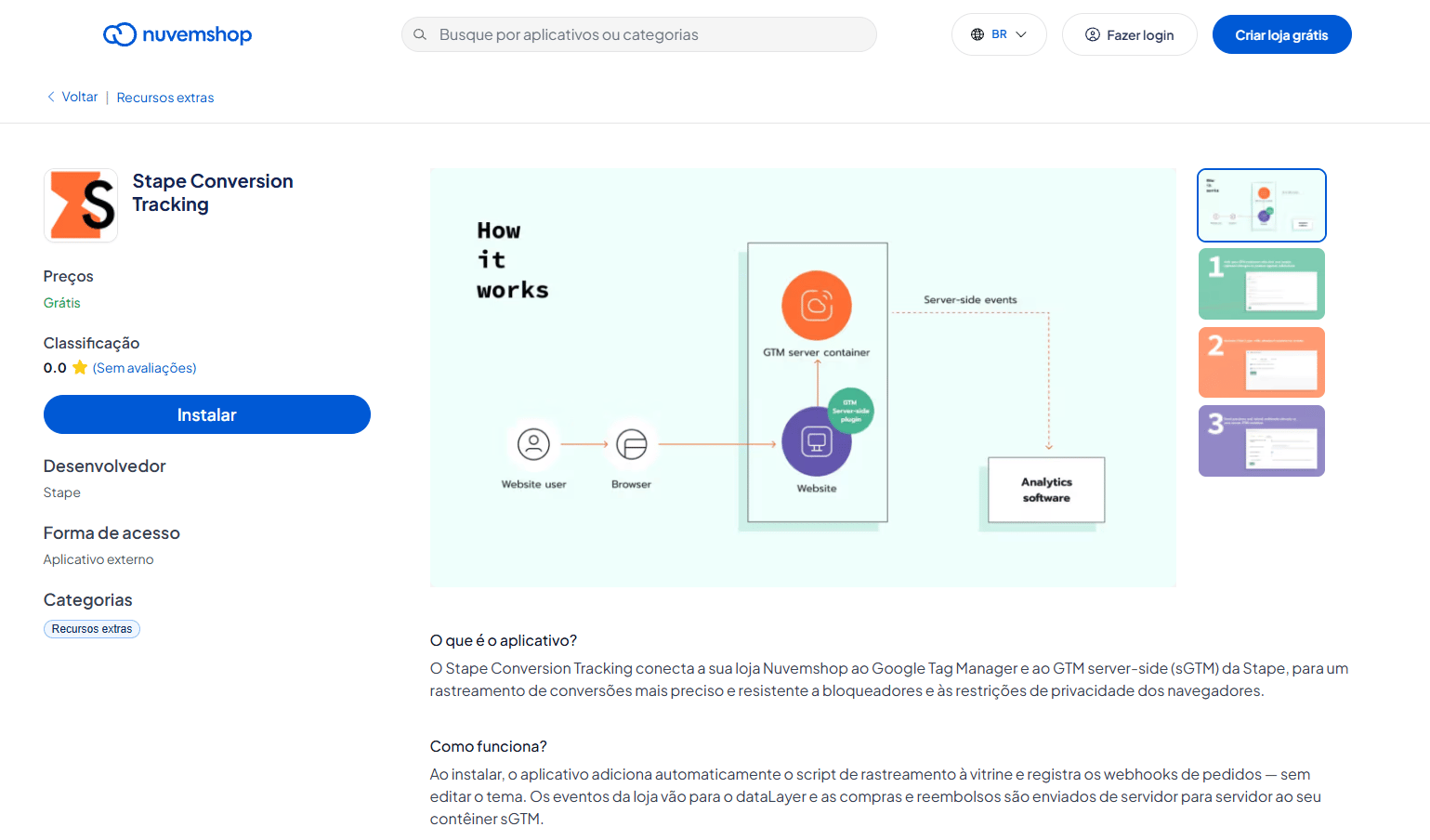
The app will simplify ecommerce tracking for you and reduce the need for manual configuration. You can install GTM, collect ecommerce events, and configure server-side webhooks without editing your store's theme.
How it works
The app adds the Google Tag Manager snippet to your Nuvemshop store and can automatically push standard GA4 ecommerce events, such as product views, add-to-cart actions, and checkout steps, to the dataLayer.
You can also include available customer information and use event deduplication to distinguish them from events generated by other integrations.
Benefits of the Stape Conversion Tracking app for Nuvemshop:
- Automatically adds the GTM snippet to your Nuvemshop store.
- Collects GA4-compatible e-commerce events through the dataLayer.
- Sends purchase and refund data to your sGTM container through server-side webhooks.
- Uses Cookie Keeper to extend first-party cookie lifetime and reduce the impact of browser restrictions.
- Supports Custom Loader and custom domains for a more reliable server-side tracking setup.
- Helps recover conversion data that can be lost because of ad blockers and browser privacy restrictions.
Ready to improve your tracking?
Install the Stape Conversion Tracking app for the Nuvemshop website and build an efficient tracking setup with less manual work!
Useful links
Related to this solution
How to set up server-side tracking
Learn how to implement server-side tracking using Google Tag Manager and Stape. Improve data accuracy, reduce ad blocker impact, and comply with privacy regulations.
Complete Nuvemshop conversion tracking guide: how to set up the Nuvemshop app
Set up Nuvemshop conversion tracking with Stape. Connect your store to web and server-side GTM, enrich data, and improve tracking reliability.