
Custom GTM and GA4 Loader
Custom Loader is a free power-up that loads GTM and GA4 scripts through your own domain or a same-origin path, making them harder for ad blockers or tracking restrictions to detect. This helps you capture more complete analytics and advertising data.
How to access Custom Loader
Custom Loader is available to all Stape users. You can find it in the Power-Ups tab in your Stape account.
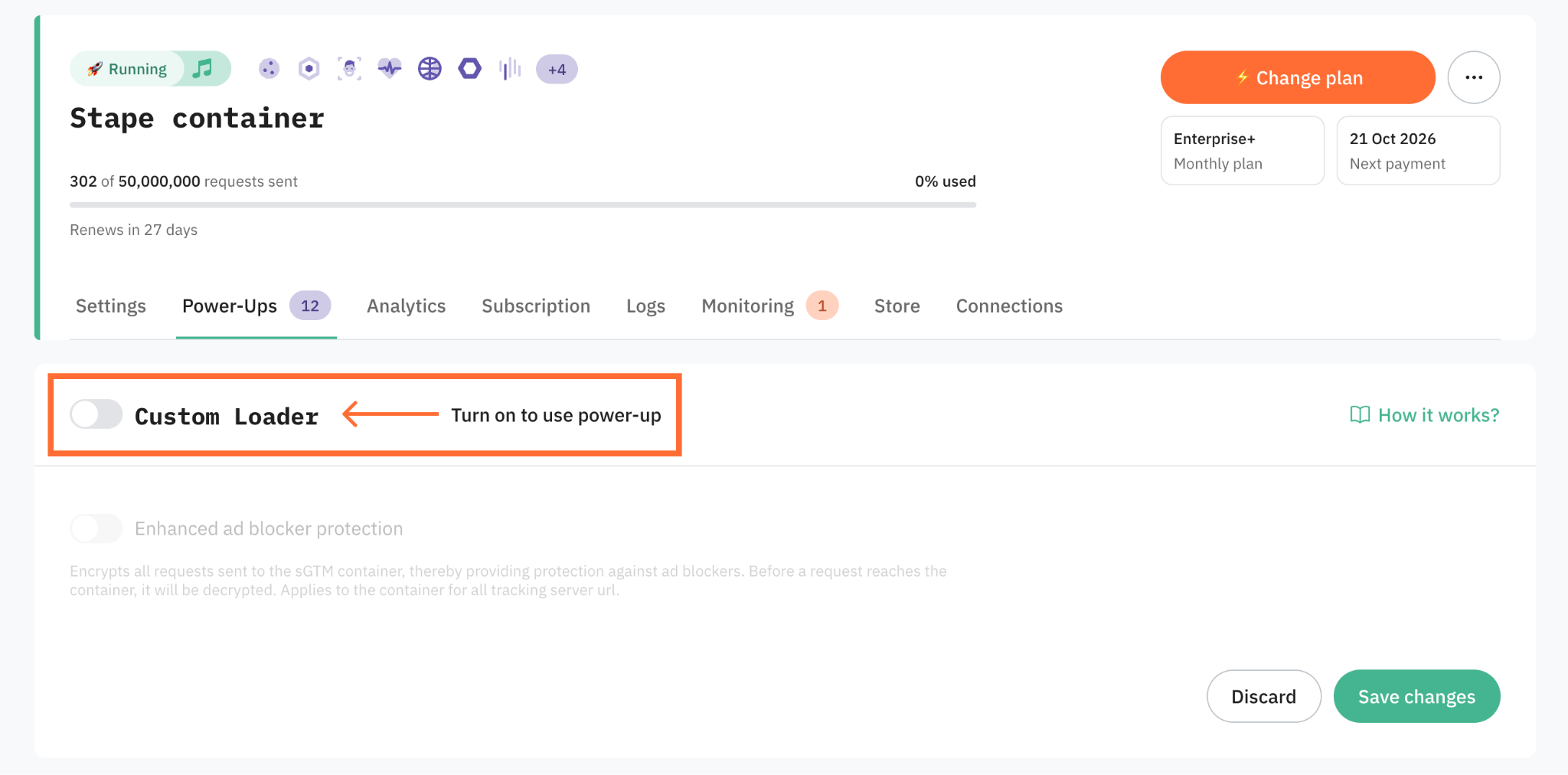
How Custom Loader works
Custom Loader changes the standard loading path for gtm.js and gtag.js and loads them through your domain or the same-origin path you choose. This makes GTM and GA4 scripts more resistant to ad blockers because they stop using the default paths that blockers target.
Benefits of Custom Loader
- Recover more tracking requests from ad blockers. Custom Loader changes the paths used by gtm.js and gtag.js, so blocking tools have fewer default Google script patterns to target.
- Support more stable first-party cookies. Custom Loader works with a custom domain or same-origin path. This helps your tracking setup use first-party cookies and reduces data loss from browser tracking restrictions.
- Measure how many requests Custom Loader recovers. Stape Analytics turns on automatically when you enable Custom Loader, so you can see the recovered requests and understand how much data it brings back.
Get more data past tracking restrictions
Use Custom Loader to keep GTM and GA4 scripts running, send more requests to your sGTM container, and improve reporting and campaign optimization.
Useful links
Related to this solution
24% more Google Ads conversions from a 4.5-month A/B test: server-side GTM vs client-side | seoplus+
Using Stape Analytics, seoplus+ compared client vs server GTM, recovering + 24% conversions, improving tracking accuracy and marketing performance.
360K+ recovered events and 76% fewer blocked requests with server-side tracking | mare interno
mare interno fixed tracking issues between EC-CUBE and GA4 with Stape, getting clear, reliable data without extra tech work.
67.9% drop in Direct Traffic: how Danish eCommerce restored attribution | Stape Care
See how our client improved Total Revenue by +37.5% and Average Purchase Revenue per user by +184 % using server-side tracking with Stape.