February 2026 release: Logs and Monitoring features update
We have updated the Logs and Monitoring features. The primary goal of this update was to simplify the logging flow for incoming and outgoing requests and introduce clearer and more intuitive naming.
What’s new?
Logs are divided into two types instead of four
To make the understanding of log types easier for Stape users, we have reduced the number of log types in the Logs and Monitoring features. Now, users can see the following log types:
- Incoming requests - these logs display the requests that the GTM server has received.
- Outgoing requests - the requests that have been sent by the server GTM to Facebook, TikTok, and other platforms.
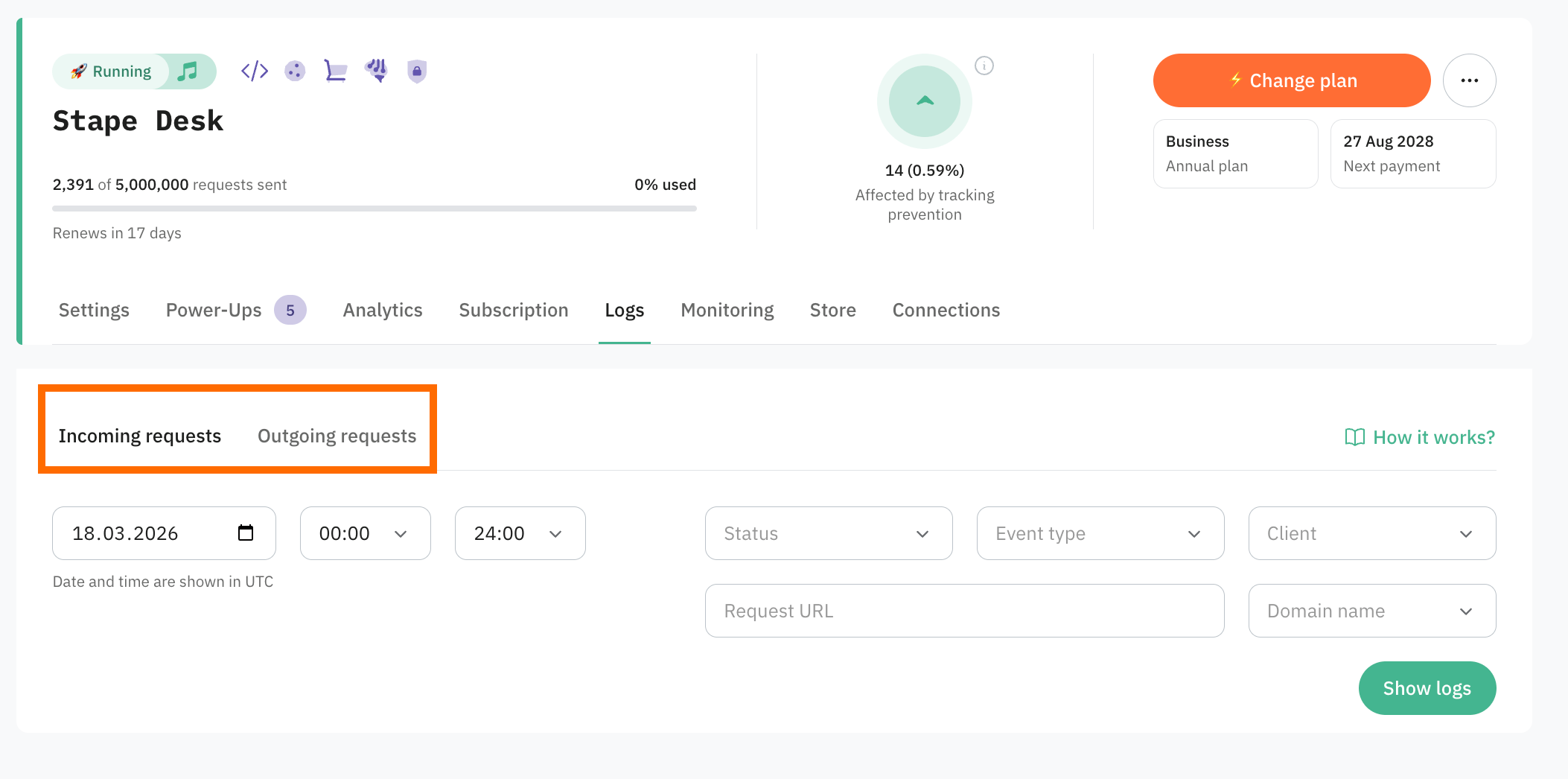
Simplified Logs flow
Earlier, users would need to opt for “Always log to console” while setting up Stape’s tags to monitor the logs.
To make logging more convenient for users, the outgoing logs will be automatically logged; no additional configuration in the tag is required.
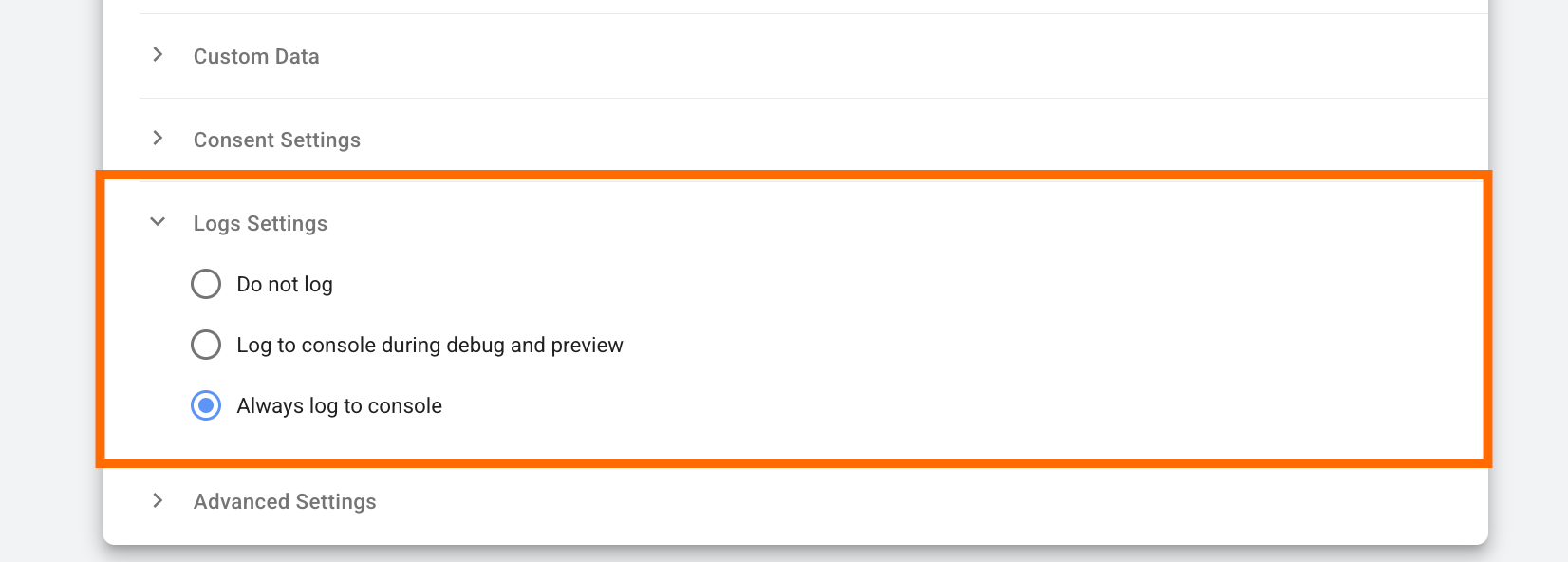
The users can view the logs and their details in the Stape account, Logs tab.
❗Please note: Outgoing requests will only be shown if the toggle in the Outgoing Requests tab is enabled. Because these requests may include sensitive information, we require your consent to securely store the logs for a limited time (Pro plan: 3 days; Business/Enterprise plans: 10 days).
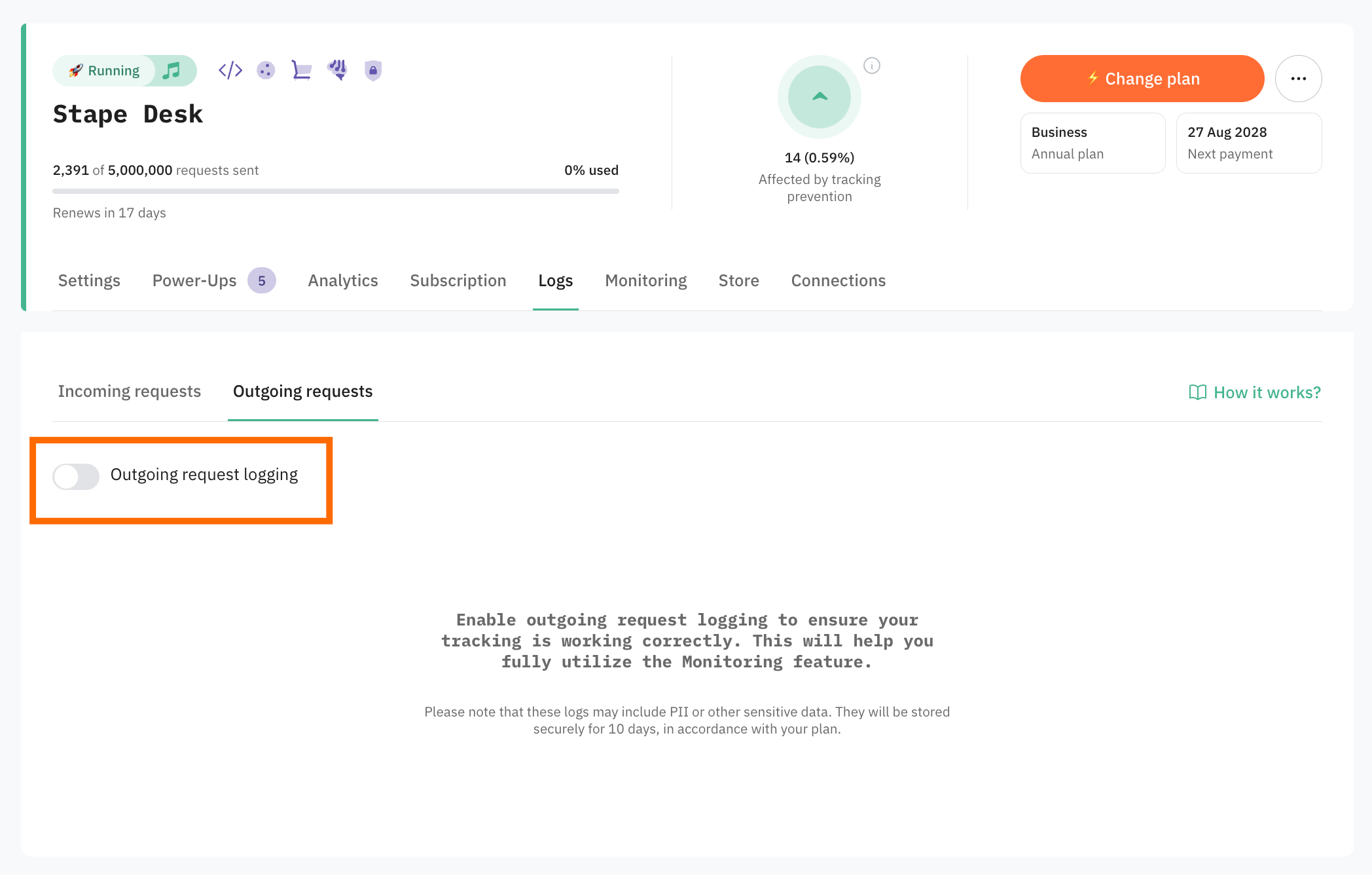
We will update our tags in the nearest future and remove the Logs Settings section.
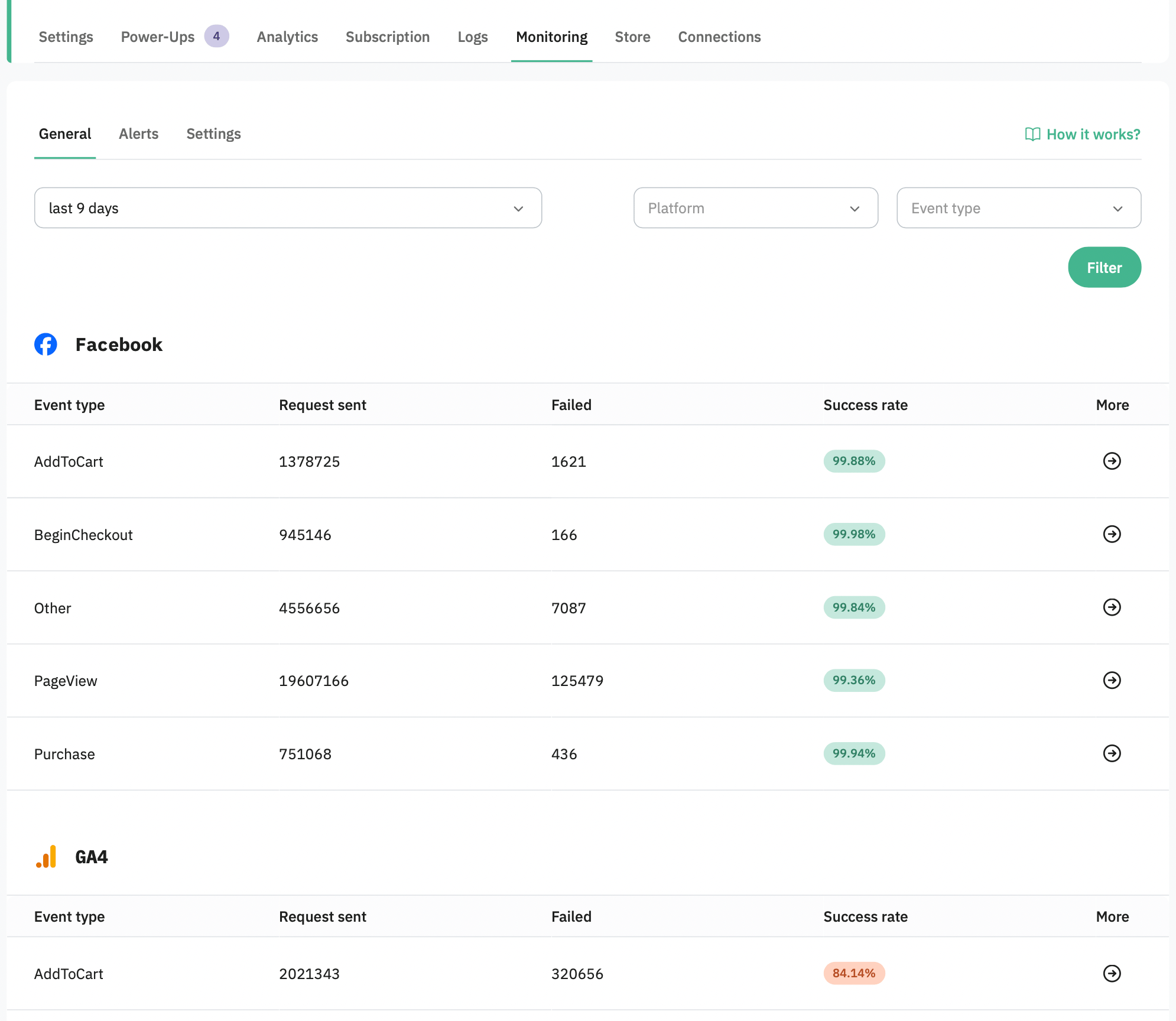
General statistics in the Monitoring feature
Now the Monitoring feature in the Stape account has a General tab, which provides a high-level overview of platform performance for requests sent from your server-side GTM. It helps you quickly assess delivery status and identify potential tracking issues across platforms such as LinkedIn and Facebook.
Logger tag update
We’ve received feedback that logs are consuming too much container storage. To address this issue, we’ve updated the Logger tag. Now, the tag also provides an option to send and store the request data in the Stape Store.
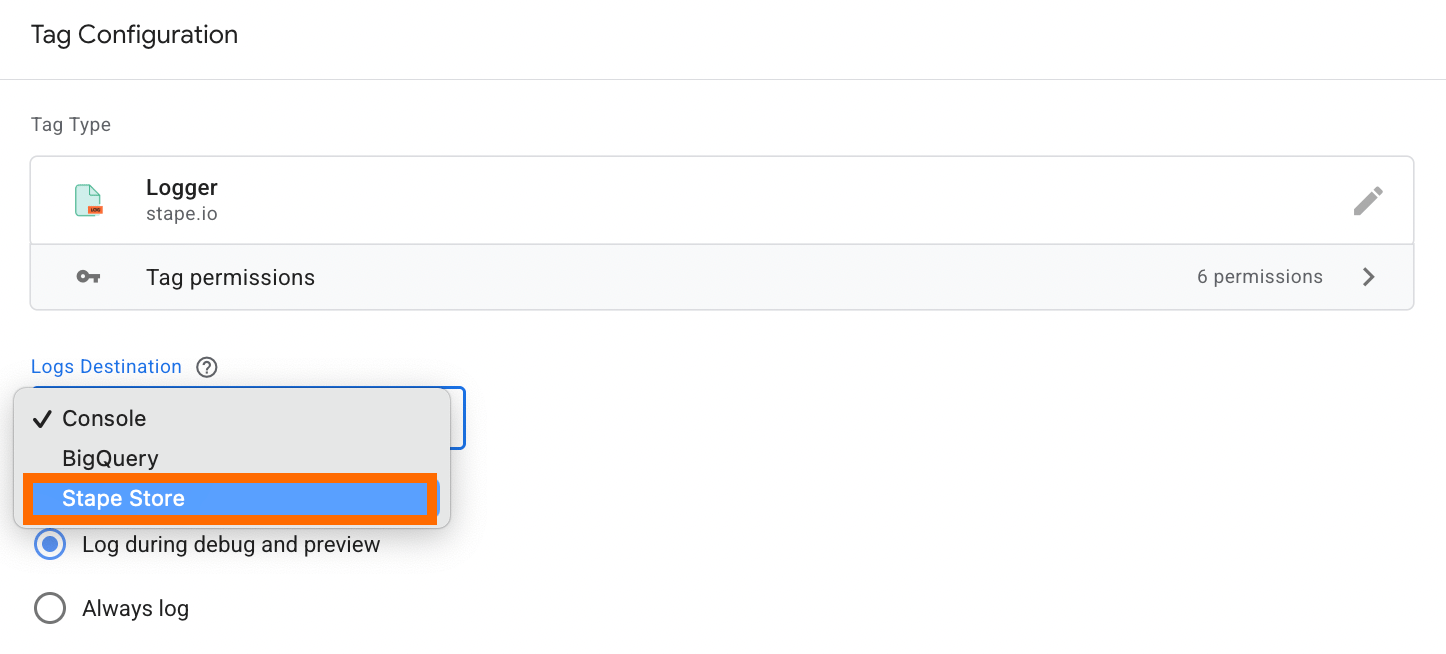
In upcoming releases, we’re also going to update the tags that have the option of logging to BigQuery.
Not using Logs and Monitoring features yet?
No problem, it is easy to fix :)
If you are a Stape Pro plan user or have a higher plan, the Logs feature is available for you within the Stape account.
👉 For detailed guidance, refer to our Helpdesk article on the Logs feature.
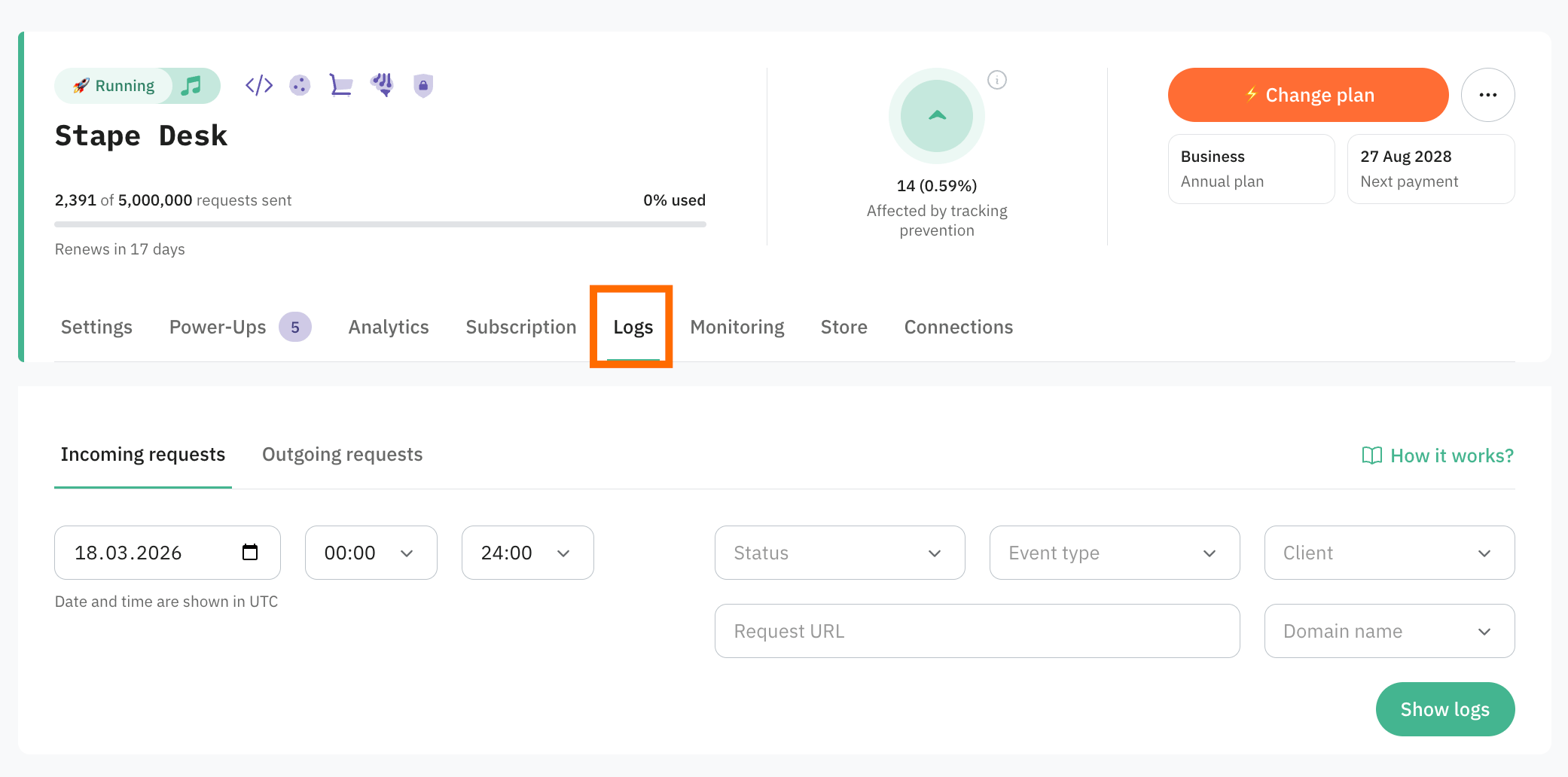
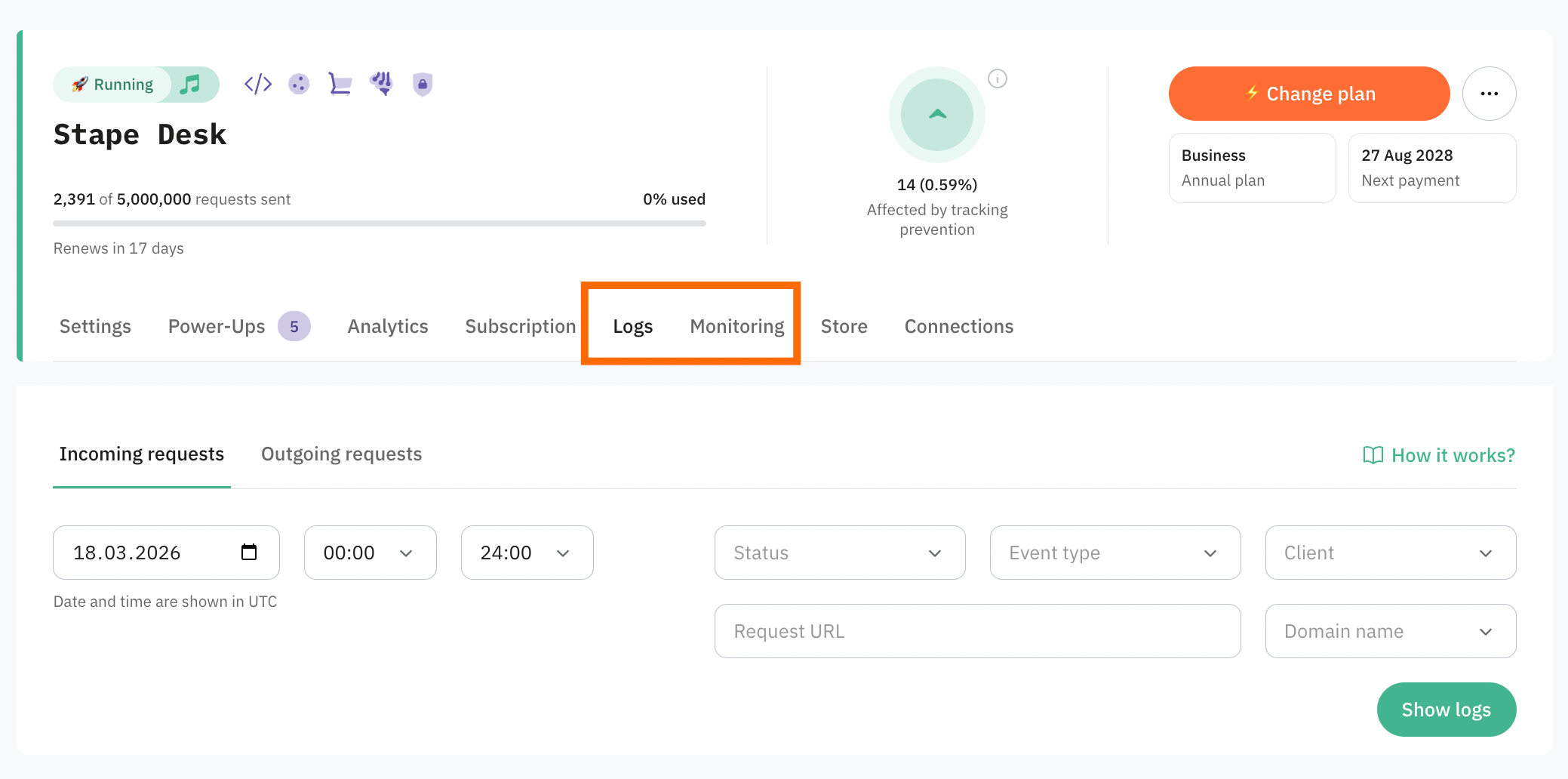
If you are a Stape Business user or have a higher plan, both features, Logs and Monitoring, are available for you without additional charge.
👉 The detailed guide, as well as Motoring use cases, can be found in the Helpdesk article on the Monitoring feature.
Comments