
Stape GTM Helper Chrome Extension
A free Chrome extension designed for agencies and Google Tag Manager experts. It transforms GTM's preview mode into a clear, structured view of tags, network requests, and consent data. The extension will be helpful for debugging both client-side and server-side GTM container setups.
How to access the Stape Chrome extension
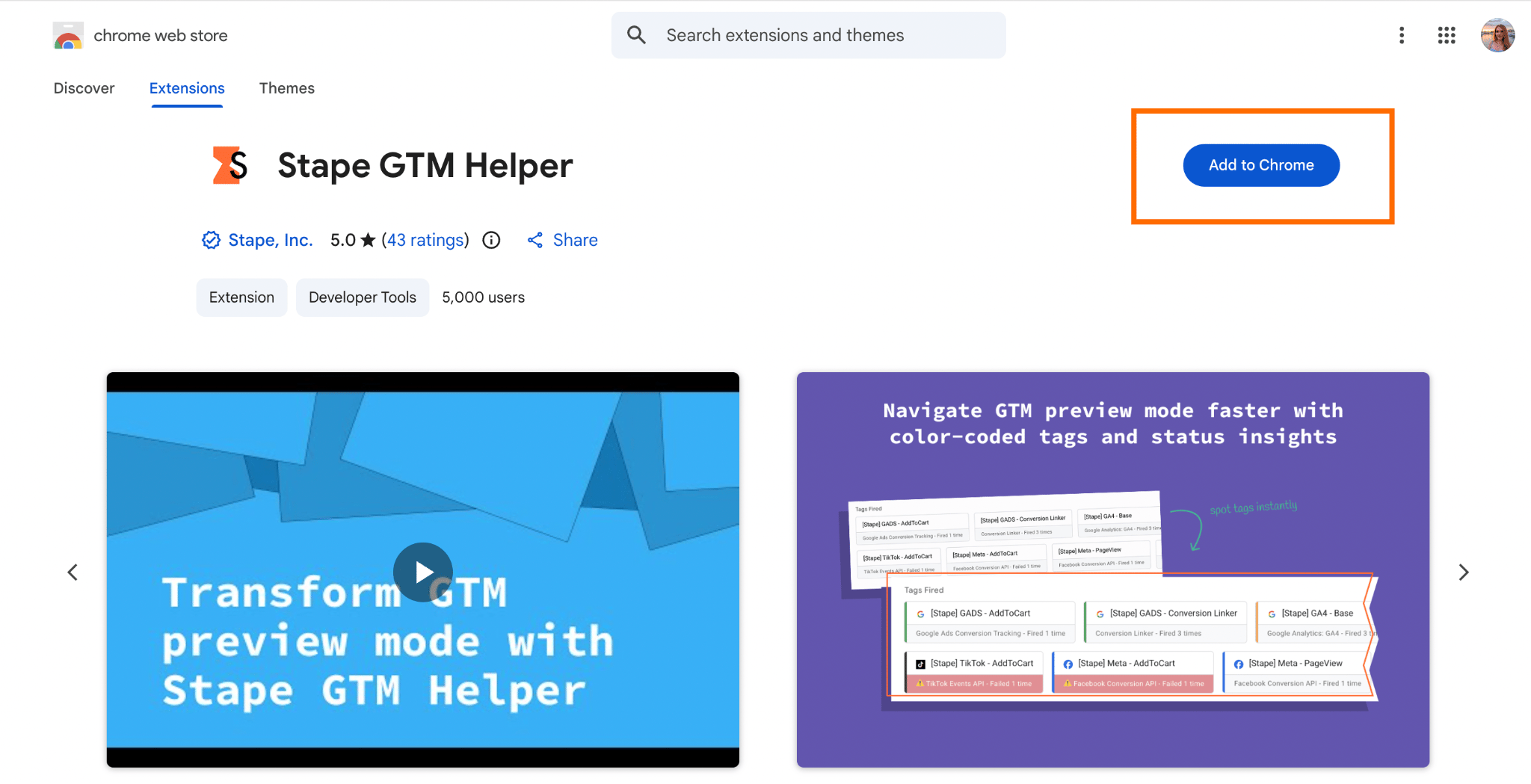
To start using the extension, just add it to Chrome from the Chrome Web Store and activate it during debugging via GTM, or use it to estimate the tracking setup effectiveness on the website with the Scanner feature.
To use the extension, you don't need registration or an active Stape subscription.
How it works
When you run Google Tag Manager Preview Mode or use the Tag Assistant window. The Stape extension improves debugging experience by visually highlighting GTM entities (clients, tags, triggers, and variables). This makes navigation significantly easier and helps you quickly identify what is firing and what failed.
You can enable or disable individual functionalities from the browser interface. For example, you can turn on tag highlighting for better visibility or activate JSON formatting to make data layers and event payloads easier to read.
In addition to debugging, the extension can also be used to evaluate the effectiveness of a website's tracking setup. By clicking the Scan me button within the extension, you can generate a report that analyzes the current implementation. After the scan is complete, selecting View detailed report provides actionable insights.
Benefits of the Stape GTM Helper
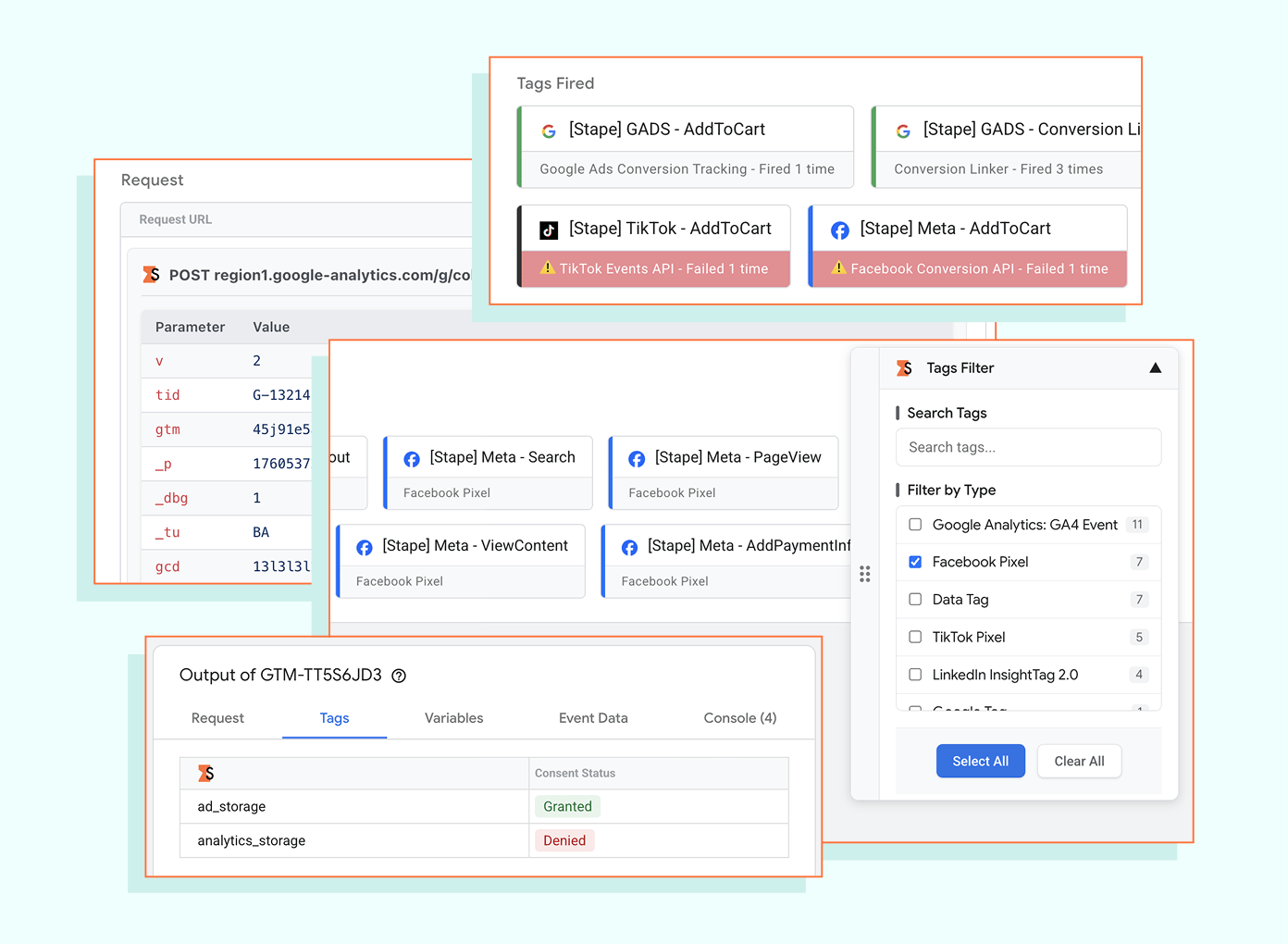
- Filter to focus only on relevant tracking entities. While debugging tracking setups, you want to focus only on the tags or entities you are currently testing. The entities filter feature allows you to filter the preview so that only selected tags or entities are shown. It helps resolve issues faster by narrowing down relevant data.
- Make JSON readable for faster debugging. The feature automatically formats incoming and outgoing JSON into a structured and readable layout, improving clarity of complex data structures. This reduces cognitive load and speeds up request debugging.
- Get a structured view of URL parameters. The Request URL Formatter converts query parameters into structured tables or JSON views, so the request data becomes easier to interpret. This improves accuracy in debugging configuration and reduces misinterpretation of parameters.
- Instantly recognize the tag sources with color coding. When you work with multiple tracking tags from different platforms, you may need to quickly identify the source of each tag. The "Tag Type Coloring" feature adds color coding and platform logos such as Meta, GA4, Google Ads, and Microsoft. This improves speed and accuracy in tag identification.
- Get immediate visibility of failed entities. The Tag Status Coloring feature highlights successful and failed requests (including 4xx and 5xx errors) using color indicators. The feature improves error detection speed and debugging efficiency.
- See consent status while debugging sGTM setup. By default, you can't view the consent status in sGTM. The feature allows you to check whether consent is granted or denied directly in the server GTM preview. This simplifies compliance verification and improves debugging of consent-related behavior.
- Debug Shopify checkout tracking without limitations. Due to the sandbox on the checkout page in Shopify, you can struggle with troubleshooting this part of the setup. The extension's feature bypasses Shopify's limitations. You get full visibility into checkout tracking implementations for easy and complete troubleshooting.
- Edit bulk GTM entities in one action. The Bulk GTM Container Entities Selection feature allows you to select and modify multiple entities in a single action. This reduces manual effort and speeds up container management.
- Get the website tracking health report. The Scanner feature analyzes the website and generates a report covering both web and server-side tracking. With this feature, you can quickly identify gaps and improve tracking quality. You also get detailed step-by-step instructions on how to fix tracking issues.
Add to Chrome — free for everyone
No sign-up, no lengthy setup. Just install and start debugging right away.
Useful link
Related to this solution
Chrome extension GTM Helper by Stape: key features and use cases
Learn how to install and use Stape Chrome Extension, a free tool to make your GTM experience more efficient!
September 2025 release: Stape Chrome extension update
Stape has added new features for its Chrome extension. They include an entity filter, copying and viewing the Request URL in different formats, and more.