Oct 5, 2026
Meta adds data sharing restrictions for health and wellness data sources
Updated Mar 3, 2026 comments
Meta now categorizes data sources like website domains and mobile apps that send events through Meta Business Tools. If your domain or app is in a restricted category, Meta can limit what event data it accepts and uses for ads. Health and wellness is one of the categories that can get data sharing restrictions.
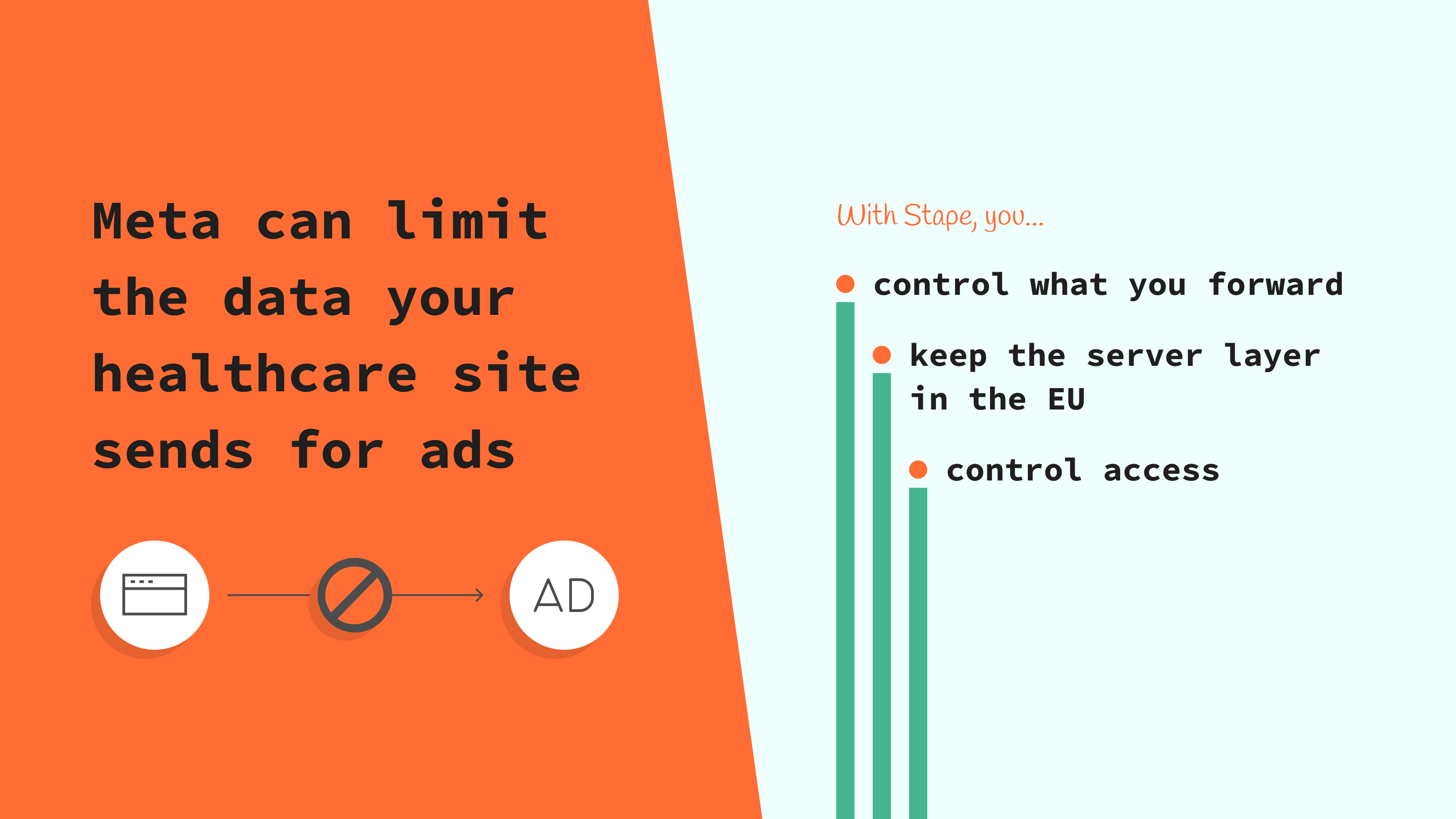
Meta uses three restriction levels for data sources:
1. Mild, core setup restrictions
- Meta removes URL details after the domain, like UTM parameters.
- Meta removes custom parameters and extra event details, like category, plan type, or city.
2. Moderate, standard event restrictions
- Meta can block standard events like Lead, AddToCart, and Purchase.
3. Severe, full restrictions
- Meta can block all event sharing from the site or app in certain regions.
This matters for healthcare because sensitive details can end up in your tracking without you meaning to. It can be inside a URL parameter like utm_campaign, an event name, or a custom field you send with the event, like appointment type, clinic location, or service name. Meta can remove these details or block the event data, and then your reports show less detail, and Meta has fewer signals to learn from conversions. These checks apply to both Meta Pixel and Conversions API, and Conversions API does not bypass the data sharing rules. More info at Meta Business Help Center.
How server-side tracking on Stape can help
Server-side tracking adds a cloud server layer to run your server Google Tag Manager container. Your website still collects most event data in the browser, then sends it to the server container first. This gives you one controlled place to clean up what goes out to Meta, before Meta receives it. It does not remove the restrictions, but it helps you avoid sending sensitive details that can cause blocks or stripped parameters.
- EU hosting lets you run your server Google Tag Manager container on European cloud servers. This keeps your tracking flow inside the EU, which makes GDPR reviews easier because you avoid an extra data transfer outside the EU step.
- Anonymizer lets you remove or anonymize GA4 parameters inside the server flow, so GA4 requests carry less sensitive data.
- Single Sign-On (SSO) keeps access to your Stape setup under your company's security rules. Users use their work login, and you can remove access fast when roles change, so fewer people can edit what data your tracking sends.
What to do now
- Review what you send and look for sensitive details inside URLs, URL parameters, event names, and custom parameters.
- Use neutral custom event names. Do not include words that point to medical services or intent, like appointment, screening, diagnosis, or treatment.
- Use your server Google Tag Manager container on Stape to control what goes to Meta. Remove URL parameters after the domain, drop sensitive custom parameters, and keep event naming generic before you forward events to Meta.
- Pick EU hosting in Stape if your company needs the server to stay in the EU.
- Enable SSO in Stape, so access follows your company's login rules, like mandatory 2-step verification and role-based access.
- Use Anonymizer in the server flow for GA4 requests, so GA4 receives less sensitive details from parameters.
- If Meta categorized your data source incorrectly, request a review in Events Manager.
Want to start on the server side?
Try for freeWas this article helpful?
Recommended for you
Blog
You've sent potentially violating personal data to Meta: what to do
Learn how to fix the issue of sending potentially violating personal data to Meta. Stay compliant with privacy laws and protect user data.
Apr 14, 2025

Comments