
JSON Response tag
Turn your server-side container into a flexible JSON response engine. This sGTM tag generates JSON objects or arrays based on configurable fields. With its help, you can return the real user values (like IP address and country), easily build lightweight APIs, webhook responses, validation endpoints, or structured data outputs directly inside sGTM.
How to start using the JSON response tag?
The tag is free to use for all users. Assuming that you already have a server GTM container configured, you can add it to your sGTM container workspace by going to the Templates section → Search Gallery → search for JSON Response → add to your workspace.
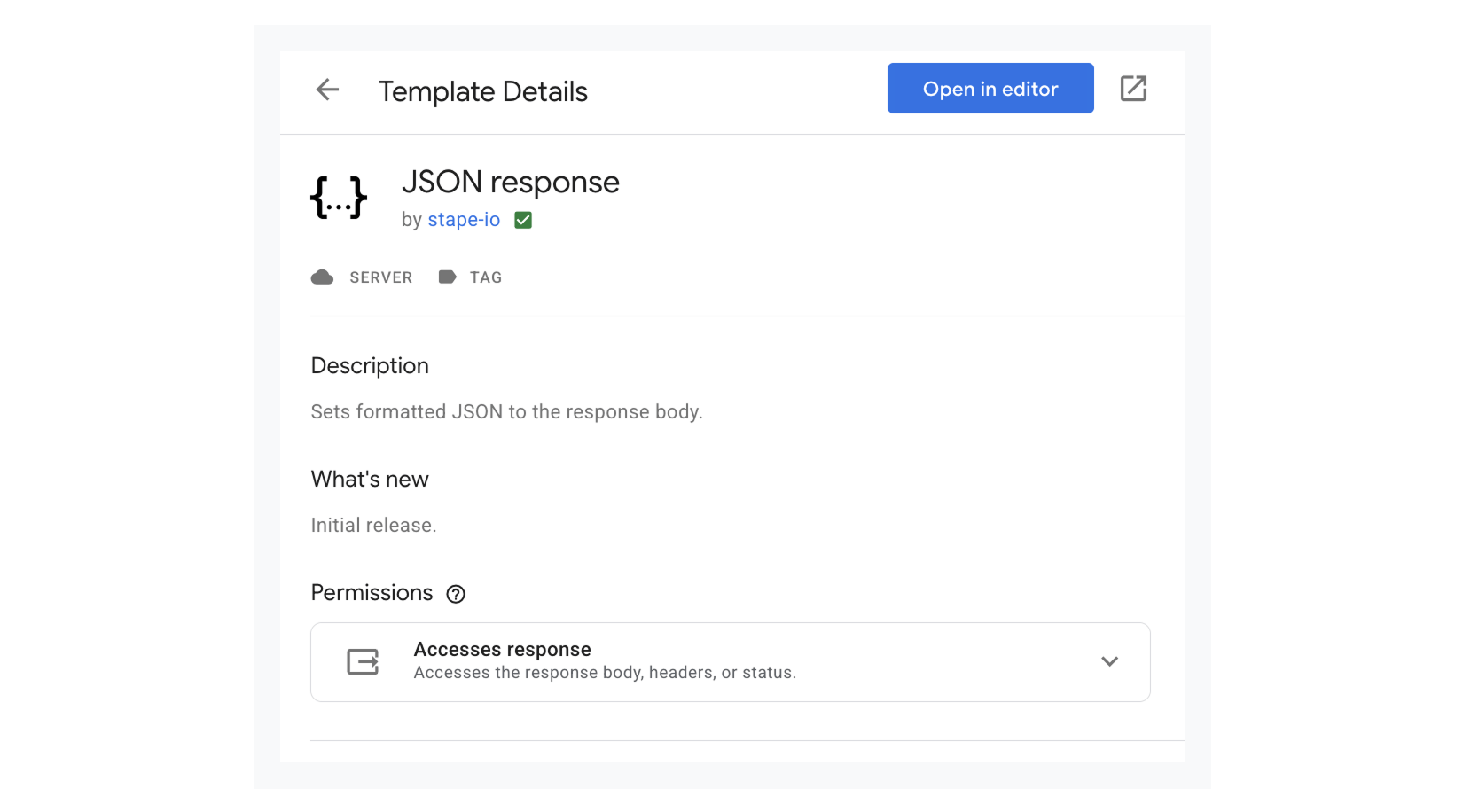
How it works
The tag generates a JSON response dynamically from configured key/value pairs.
When the Do not use dot notation setting is enabled, fields are converted directly into flat JSON properties. When the setting is disabled, dot notation like user.name or order.total.value creates nested JSON structures automatically.
There's optional array wrapping, which allows the response to return either an object or an array containing the object.
The tag automatically:
- sets the response content type to JSON
- converts the generated object into a JSON string
- returns it as the HTTP response body
- completes the request inside sGTM
Output example:
{
  "user": {
    "name": "Jane",
    "email": "jane.doe@gmail.com"
  }
}
The template automatically sets the correct response headers and outputs the payload as a server response from sGTM.
Benefits of the JSON response tag
- Return the real user values. The tag can return any values you pass into the table. Create lightweight endpoints like
/countrythat respond with structured JSON, making it easier to personalize experiences, validate traffic sources, and enrich server-side integrations without additional backend services. - Build structured JSON responses directly inside sGTM. With this approach no need for using external middleware, cloud functions, or additional backend infrastructure. This keeps implementations simpler, faster to deploy, and easier to maintain.
- Generate consistent payloads automatically. It reduces formatting mistakes, malformed requests, and integration issues across APIs, webhooks, and server-side platforms.
- No need for writing custom backend code. Create nested JSON objects using simple dot notation, and easily support advanced schemas and complex payload structures.
- Speed up testing and troubleshooting. Mock API responses and custom JSON endpoints from your server container, which will help you validate integrations and debug tracking setups faster.
- Come up with standardized response formatting. The standardized response formatting across the server-side environment improves payload consistency, data quality, and downstream processing reliability.
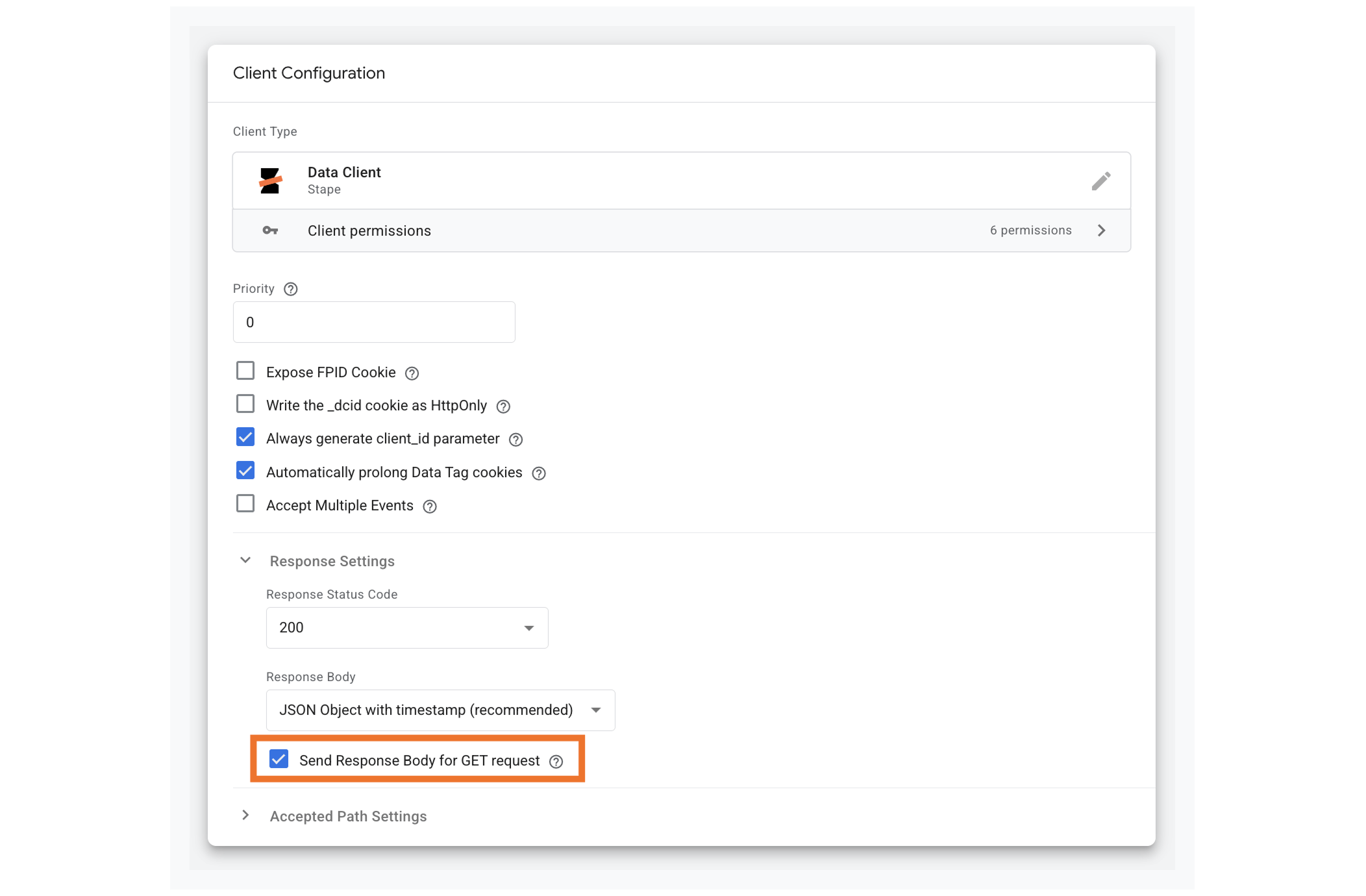
Note: the tag works with the Data Client. So, while configuring the client, you need to enable a box next to Send Response Body for GET request. It works like a connection to the Response JSON tag.
Start building JSON responses in sGTM
Use the tag template to create lightweight APIs, structured payloads, and dynamic server responses without adding backend infrastructure.
Configure it now and simplify how your server container handles custom JSON generation.
Useful links
Related to this solution
Client-side vs server-side tracking compared
Wondering if server-side or client-side tagging is the right choice for your website? Here, we break down the pros and cons of each method.
Google Analytics 4 Advanced tag for sGTM
In this blog post, you will find out how to set up Google Analytics 4 Advanced tag for your server-side Google Tag Manager container and its use cases.
Cookieless tracking GA4: explained and set up guide for 2026
GA4 cookieless tracking is a method for measuring user interactions using event-based data modeling and AI/ML without relying on browser cookies.