
Google Service Account
Google Service Account power-up gives your sGTM container access to Google tools that need a secure login. This lets those tools work with your tracking data, so your events carry more details when they reach analytics and ad platforms.
How to access Google Service Account
Google Service Account is available to all Stape users. You can find it in the Power-ups tab in your Stape account.
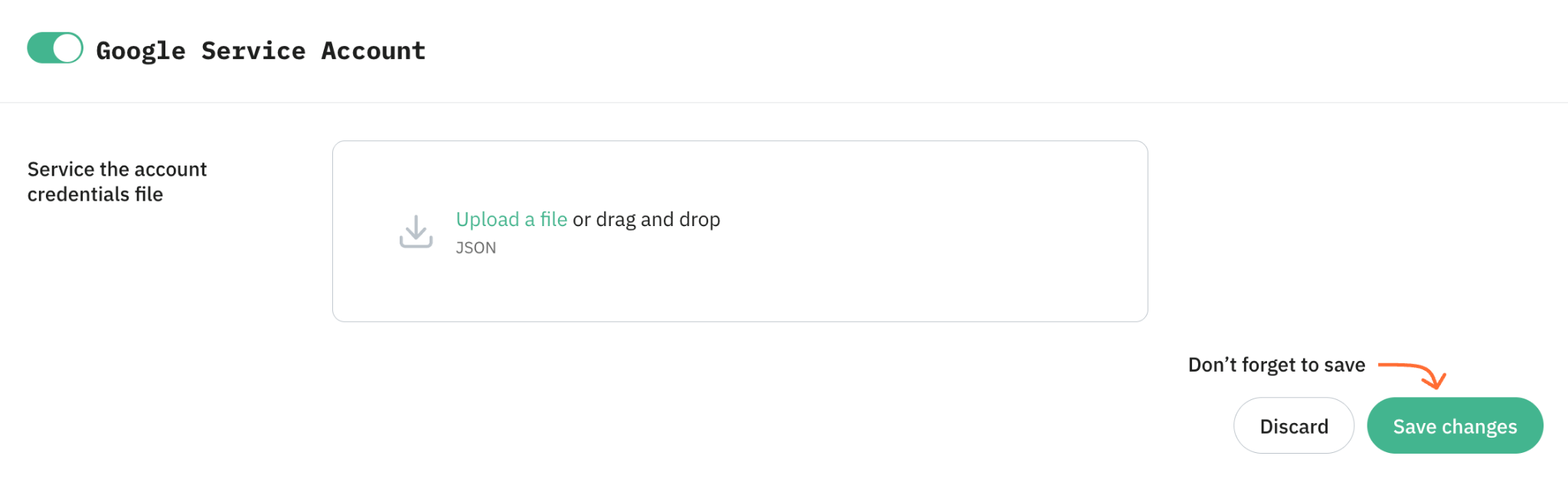
How Google Service Account works
Google Service Account stores your Google Cloud JSON key in your sGTM container. When a supported tag or variable needs a Google service, it uses this key to authenticate the request.
Your sGTM container can write events to BigQuery, save or read values in Firestore, read or write Google Sheets data, or query Google Merchant Center product data, depending on the template you use.
Benefits of Google Service Account
Connect sGTM to authenticated Google Cloud APIs. Use Google Service Account to let supported sGTM tags and variables call Google Cloud APIs.
- Store event data in BigQuery. Send purchase, lead, pageview, or custom event data from sGTM to BigQuery, so your team keeps detailed tracking data in its own BigQuery tables, not only in GA4 or Google Ads reports.
- Enrich events with Firestore or Google Sheets. Read stored values from Firestore or Google Sheets and add them to sGTM tags before sending data to analytics or ad platforms.
- Use Google Merchant Center data in tracking. Pull product details from your Merchant Center feed, such as product categories or attributes, and add them to product events before sending them to Google Ads or GA4.
- Support advanced server-side workflows. Give your sGTM container authenticated access to Google services when a tag or variable needs it, while keeping permissions controlled in Google Cloud.
Connect your sGTM container to Google tools
Use Google Service Account to give your sGTM container a secure login for Google tools and let supported tags and variables send, receive, or add details to event data.
Useful links
Related to this solution
Write data to Firestore from server Google Tag Manager
Firestore is a NoSQL database that stores data in documents within collections. Learn how to integrate it with server-side GTM for data enrichment and transfer.
Write data to BigQuery from Google Analytics 4
Find out about two ways of exporting data from Google Analytics 4 to BigQuery: using tag Write to BigQuery and through Google Analytics 4 admin.
Google Merchant Center Lookup variable for Google Tag Manager server container
Discover how the Merchant Center Lookup variable enhances product data for Google Ads and Analytics using server-side GTM.