How to fix the SSL error
Updated Mar 23, 2026
Sometimes, users postpone configuring their sGTM container on Stape, leaving it in the Waiting for config state. This means the container is not running yet.
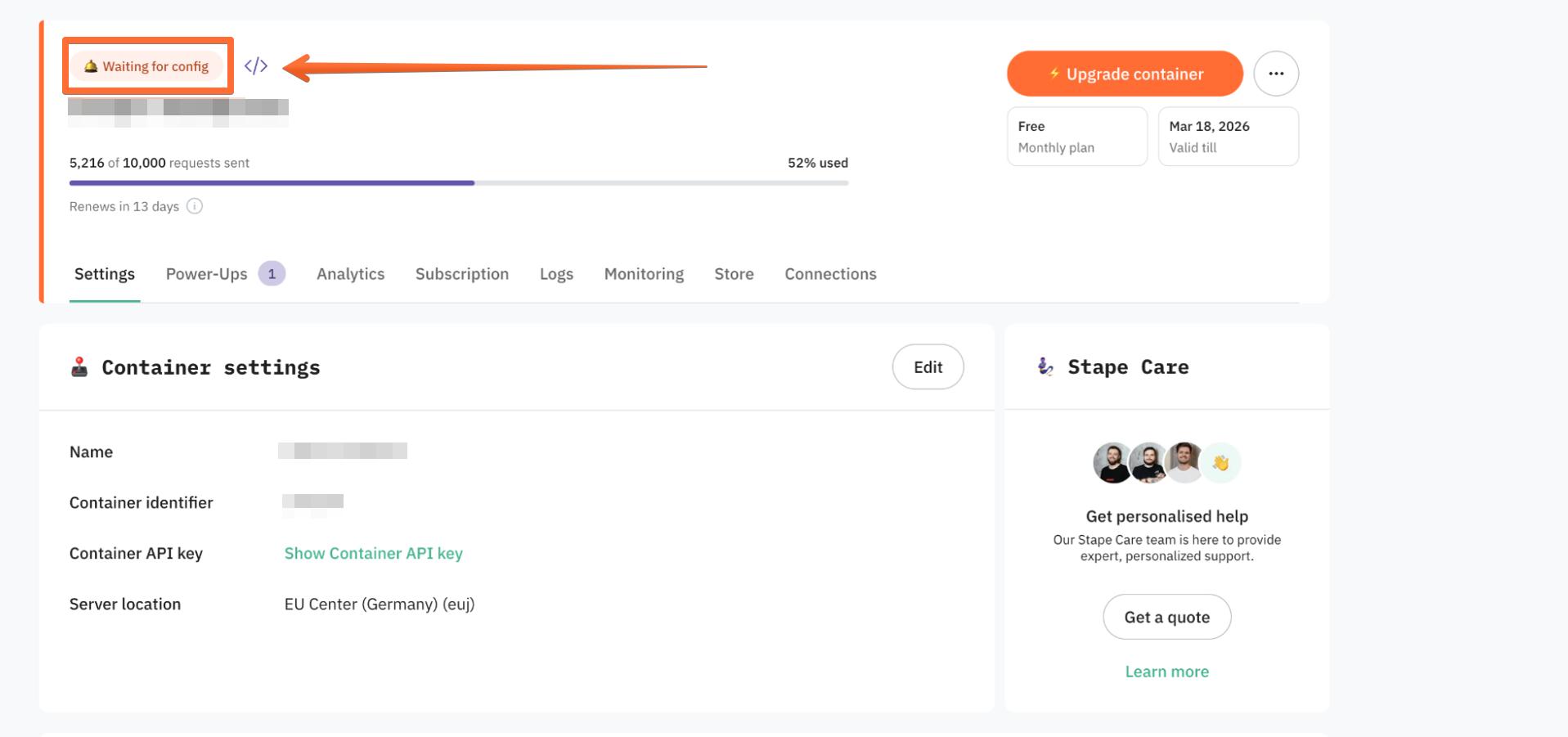
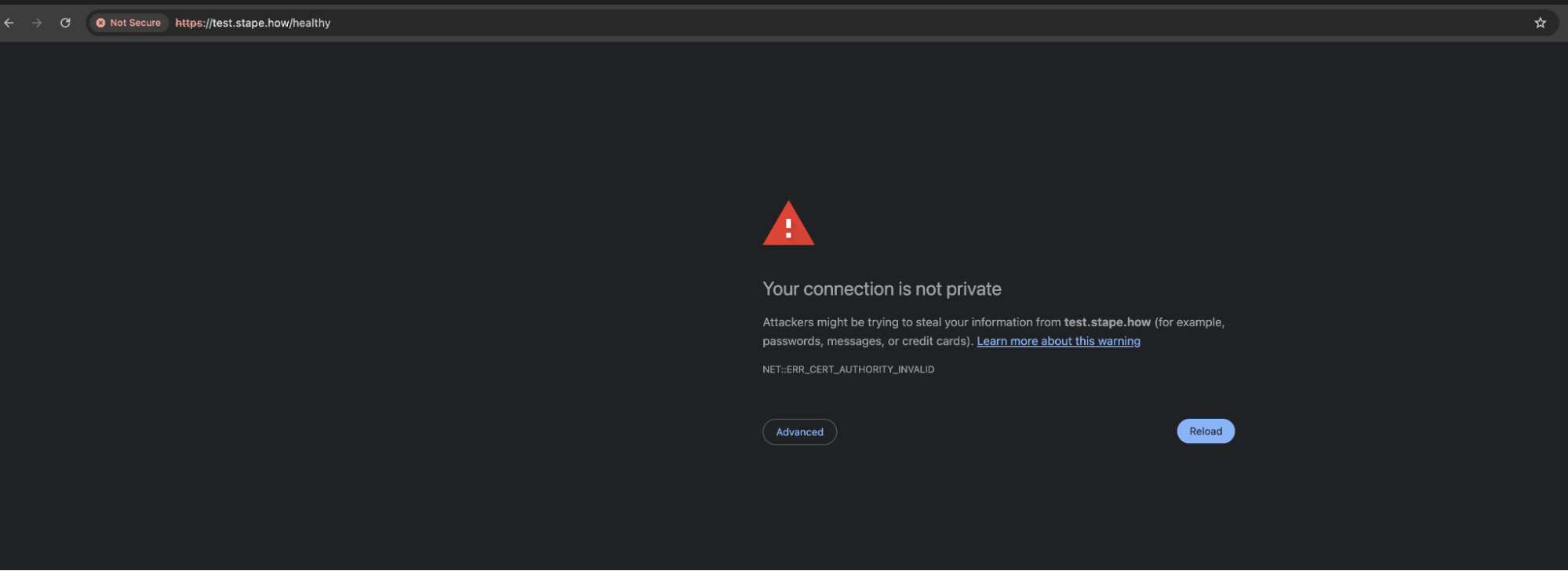
In this state, you may encounter the ERR_CERT_AUTHORITY_INVALID error when setting up a subdomain. Until the container status changes to Running, the SSL certificate for your subdomain will not be issued (when using Stape CDN or Disabled CDN).
Solution:
Finish the configuration of your sGTM container on Stape so it moves to the Running state. After some time, the SSL certificate will be issued automatically.
Was this article helpful?
Subscribe to product updates:
Can’t find what you are looking for?
Comments