How to fix the “Domain can’t be resolved” error?
Sometimes, when attempting to deploy an sGTM container on Stape, you may see the error “Domain can’t be resolved”.
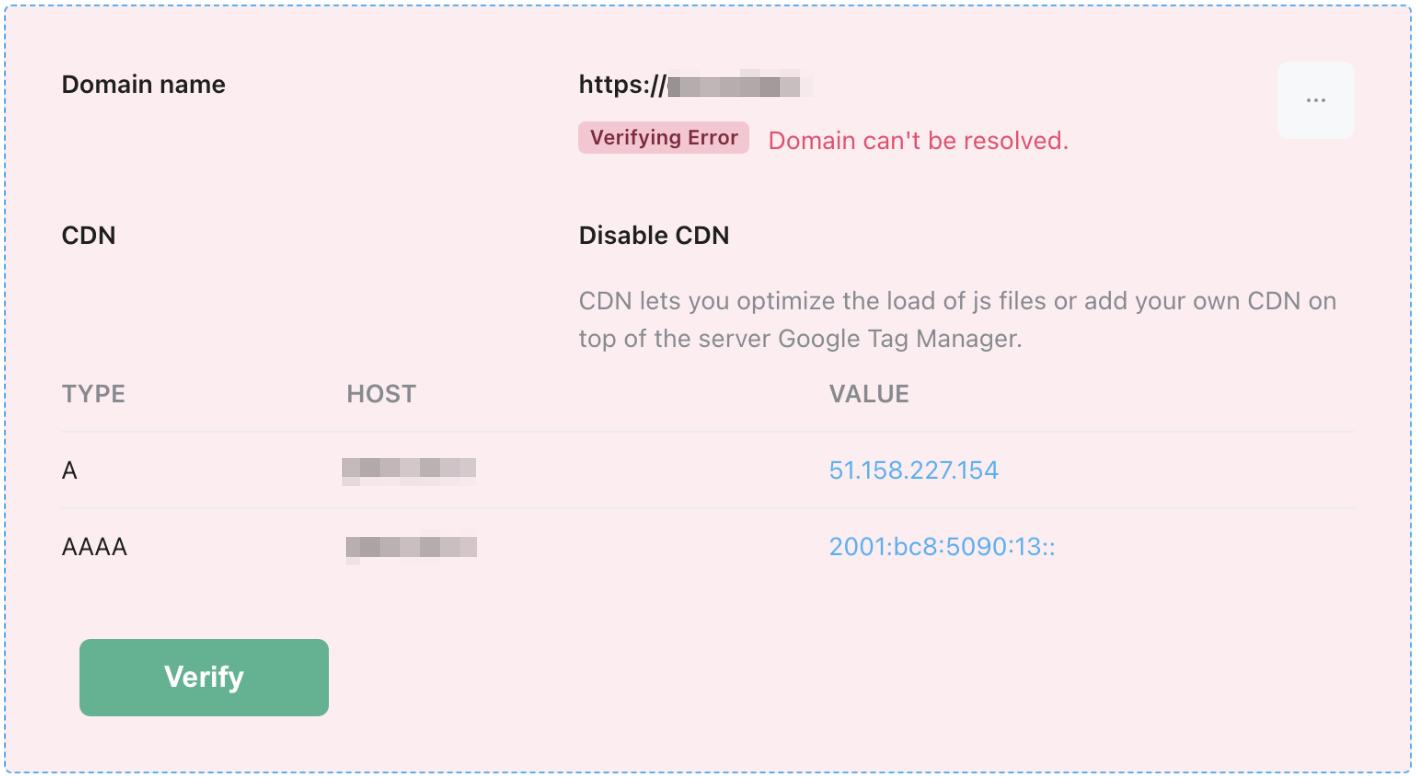
Most often, this is an error on the side of your DNS provider.
Solution:
- Make sure your DNS records are added correctly in your DNS provider’s dashboard.
- Check if the DNS records are visible online using Google Digtool.
If the record is not displayed, this indicates that the problem lies with your DNS provider. Contact their support service to resolve this issue.
If the record is displayed but Stape still can not resolve the domain, feel free to contact Stape support and we will help you resolve this issue.
Was this article helpful?
Subscribe to product updates:
Can’t find what you are looking for?
Comments