How to fix Cloudflare 1014 and 1015 errors
Updated Aug 12, 2026
In some cases, when adding a subdomain, verification may fail and you may see this error when opening the subdomain:
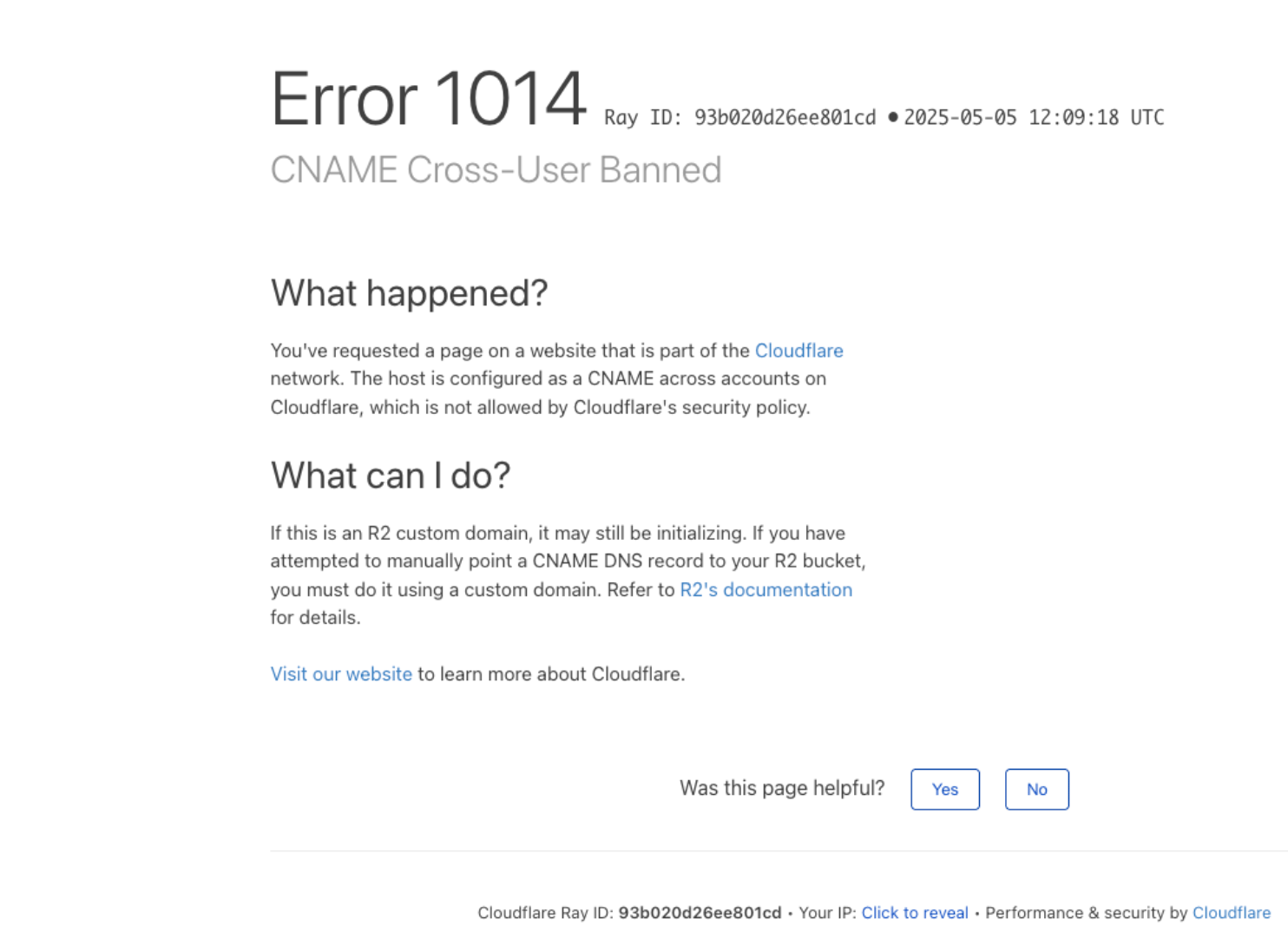
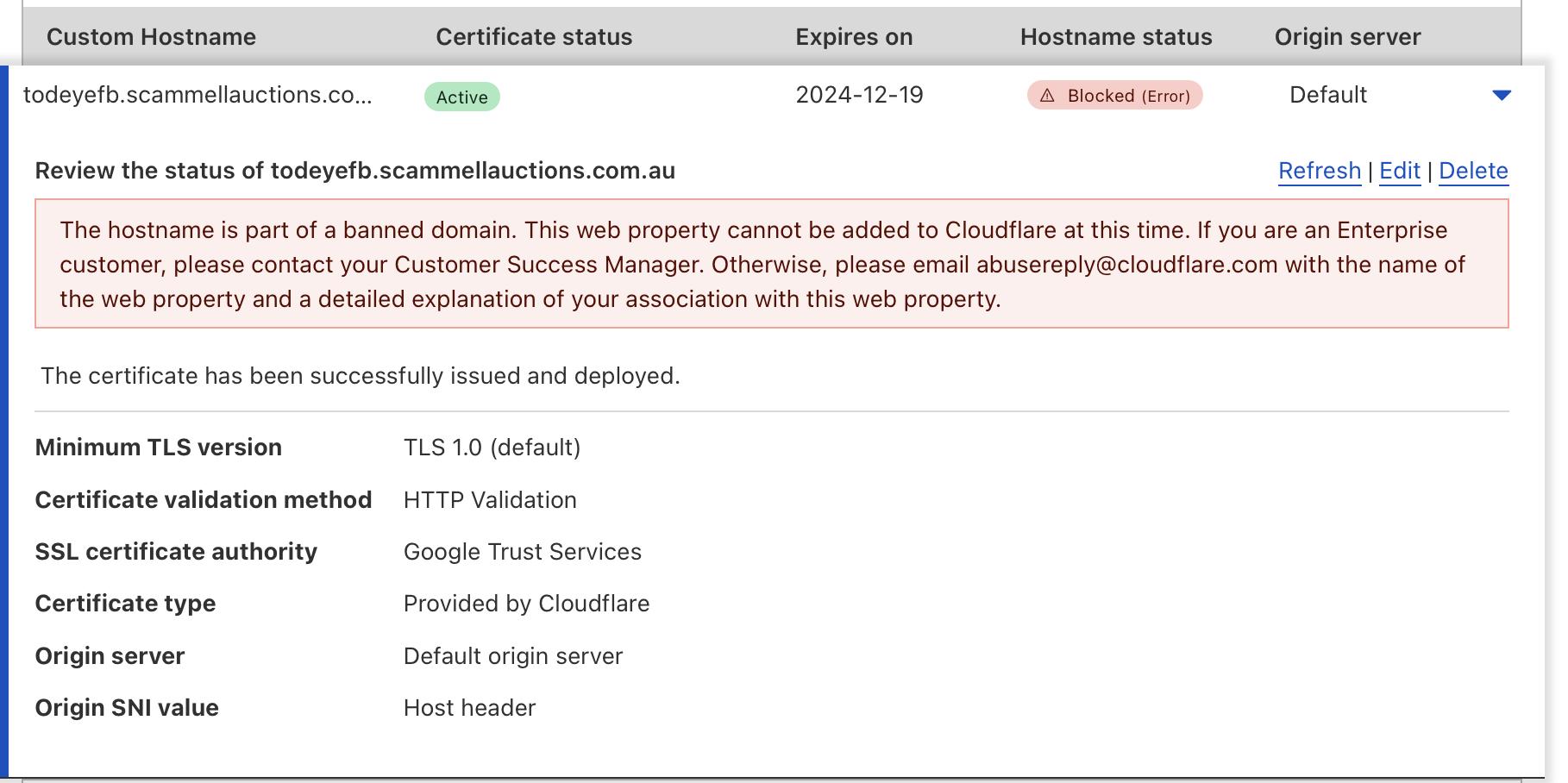
This happens when a subdomain used with Stape CDN is blocked due to suspected violations, fraud, or phishing activity. Sometimes the issue may appear after configuring data routing for the Meta CAPI Gateway.
Solution:
- (Temporary fix while you’re fixing the issue) For server GTM containers where this happens on a custom CDN domain (i.e., load.ss.example.com), we recommend temporarily generating the loader code using the standard custom domain without CDN (i.e., ss.example.com). Currently, you can generate and use the custom loader without the CDN loading domain part.
- (Real fix) The easiest solution is to create a subdomain with a different name. If that does not help, check whether your domain is blocked. If it is, contact Cloudflare support for clarification or create a new subdomain.
Was this article helpful?
Subscribe to product updates:
Can’t find what you are looking for?
Comments