How to fix error 500 (tag issue)
Updated Aug 11, 2026
A 500 error may appear when a tag modifies the response code, for example, if there is an error in one of the tags. Like when you send requests with a preview header while debugging.
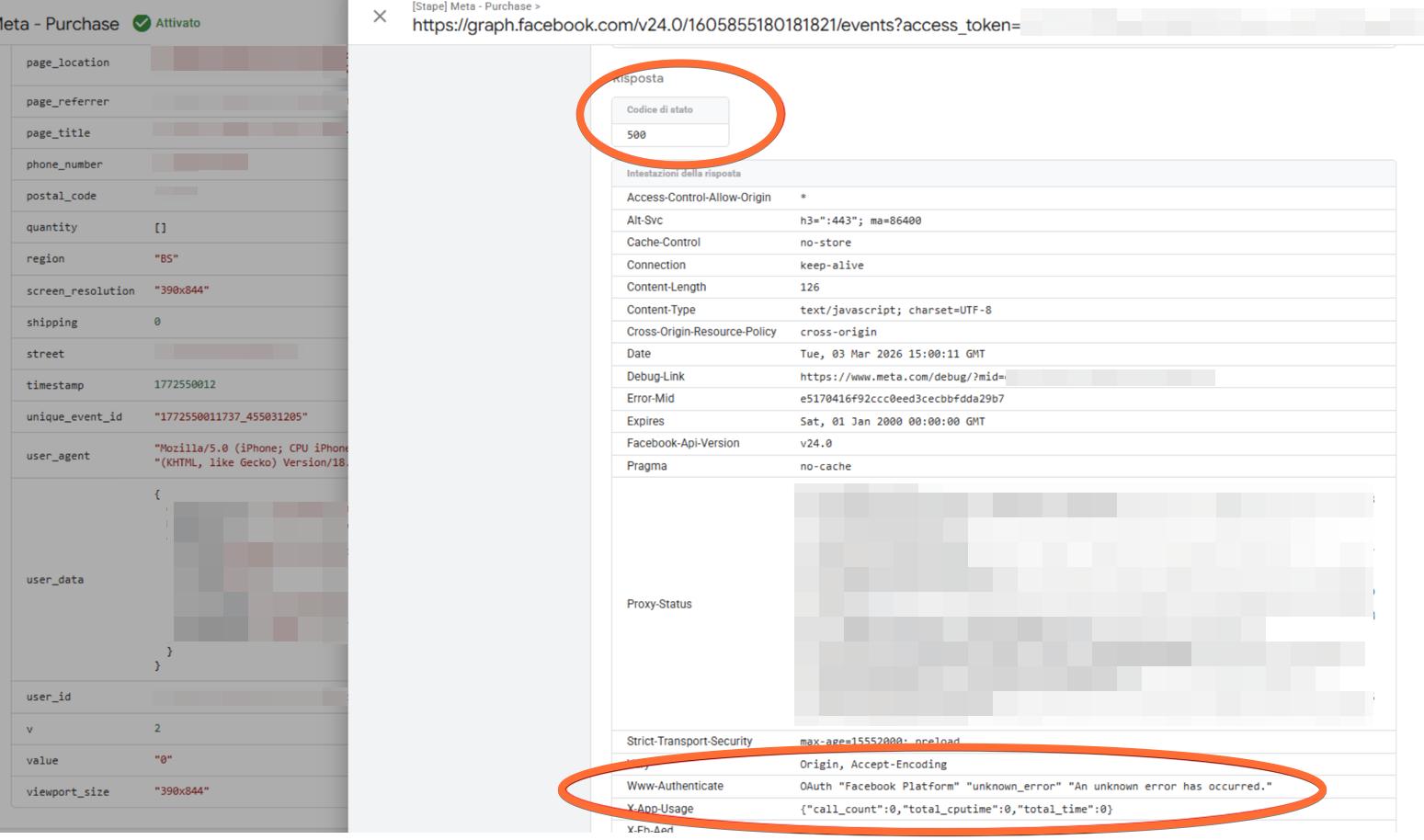
Solution:
Review the tag settings, as this usually indicates that the platform the tag is sending data to does not accept the current configuration or cannot process the request.
Was this article helpful?
Subscribe to product updates:
Can’t find what you are looking for?
Comments