What are linked accounts in the Data Manager API connection?
Updated Jul 22, 2026
This guide explains what linked accounts are in Stape’s Google Data Manager API connection and how they work.
Note:
Adding accounts is a mandatory step for the Google Data Manager API connection to work.
Linked accounts are authorization connections that allow Stape, as a Data Manager API partner, to send data to your Google Ads or Google Marketing Platform 360 accounts. These connections are required because the Data Manager API only allows data to be sent to accounts that have granted access to the partner account.
When a user links their Google account, Stape verifies which Google Ads or 360 accounts are available and identifies the accounts that are already linked to the integration. These linked accounts are then available as valid destinations for Data Manager API operations, such as event ingestion and audience uploads/updates/removal.
If you attempt to use Data Manager tags before linking the destination accounts, the tags will fail and return a 403 status code. The error code indicates that the required account link must first be established in the Data Manager API connection’s UI.
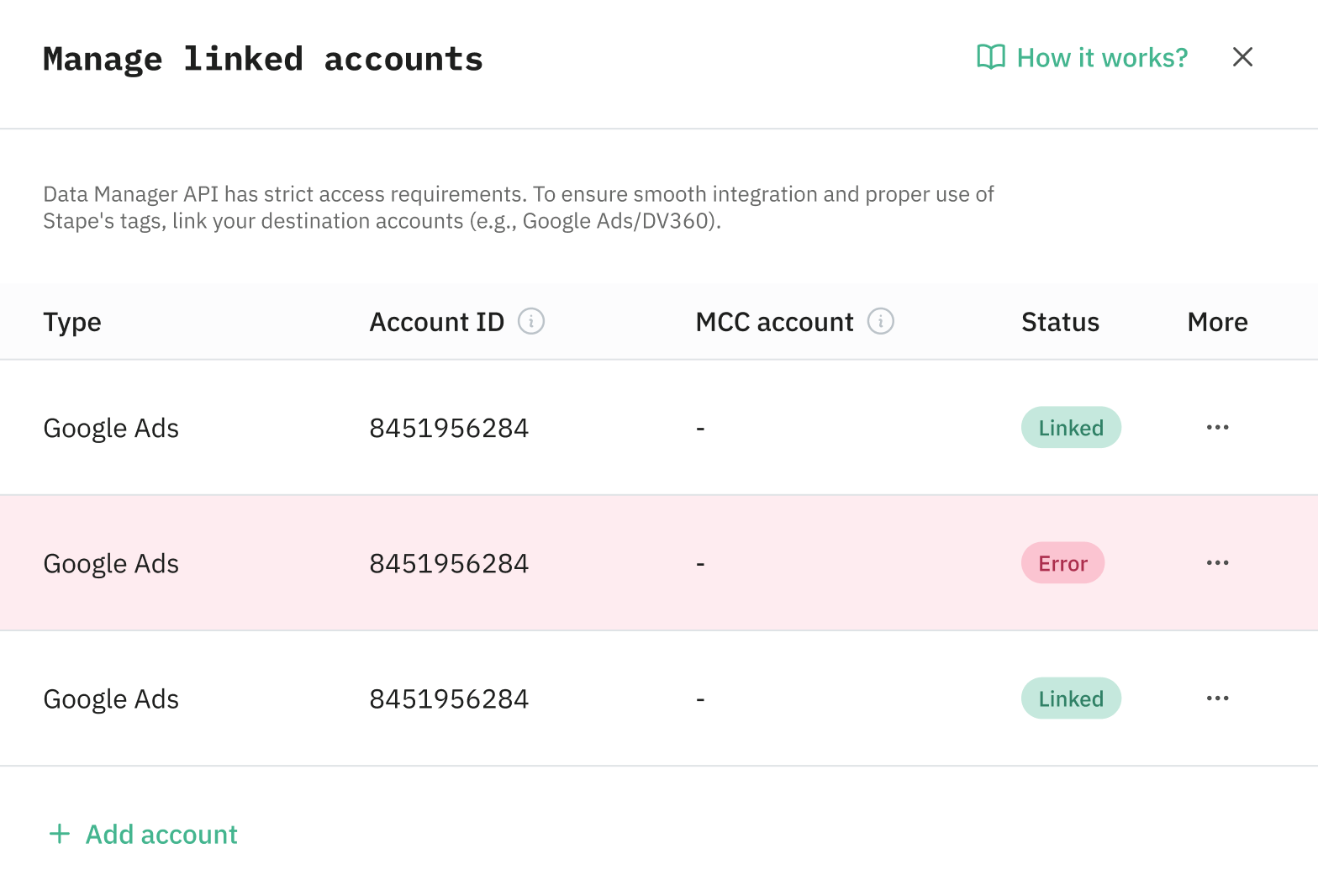
This section within the Google Data Manager API Connection displays statuses for each linked account and highlights the errors when they appear to quickly spot and fix the problem. If an account becomes disconnected (either due to a Google-side issue or an accidental user action), you will receive an email notification. Linked account statuses are checked twice daily.
Was this article helpful?
Comments