What is the usage forecast?
Updated Oct 30, 2026
The usage forecast helps you anticipate your overall request and event volume by the end of your current billing cycle based on your recent traffic patterns.
Enabled by default for all containers and Signals Gateways, the forecast chip shows your projected total for the upcoming renewal date and the percentage of the plan that will be used.
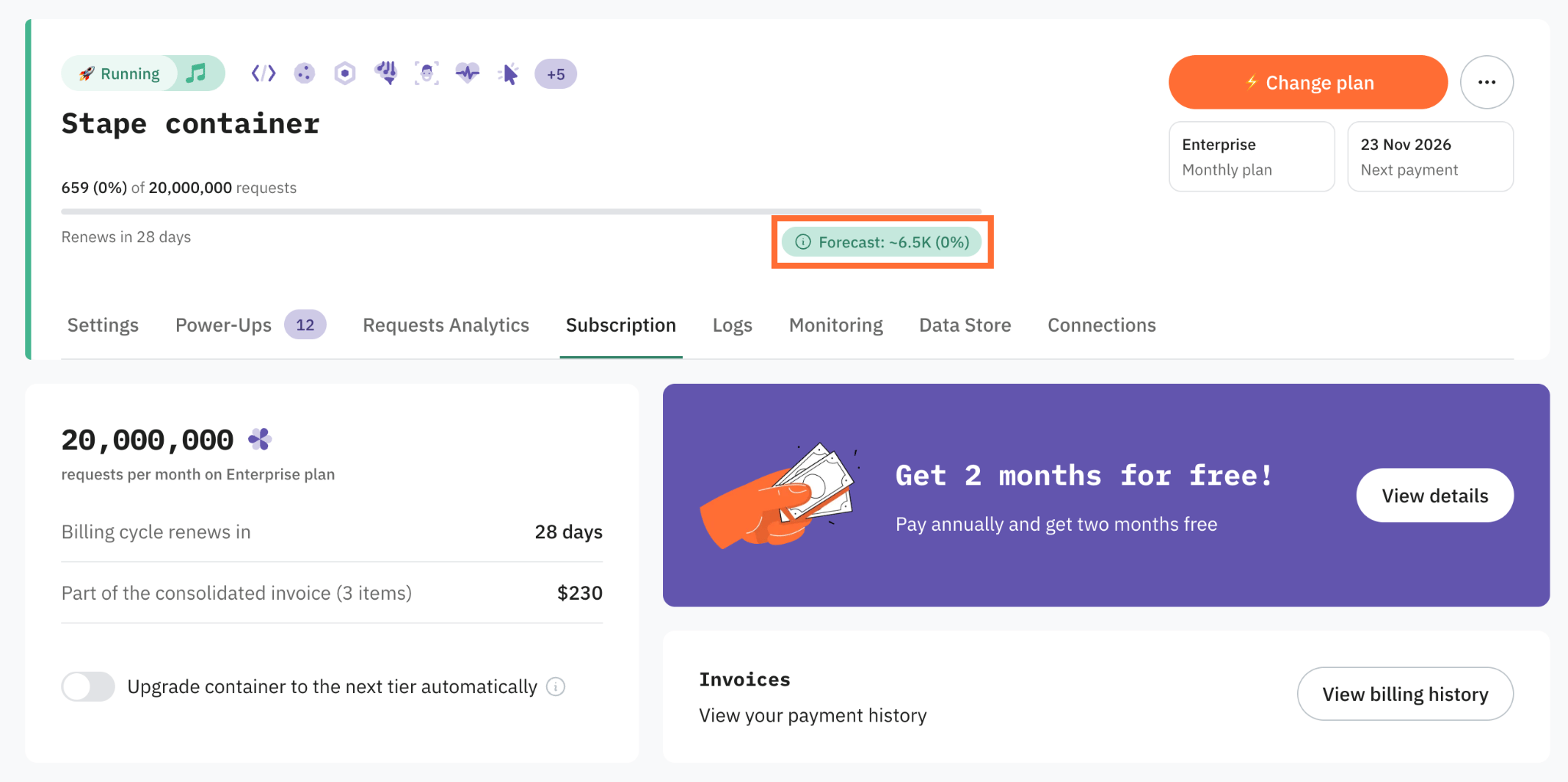
How is the usage forecast calculated?
Hovering over the forecast chip reveals your daily average for the active billing period (for example, "your current average of 219 requests/day").
To provide a more reliable estimate, the forecast applies a weighted calculation rather than simply multiplying your daily average by the remaining days in the cycle.
The formula blends activity across three periods:
- Current billing cycle – 60% of weight
- Previous month – 30% of weight
- The month before that – 10% of weight
Periods without traffic are excluded from the calculation, and a minimum of 7 days of recorded activity is required to generate a forecast.
What do the sections of the usage bar mean?
- Current usage — requests or events already processed during the active billing cycle
- Forecasted usage — the volume anticipated by the renewal date
- Remaining capacity — the portion of the plan limit expected to stay available at renewal
Why do I see the “Building usage forecast” chip?
The "Building usage forecast" status appears when a container or Signals Gateway has fewer than 7 days of activity, which is standard for newly created products.
If historical traffic data exists, the system generates a forecast immediately. Once 7 full days of activity are logged, the placeholder chip automatically updates with your projected usage.
Will I get notified about the usage coming to an end?
To help you avoid unexpected coverages, Stape sends an automated email notification if the forecast indicates your container or Signals Gateway will hit 100% of its request or event limit before the renewal date.
Was this article helpful?
🍽 Table of content:
Comments