How to find the Stape container identifier?
Updated Oct 1, 2026
To find the Stape container identifier:
- 1.Log in to your stape account.
- 2.In the header click sGTM -> Select your sGTM container.
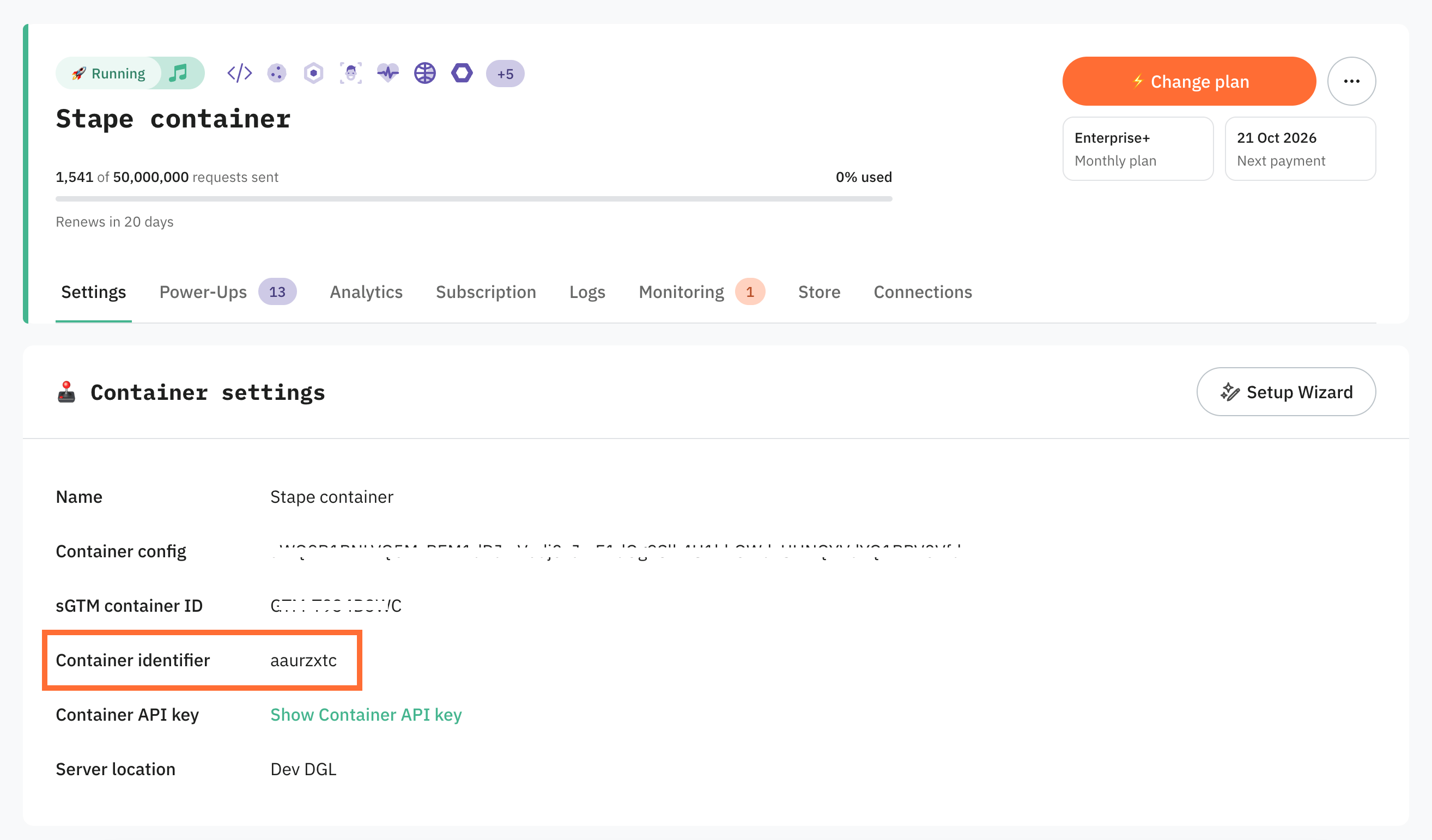
- 3.In the Container Settings section, you will see the Container identifier, which usually consists of 8 symbols.
Was this article helpful?
Subscribe to product updates:
Can’t find what you are looking for?
Comments