How to check events in Meta Pixel?
Updated Aug 10, 2026
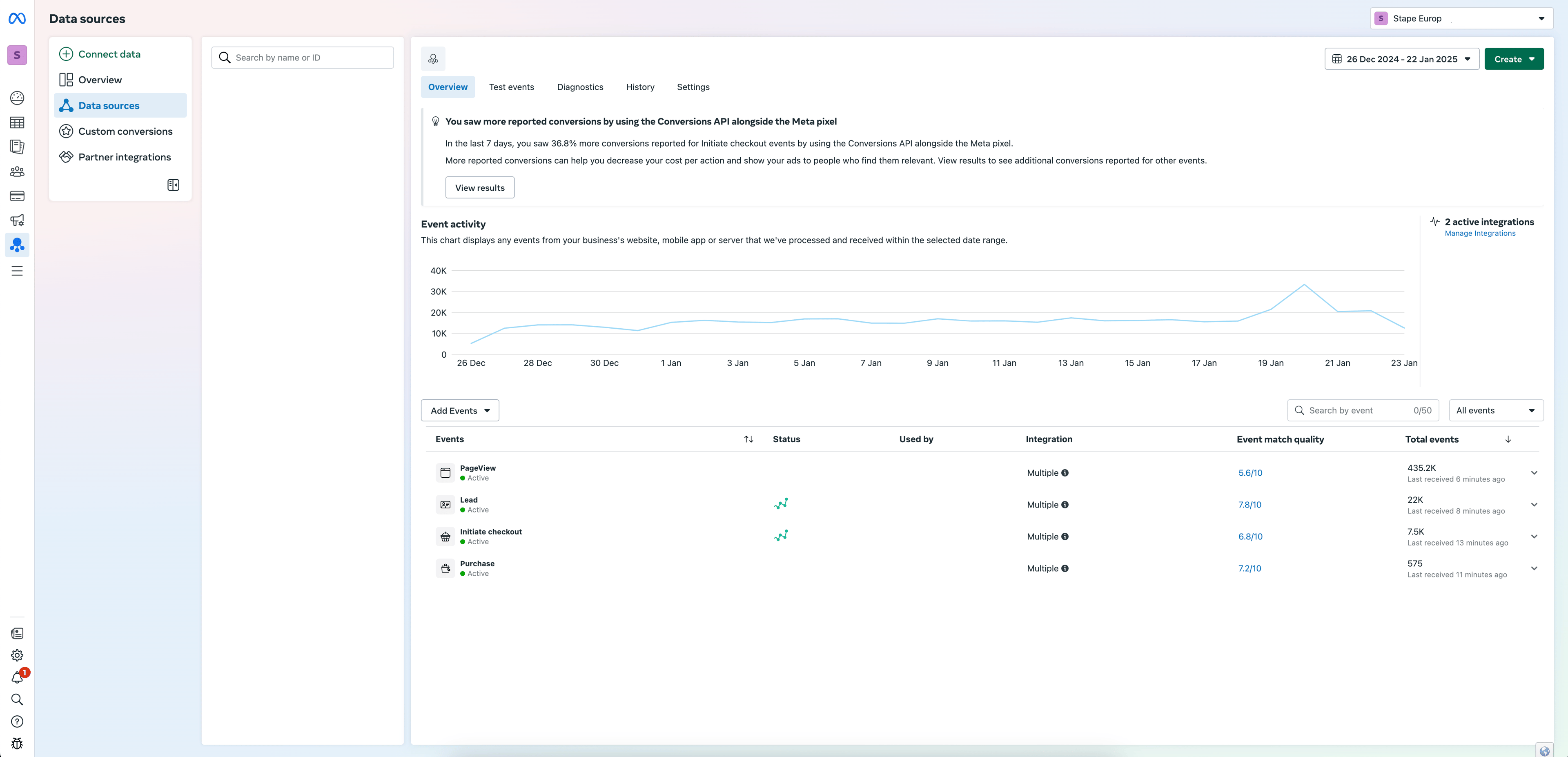
- 1.Go to Events Manager in your Facebook Business Manager account.
- 2.Select the Pixel you want to check.
- 3.You will see a list of recent events with details on each, including event names and the parameters sent with them.
Was this article helpful?
Subscribe to product updates:
Can’t find what you are looking for?
Comments