How to add billing info to your account
Updated Aug 17, 2026
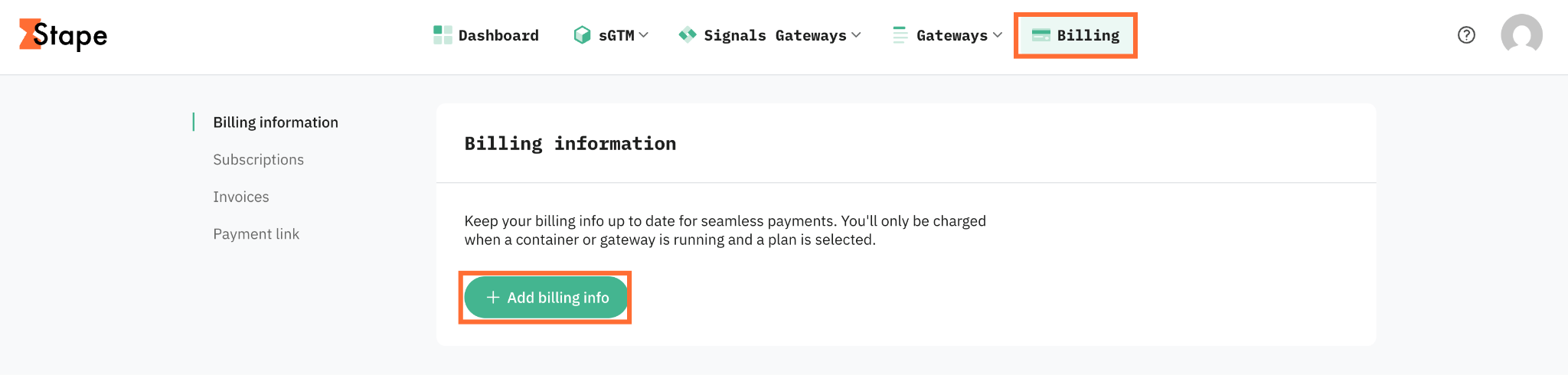
1. In the top menu, click Billing.
2. Click Add billing info.
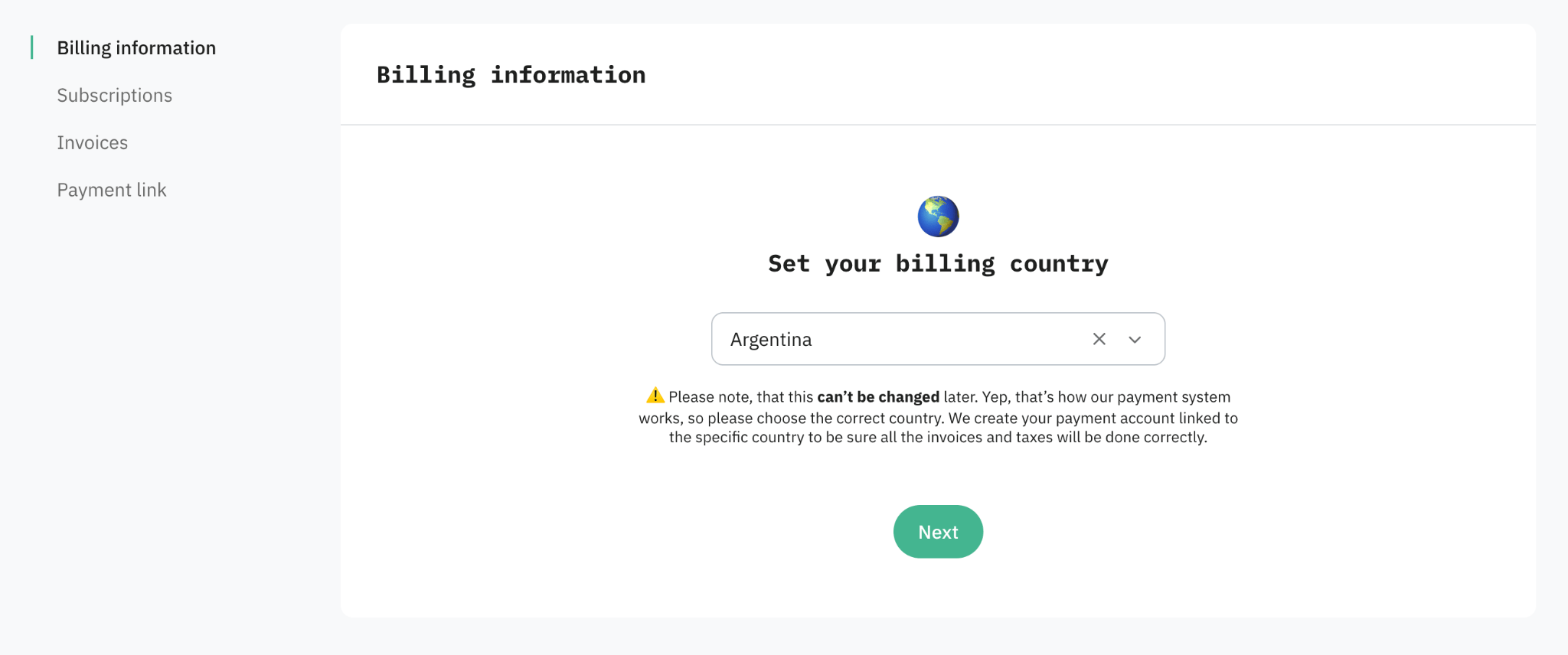
3. Select your billing country. Your billing country determines which legal entity (Stape Europe or Stape Global) bills you, your payment processor, and which taxes apply. For Global accounts, it also determines your billing currency (EUR if the country is from this list, otherwise, USD). You can change this later only by contacting support.
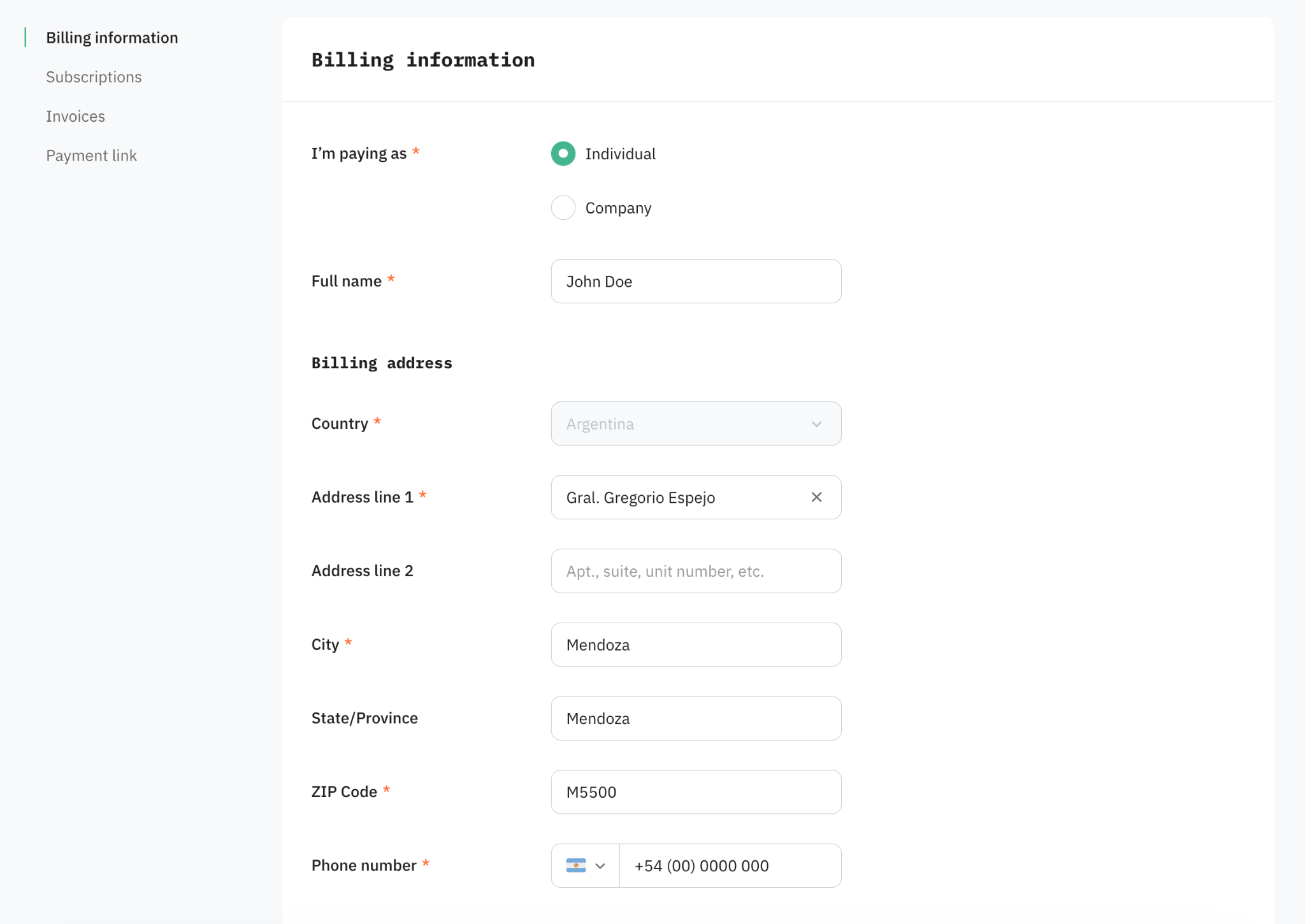
4. Fill in your billing details: name or company name, address, and if applicable, your VAT or tax ID.
5. Select your payment method and enter its details. If you're an Agency or Partner account, you'll be asked to set up methods for both monthly and annual billing cycles.
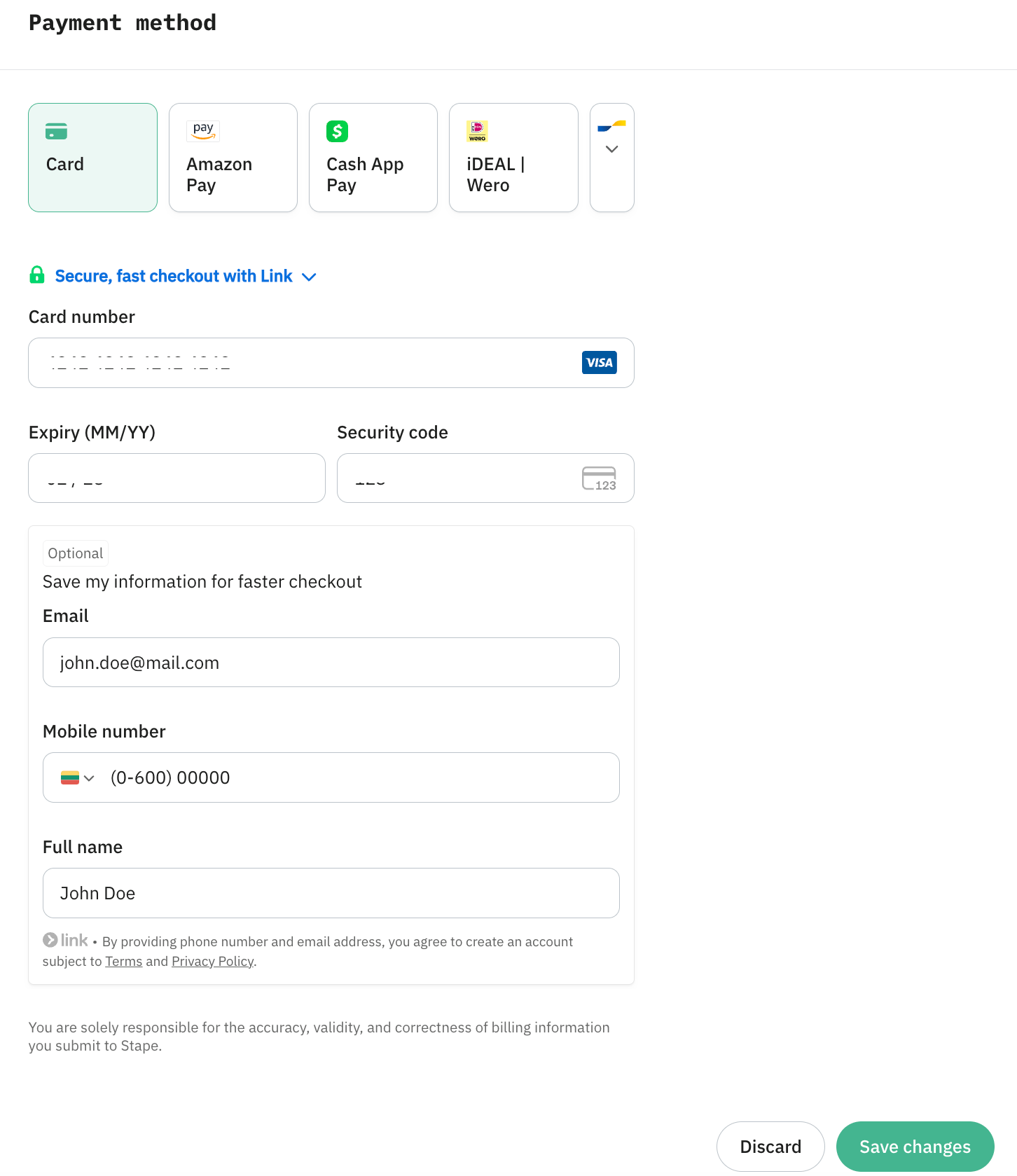
6. Add info in the Save my information for faster checkout box. This is required to keep your card for future renewals.
7. Click Save changes.
Was this article helpful?
Comments