How to enter billing information via a payment link
Updated Jun 22, 2026
Using a payment link, you will be able to provide payment information for a Stape account’s current billing and future subscriptions. The account owner will be able to edit this information in the future, but they will not be able to view your payment credentials.
1. Click on the payment link or copy it into your browser. You will be directed to Stape’s page (you don’t need to have a Stape account yourself).
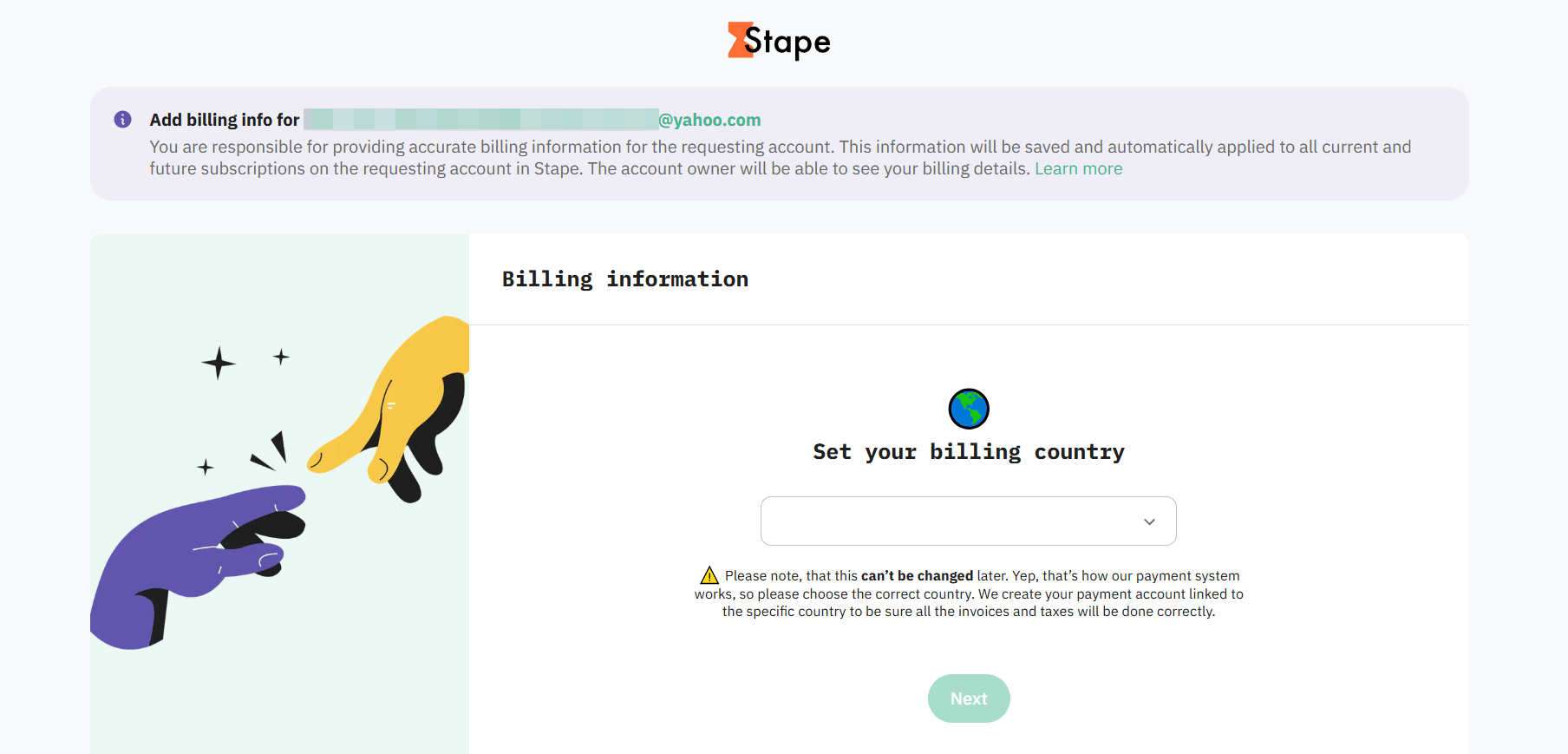
2. First, select your billing country. This option can not be changed later.
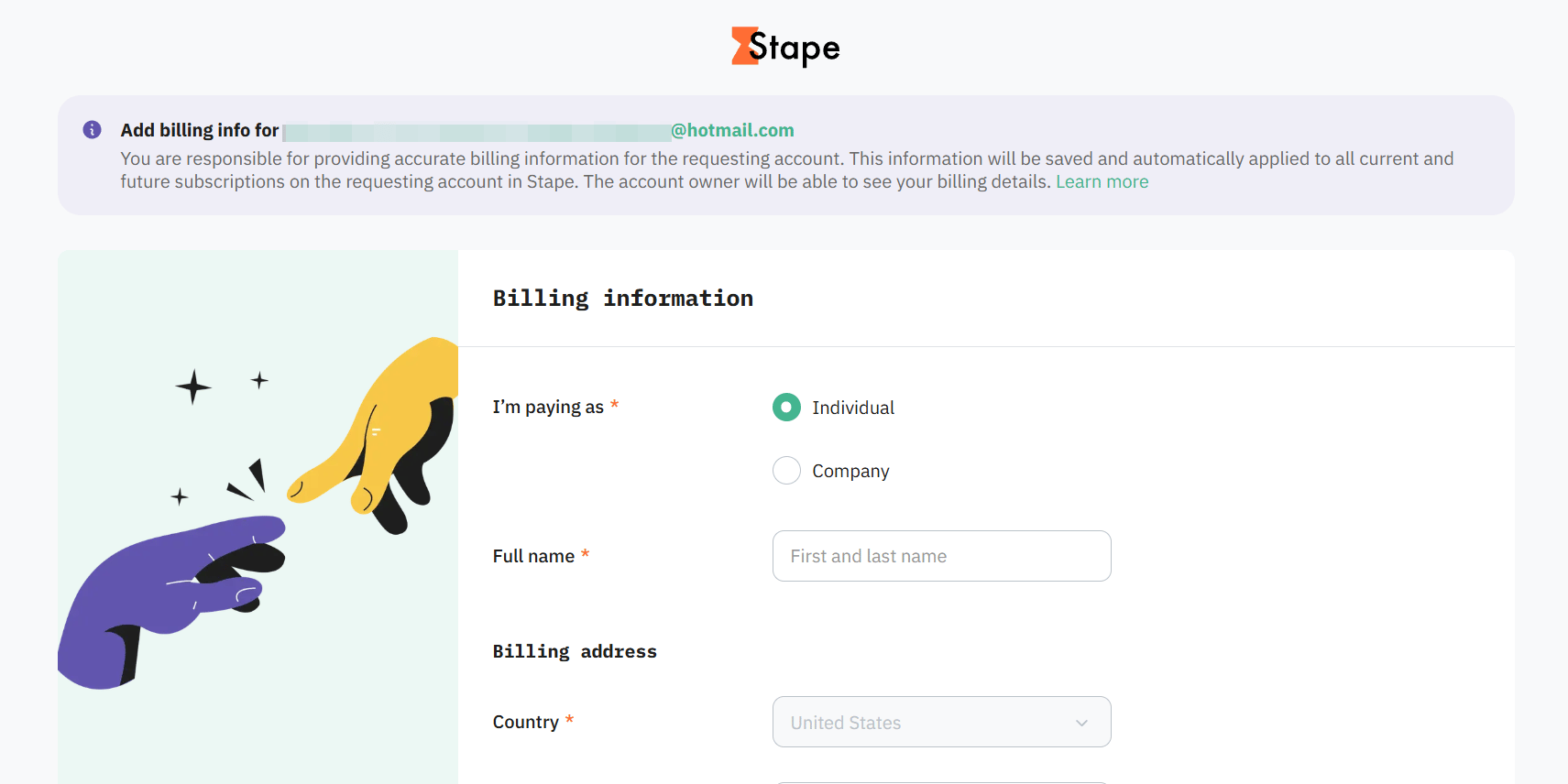
3. Next, enter your Billing information - payer/company name and billing address. The account owner will be able to view and edit this information in the account’s settings.
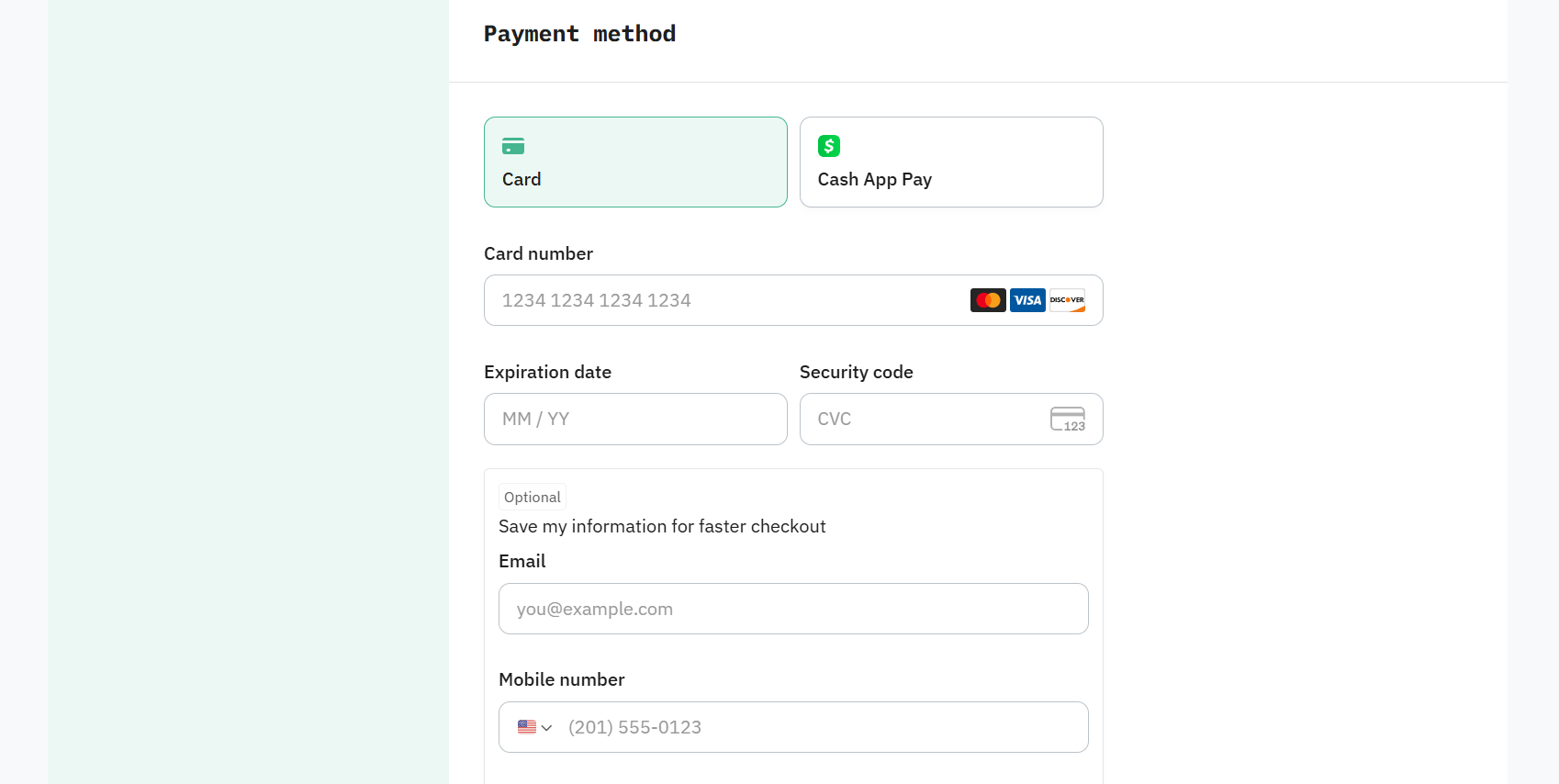
4. Then, select a Payment method. If you choose Card, enter your card credentials. The account owner will be able to edit this information in the account’s settings, but they will not be able to view the card credentials.
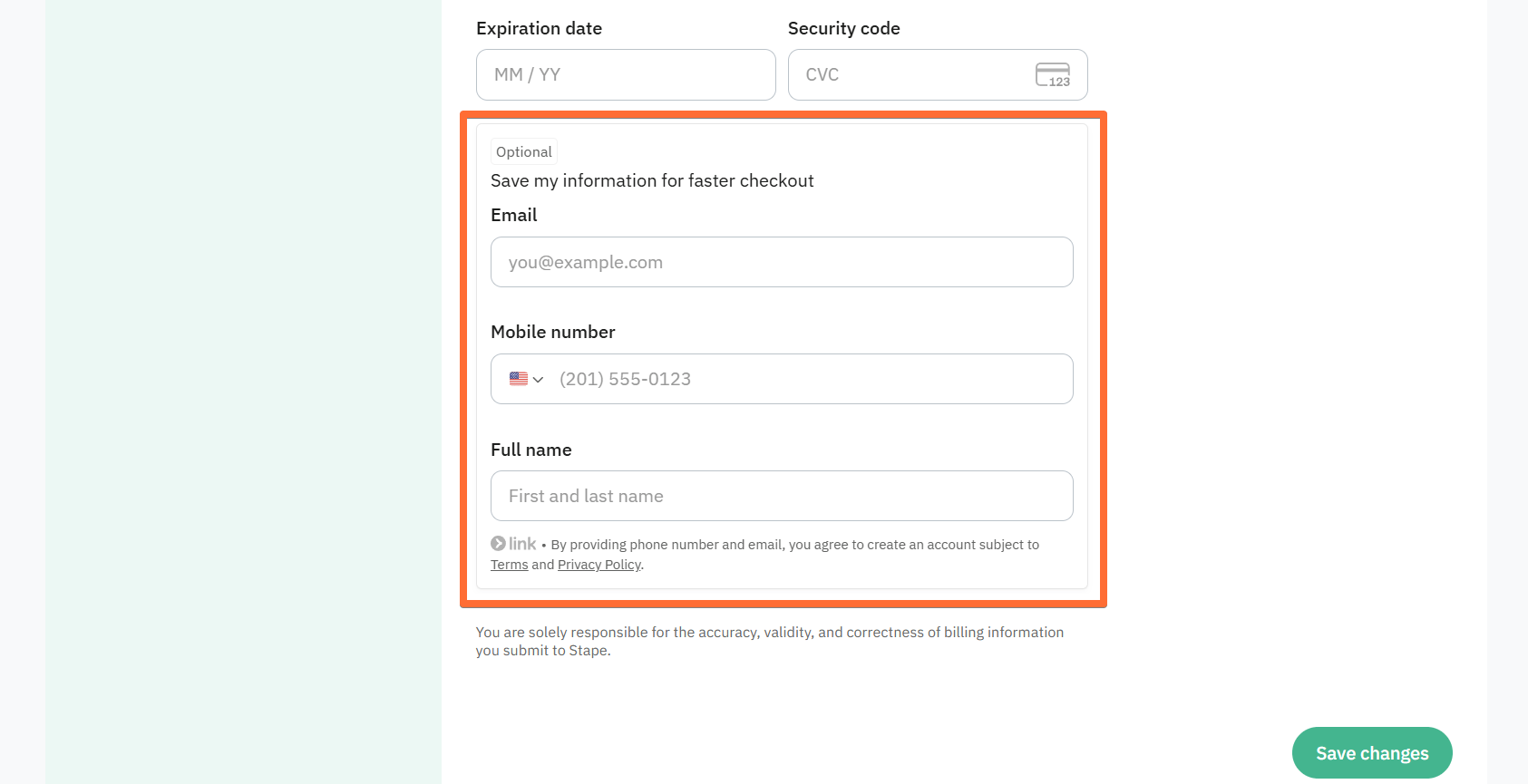
Be sure to add info in the Save my information for faster checkout box to keep your card for future renewals.
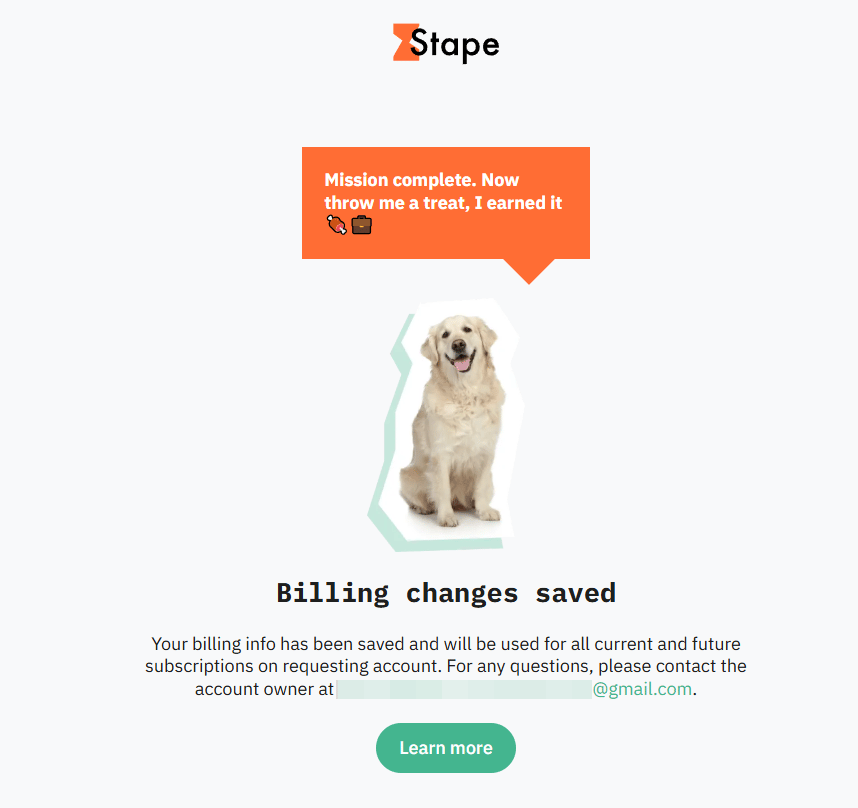
If you’ve entered all the information correctly, you will see a confirmation screen. It means that your payment information has been successfully saved for this Stape account.
Was this article helpful?
Comments