How to create a payment link to add billing information
Updated Jun 22, 2026
The payment link is a secure, temporary link that lets another person add or update billing and payment details for your Stape account.
You can generate a payment link from your Standard Stape account and share it with the person responsible for payments, such as your finance or accounting manager. The recipient does not need a Stape account.
The link is valid for up to 5 days. Once the payment details are submitted, they are saved to your account and used for future subscription payments.
How to generate a payment link
1. Log in to your Stape account.
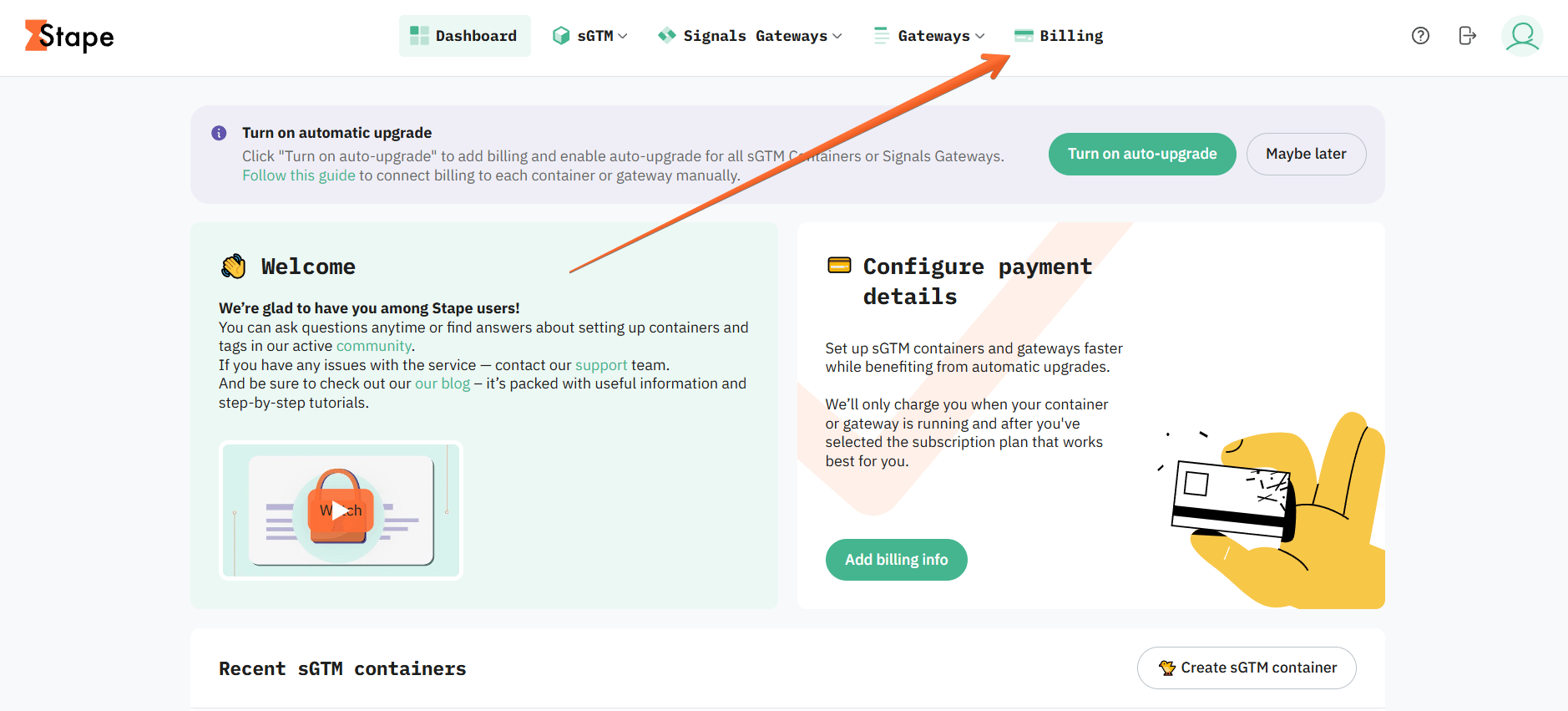
2. Click on the Billing tab.
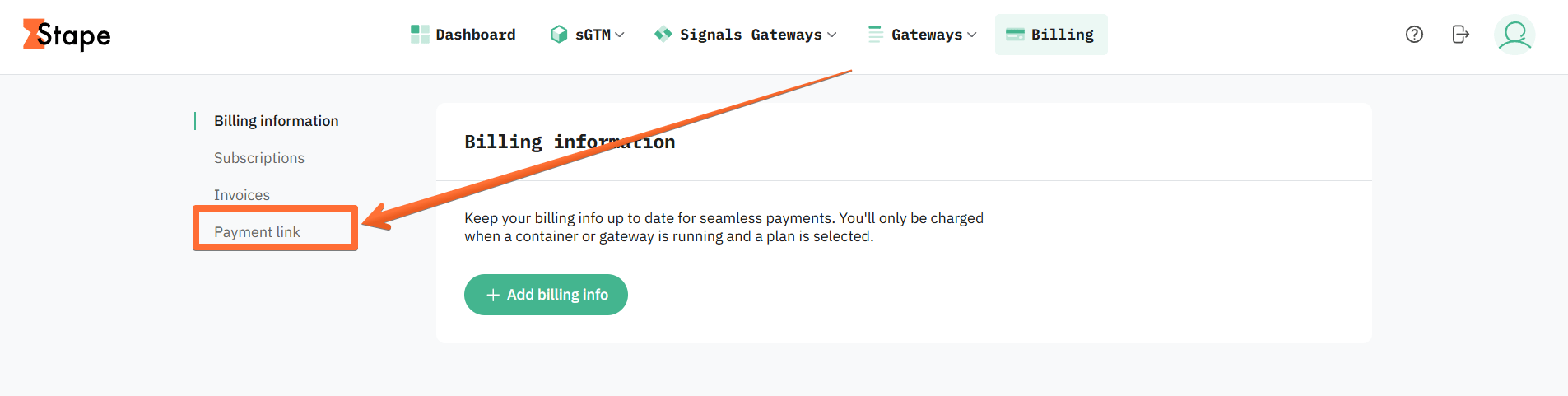
3. Open the Payment link menu.
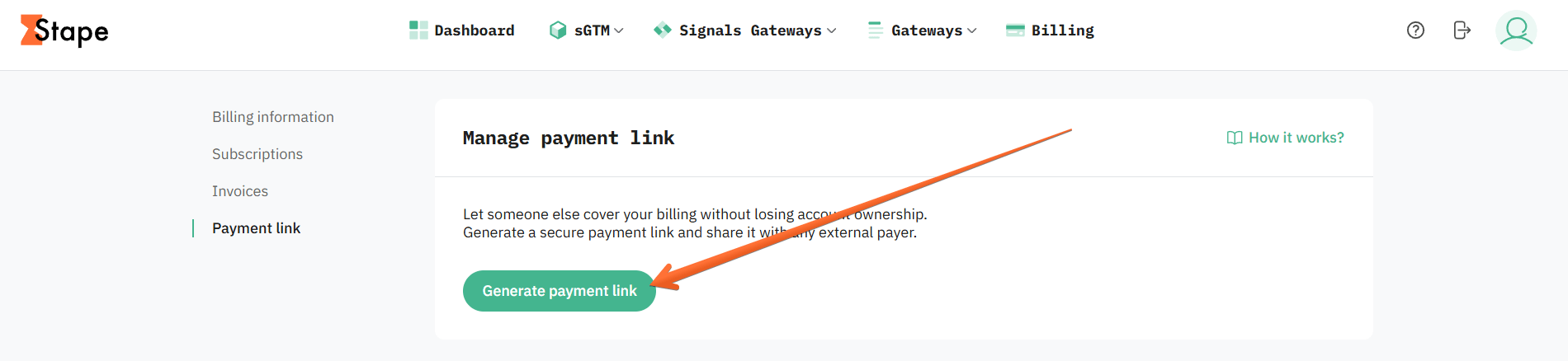
4. Click the Generate payment link button.
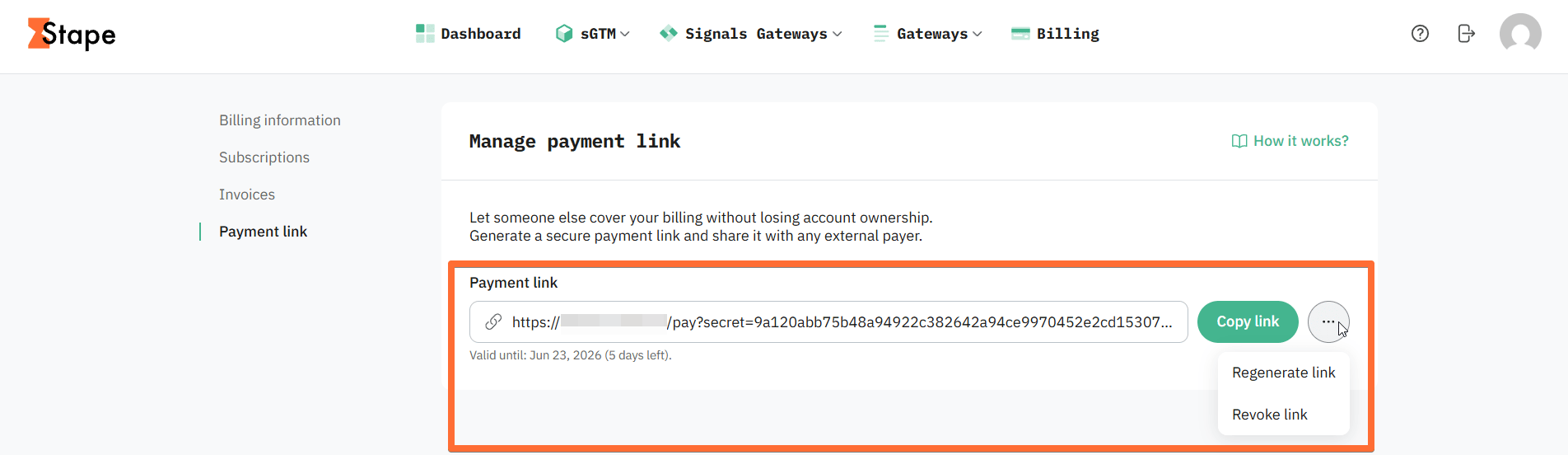
5. You will see a generated payment link. You can copy it, or click three dots to regenerate or revoke the link.
Once the link is generated, send it to your billing contact in your organization, and they will be able to enter all the necessary payment information. They don’t need to have a Stape account to do that.
Please keep in mind that the link auto-expires after 5 days or once a payment method is added.
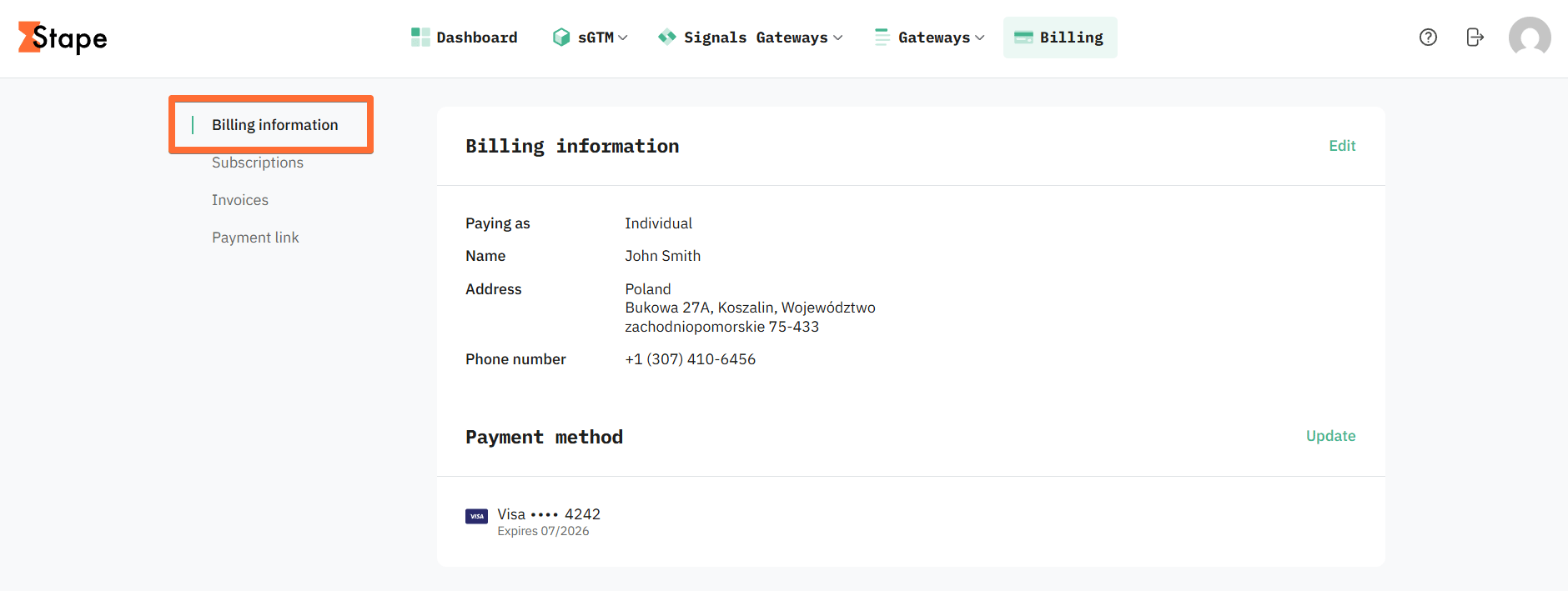
After that, you will be able to view and edit it under Billing information.
Learn more about how to pay through the payment link or how to edit your payment information.
Was this article helpful?
🍽 Table of content:
Comments