How to add an additional billing email
Updated Jul 10, 2026
- 1.In the top menu, click Billing.
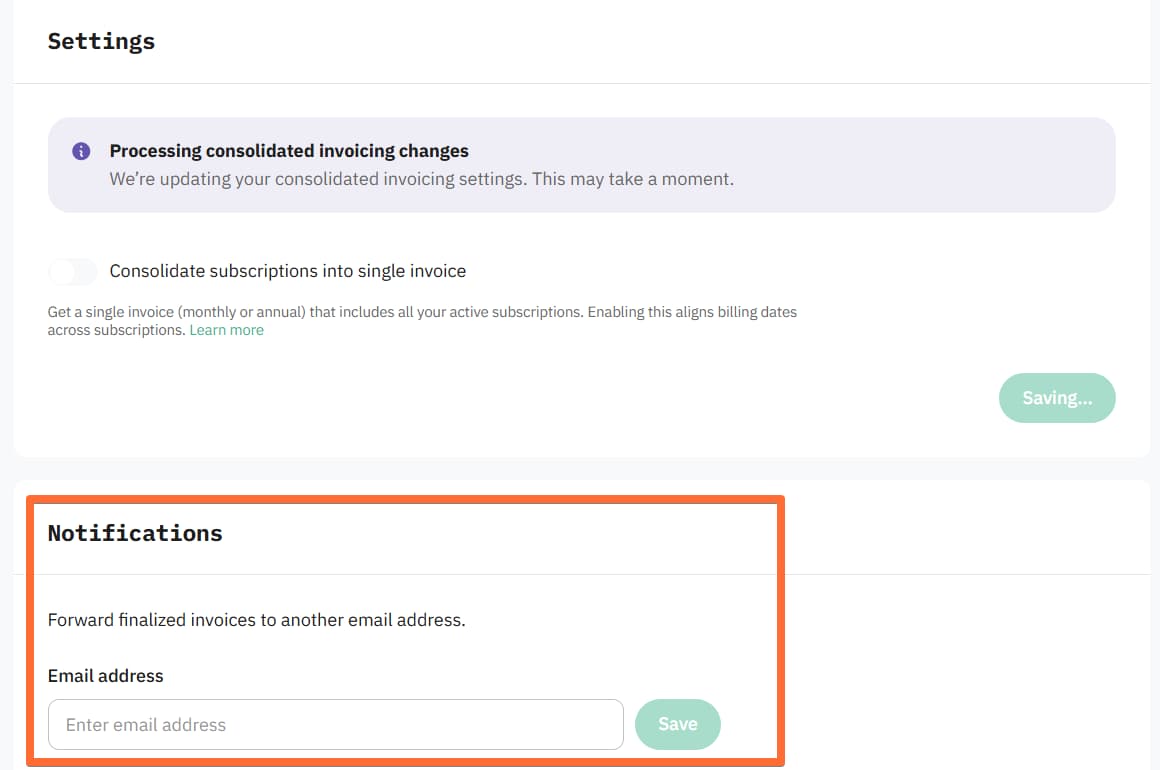
- 2.In the Invoices section, scroll down to Notifications.
- 3.Enter the recipient's email address.
- 4.Click Save.
Was this article helpful?
Subscribe to product updates:
Can’t find what you are looking for?
Comments