How to edit payment information
Updated Aug 12, 2026
1. Log in to your Stape account.
2. Click on the Billing tab.
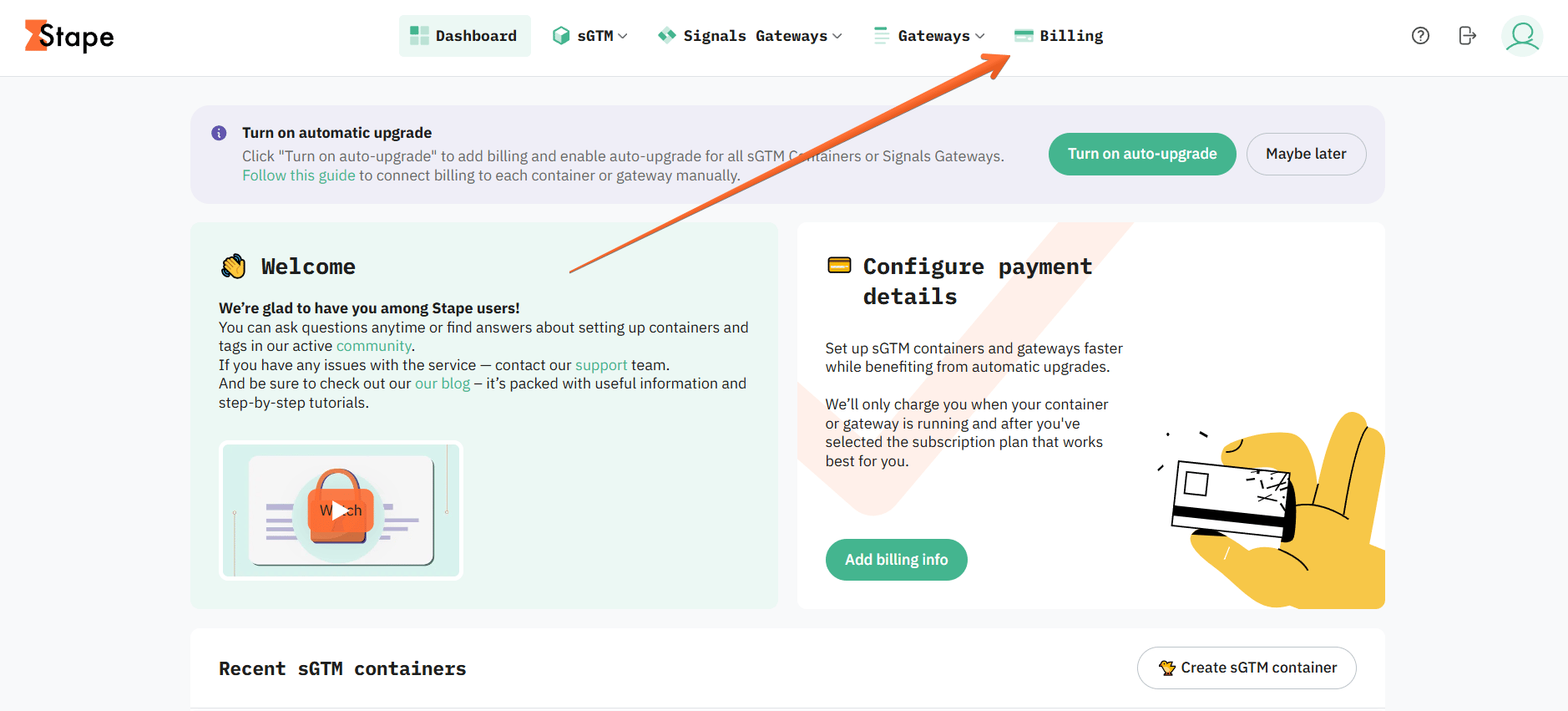
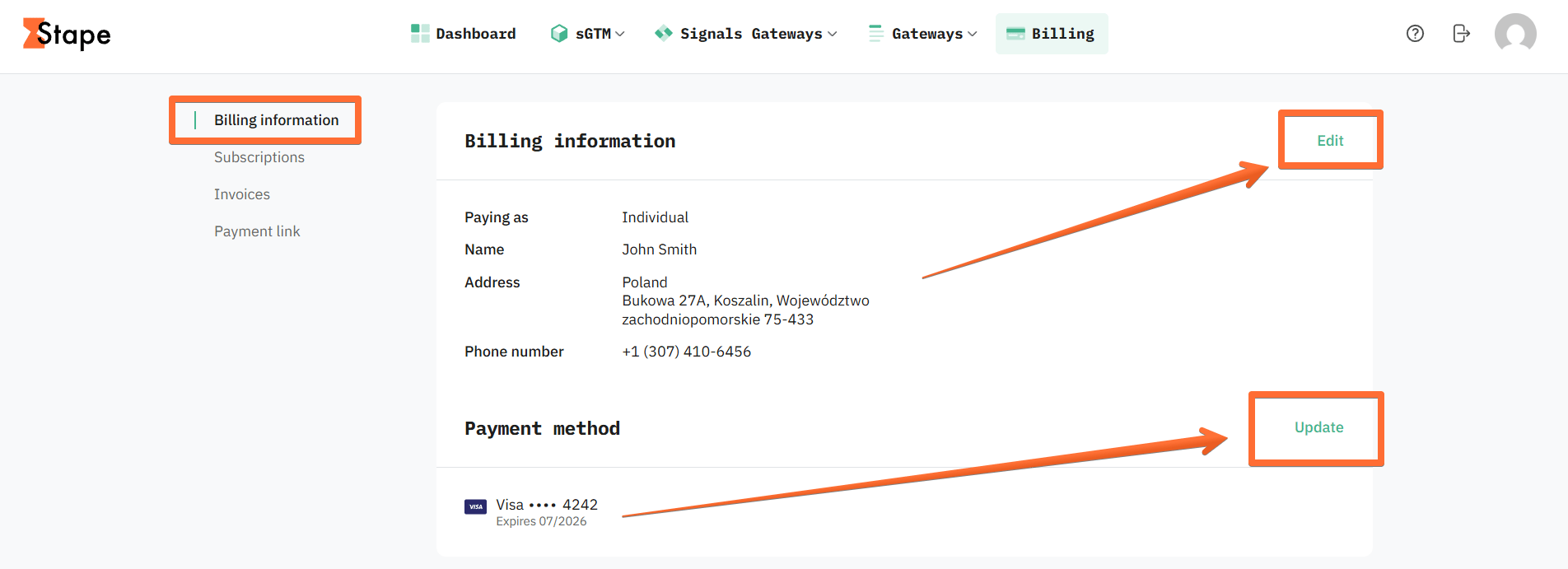
3. In the Billing information menu, you will see your account’s currently active payment info. Click Edit to change billing information, such as payer’s name and address, or Update to enter a new payment method.
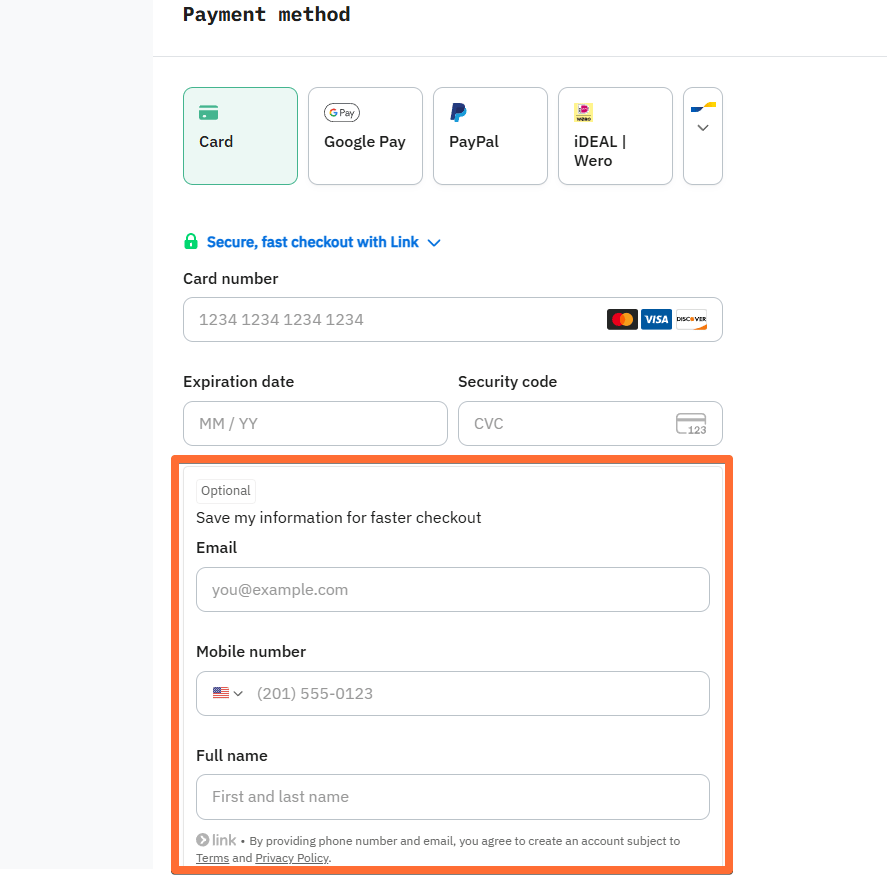
If you add a new card as a payment method, be sure to enter info in the Save my information for faster checkout box to keep your card for future renewals.
Was this article helpful?
Subscribe to product updates:
Can’t find what you are looking for?
Comments