Shared access
Updated Jun 26, 2026
Shared access allows you to grant another Stape user partial control (such as access to products or billing) over your account. Once access is granted, the user can view and manage the products you have shared within your account. Because this provides full administrative privileges, please only grant access to individuals you trust; you can revoke this permission at any time.
Notes:
- You can only grant access to Standard accounts. It isn't possible to grant shared access to Agency and Partner accounts with this feature. To allow Agency/Partner account access to a Standard account, the Standard account must first be added as a client within that Agency/Partner account. Once this is done, the Agency/Partner account can request access and log in as a user. For more information read the Agency account overview or Partner account overview.
- To ensure compatibility, you can only share access with users in the same region. For example, Stape Global users can share access with other Global users, while Stape EU users can share with other EU users.
- If your goal is to manage multiple clients with individual billing, an Agency account is the recommended solution.
How to share access
1. At the top menu click on your profile icon → Account settings.
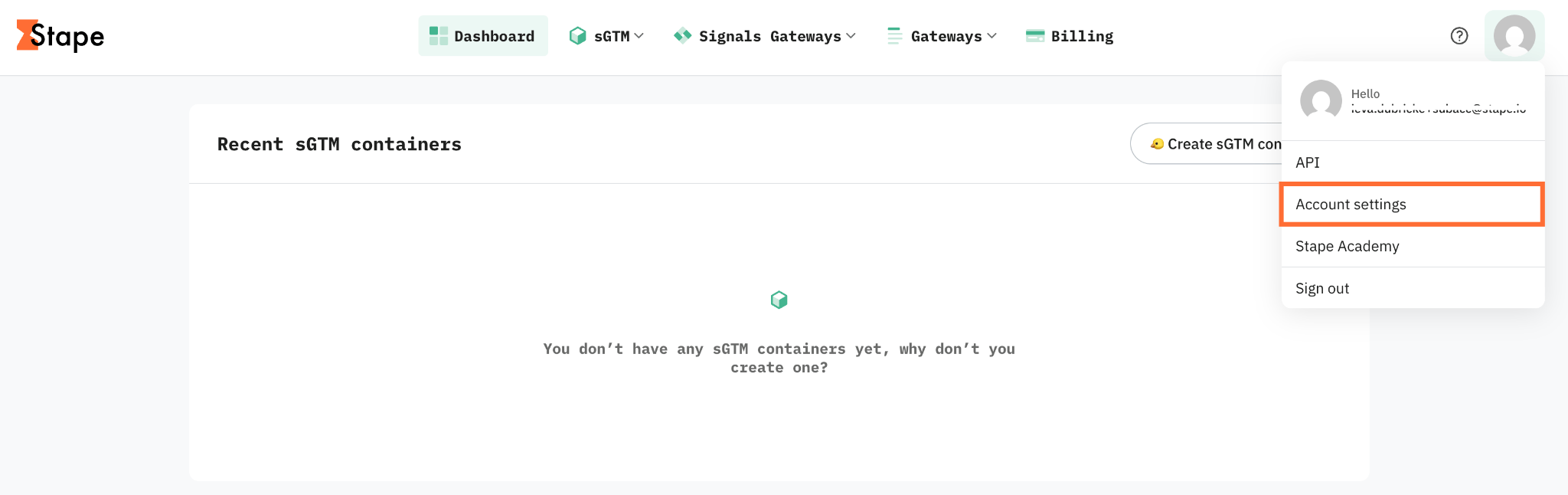
2. Go to the Shared access tab.
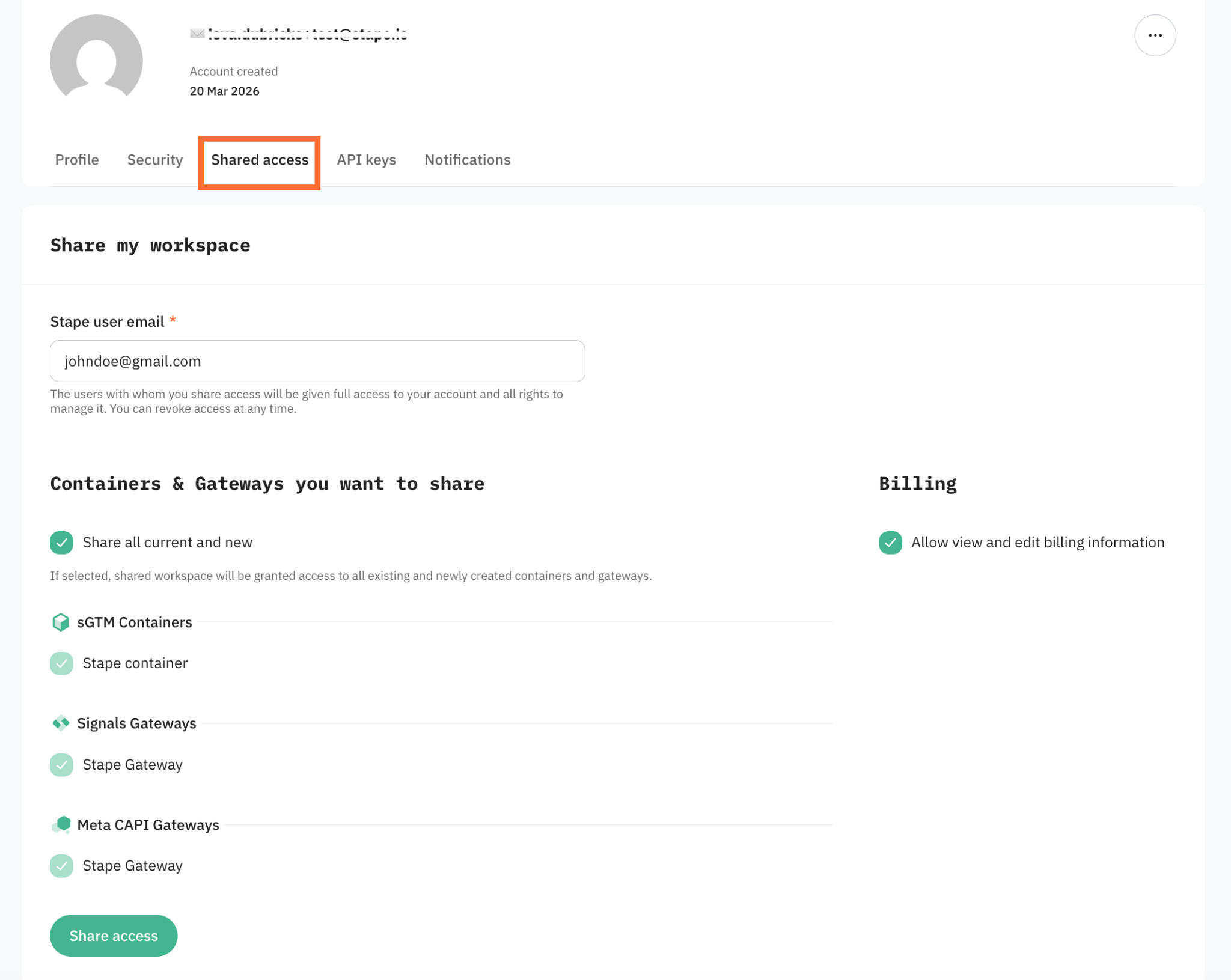
3. Under Share my workspace, enter the Stape user email of the person you want to share access with.
4. Choose what to include:
- Containers & Gateways you want to share – tick the Share all current and new checkbox to grant access to all existing and newly created containers and gateways.
- Billing – tick the Allow view and edit billing information checkbox if the user should also be able to view and manage billing.
5. Click Share access to confirm.
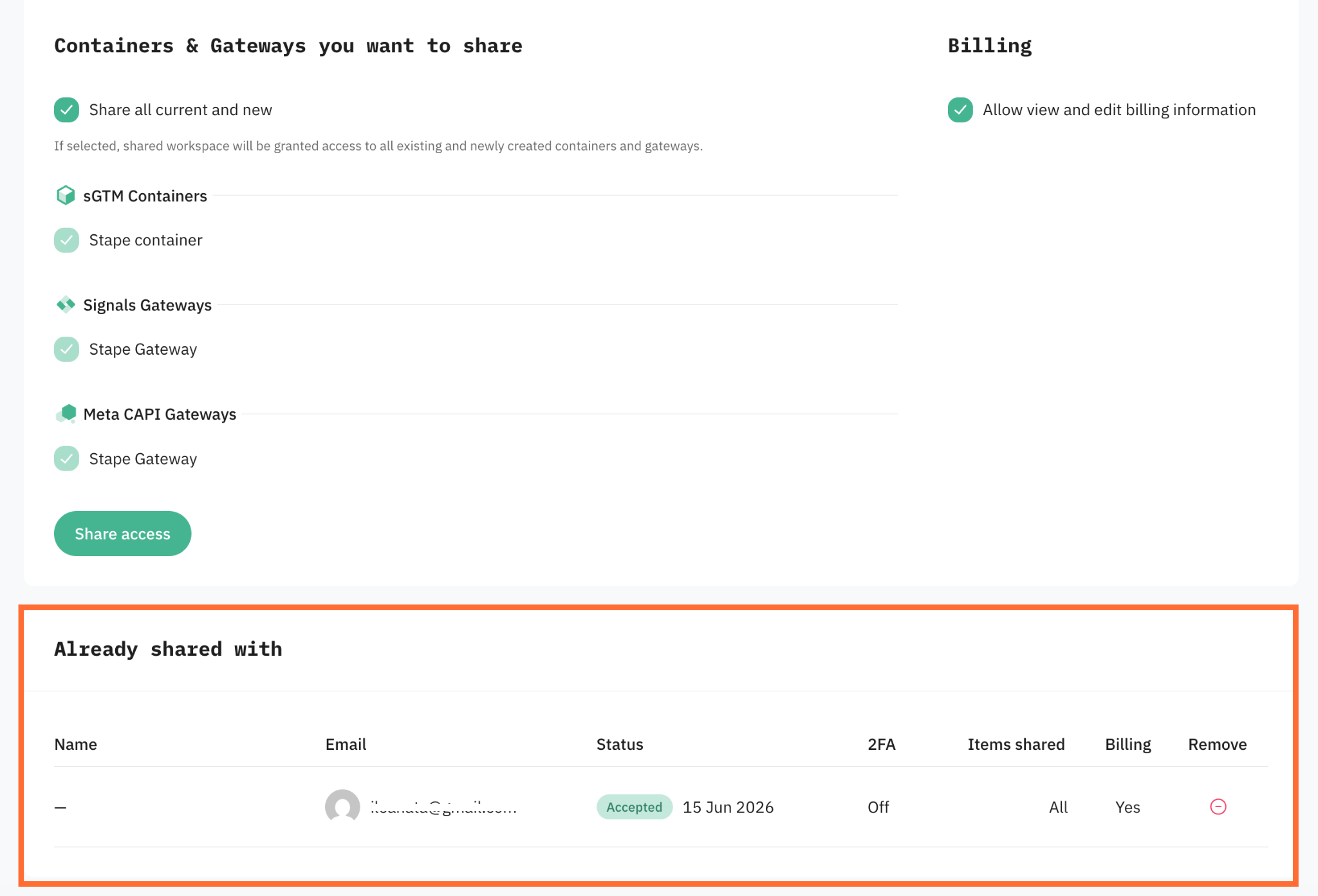
The account with whom you shared the access will be displayed in the Already shared with section.
How to revoke shared access
There are a couple of ways to revoke the access:
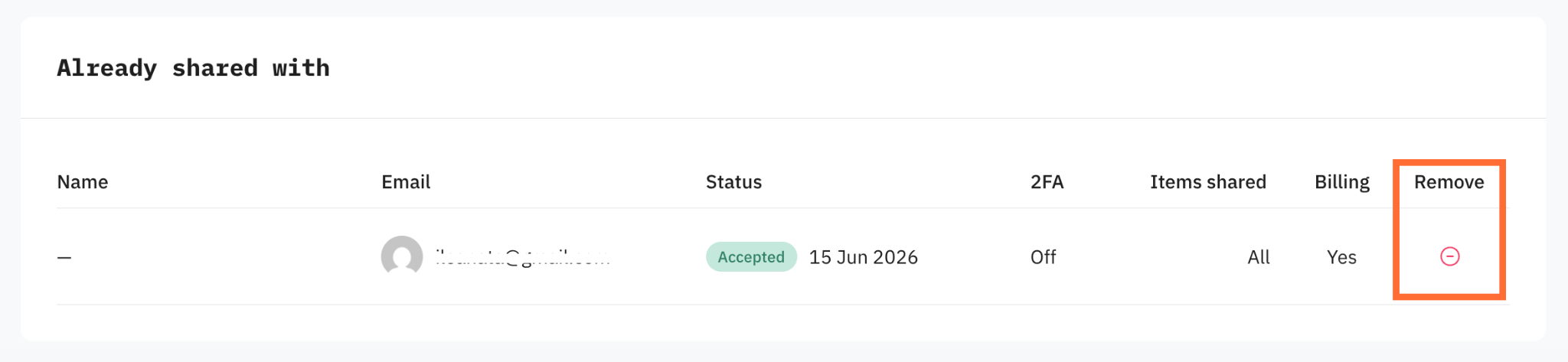
- Remove access (as the account owner) – go to the Shared access tab and click the Remove icon next to the user you wish to remove.
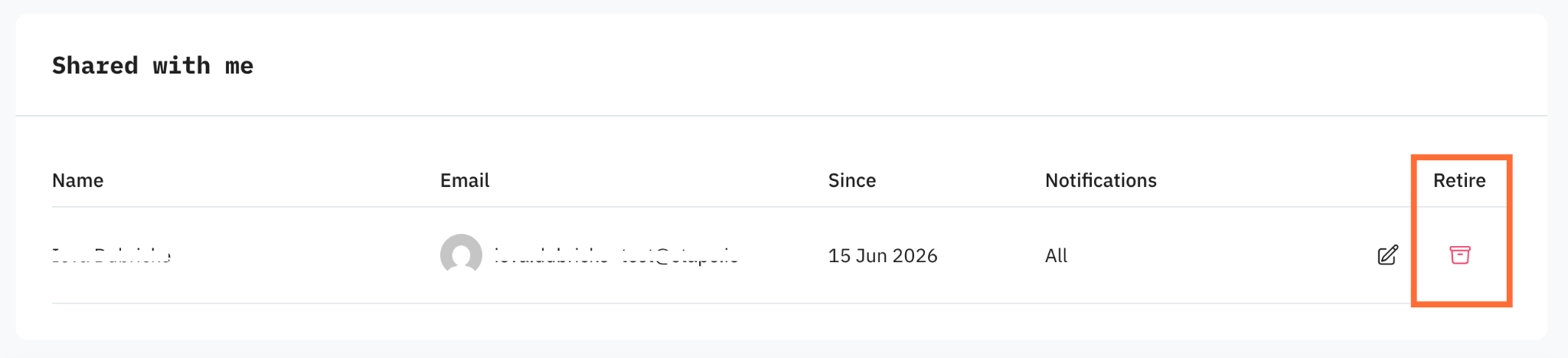
- Retire access (as the user who was granted access) – if you have been granted access to another account, you can step away at any time by clicking the Retire icon in the Shared access tab.
Was this article helpful?
🍽 Table of content:
Comments