Notifications
Updated Jun 26, 2026
Notification settings let you manage which emails and alerts Stape sends you.
To find notifications, at the top menu click on your profile icon → Account settings → Notifications tab.
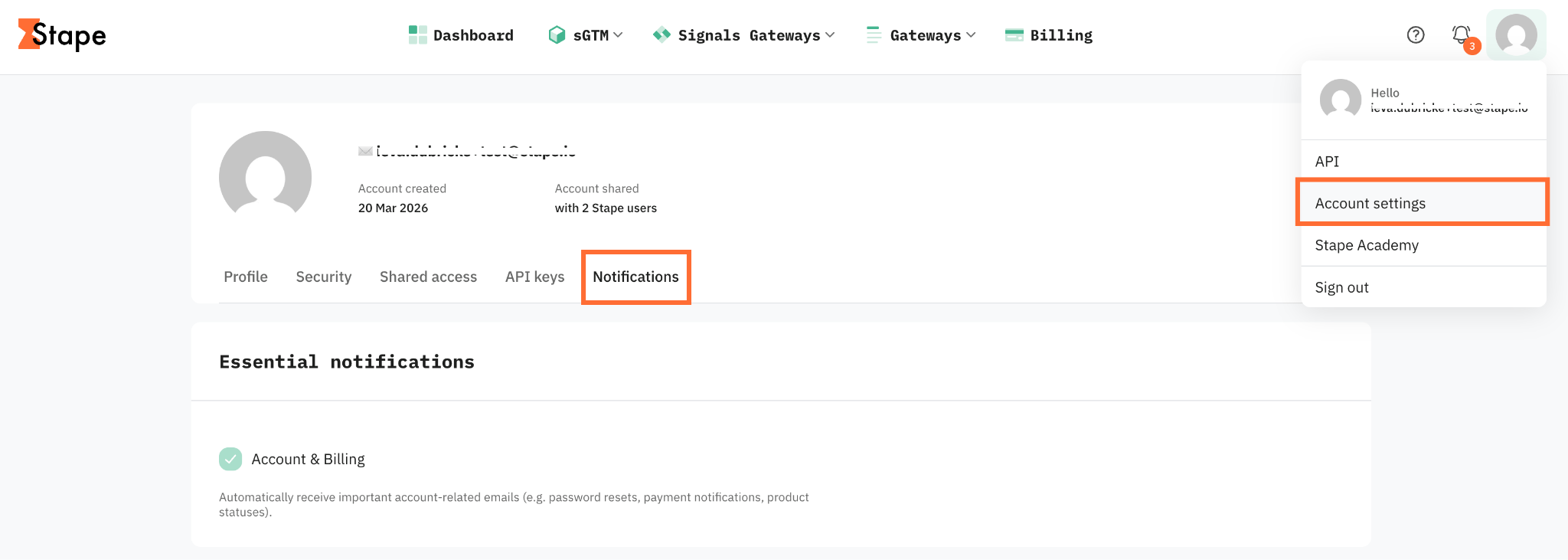
Essential notifications
Essential notifications provide you with the most important updates regarding your account and services. Because these alerts contain critical information to keep your account secure and running smoothly, they remain active at all times.
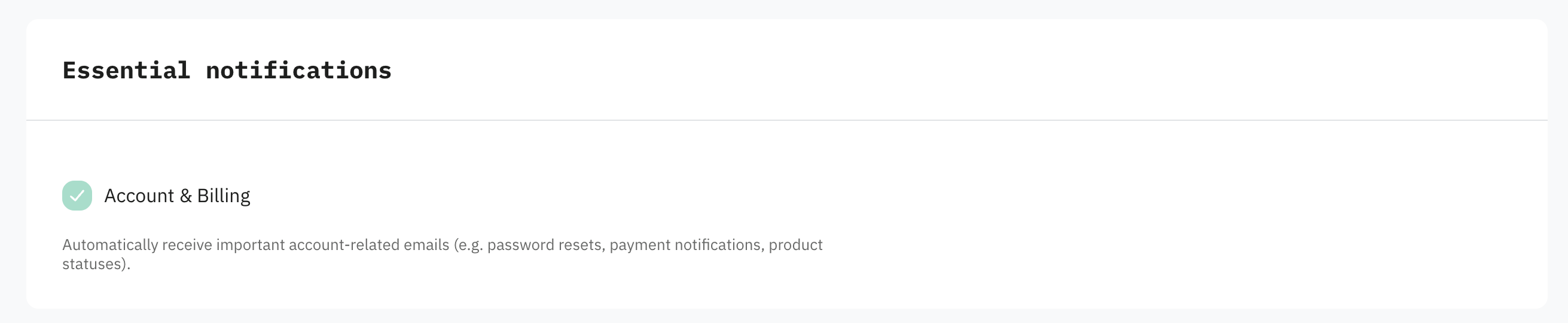
Account & Billing – you automatically receive important account-related emails, including:
- Billing and payment notifications (e.g. failed payments, invoices).
- Service limit and product status updates.
- Account security changes – password changes, two-factor authentication (2FA) status, and email address updates.
- System notifications.
Note:
These notifications can be turned off by unsubscribing from them via email when you receive one of these messages. Once turned off, you need to contact support to turn them back on.
Marketing preferences
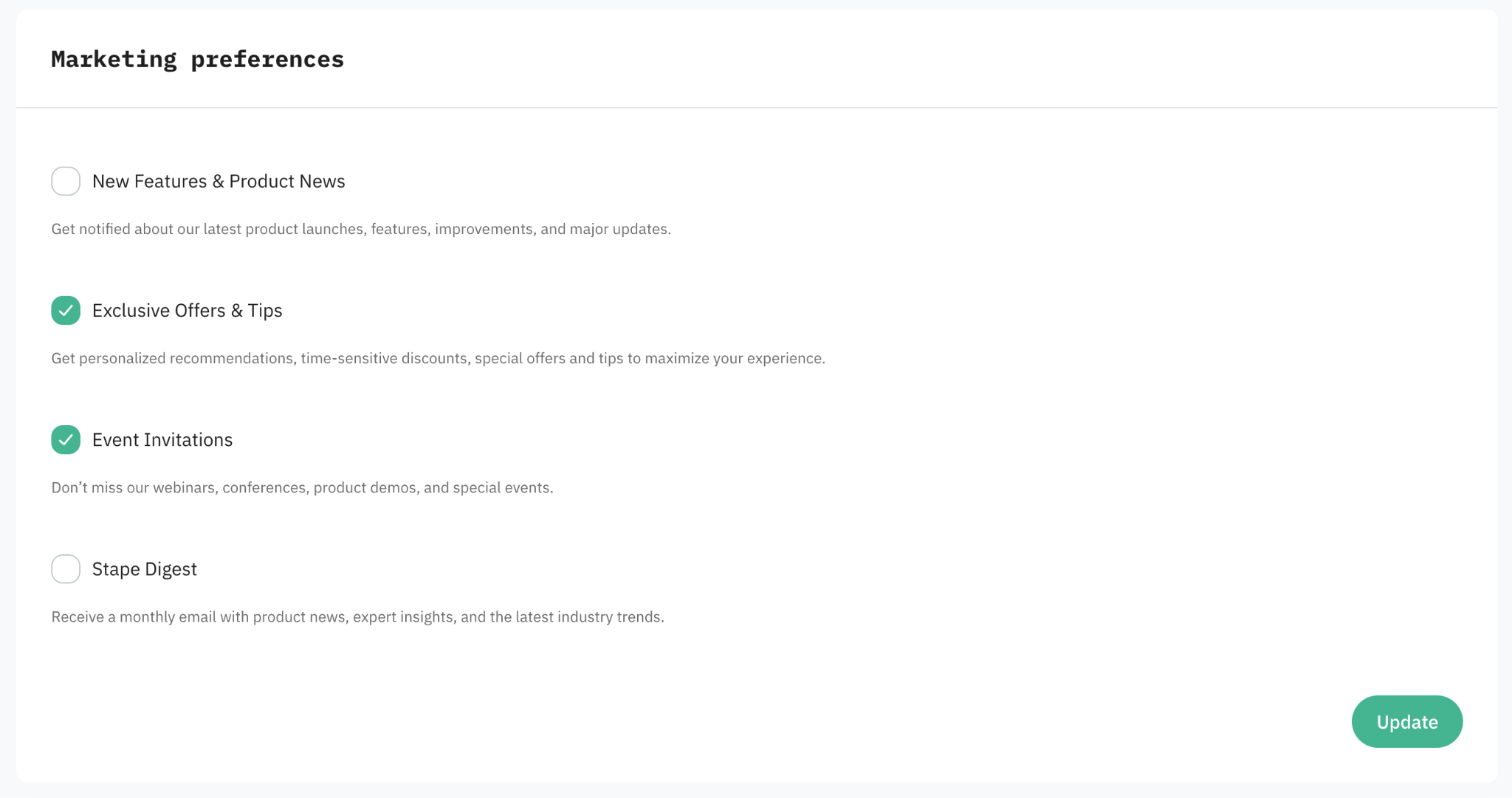
Marketing preferences are entirely optional. Check each one on or off to choose whether Stape sends you marketing materials, non-essential product updates, and promotional content.
- New Features & Product News – get notified about our latest product launches, features, improvements, and major updates.
- Exclusive Offers & Tips – get personalized recommendations, time-sensitive discounts, special offers, and tips to maximize your experience.
- Event Invitations – don't miss Stape webinars, conferences, product demos, and special events.
- Stape Digest – receive a monthly email with product news, expert insights, and the latest industry trends.
After ticking the checkboxes, click Update.
Was this article helpful?
🍽 Table of content:
Comments