Account API keys
Updated Aug 12, 2026
The account API key is used as the authorization token for Stape API requests.
With it, you can interact with the Stape API programmatically and automate tasks such as managing container settings, accounts, and subscriptions directly from your scripts, services, or integrations.
Read more about how to use the Stape API.
Note:
Stape allows a maximum of 10 active API keys per account. If you reach the limit, you'll need to delete an existing key before you can create a new one.
How to create an API key
1. At the top menu click on your profile icon → Account settings.
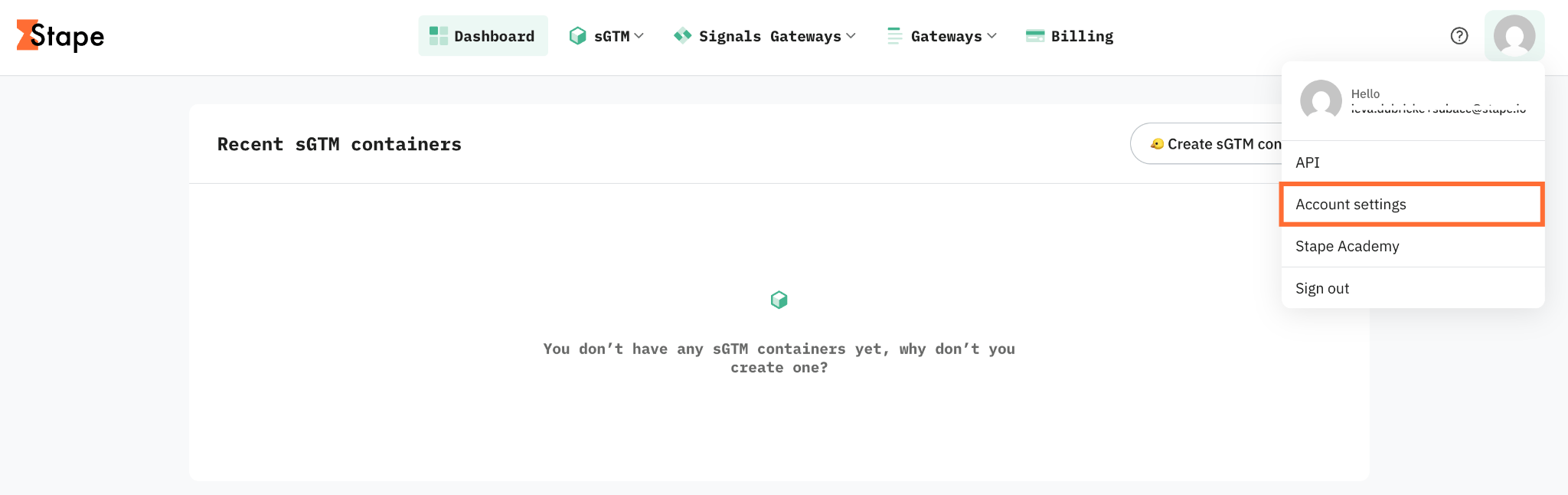
2. Go to the API keys tab.
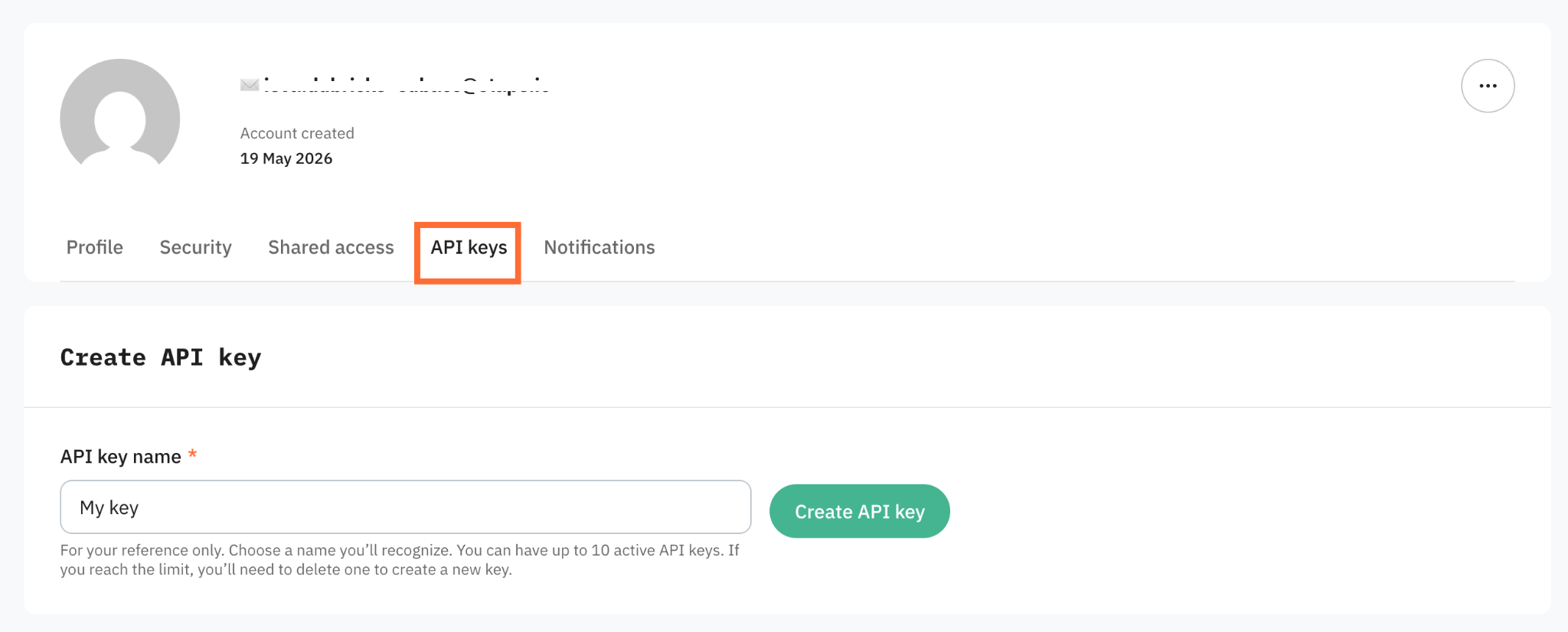
3. In the Create API key section, enter an API key name. Choose something you'll recognize later, such as the integration or script that will use the key.
4. Click Create API key.
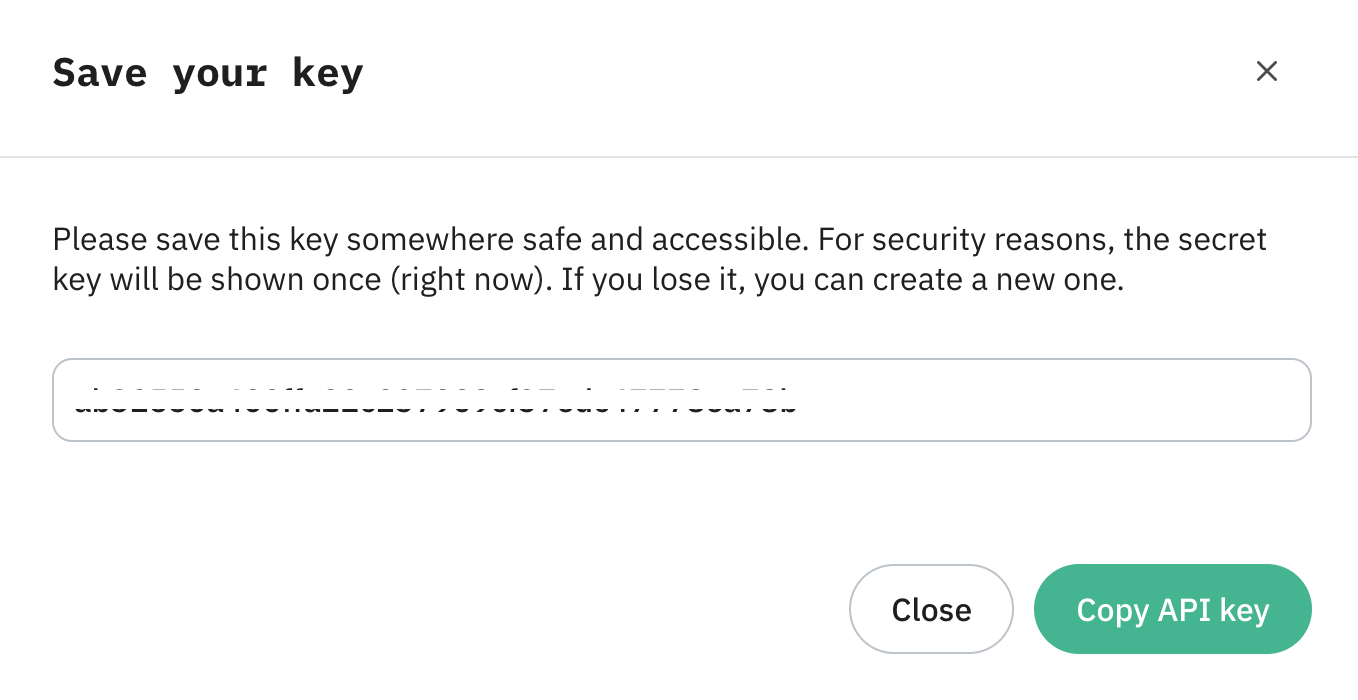
5. Copy the full key token immediately and store it somewhere secure.
Important:
The full key token is shown only once, at the moment you create it. After you close or leave the page, the dashboard masks the key and displays only the last few characters for identification. If you lose the token, you can't recover it – you'll need to delete the key and create a new one.
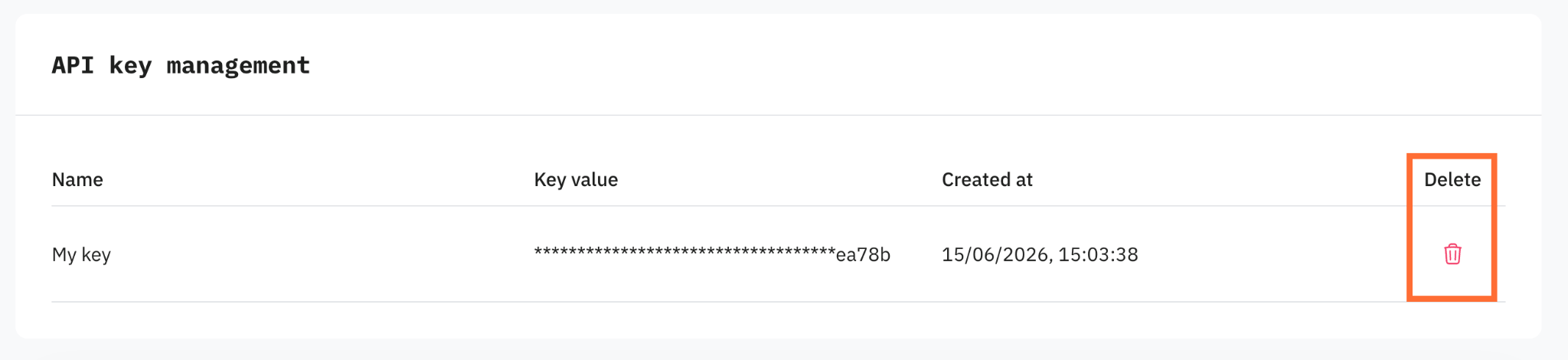
To delete a key, click the Delete icon:
Was this article helpful?
🍽 Table of content:
Comments