Meta connection
Updated Aug 7, 2026
The Meta connection automates the data flow between your sGTM container and Meta Custom Audiences. It works with the Meta Custom Audiences tag, syncing first-party user data from the server so you don’t need to rely on static CSV uploads anymore. This approach significantly improves your match rates by bypassing browser limitations and ad blockers that often impact tracking. Once configured, you can dynamically add or remove users from your audiences based on real-time website events, ensuring your custom audiences remain constantly up-to-date.
The Meta connection is available for sGTM containers on the Pro subscription plans and higher.
How it works
- 1.
- 2.Enable the Meta connection inside your Connections dashboard.
- 3.Set up the Meta Custom Audiences tag.
- 4.Stape securely handles the Meta OAuth tokens, removing the need for you to manually generate and manage Meta System User access tokens inside your sGTM container.
- 5.The data flows from Stape to Meta through the connection. Audience syncing happens in real-time, automating what would otherwise be manual CSV exports, formatting, and uploads.
Before you begin
Ensure you have the Meta Business account with Advertiser or Admin permissions.
How to connect Meta
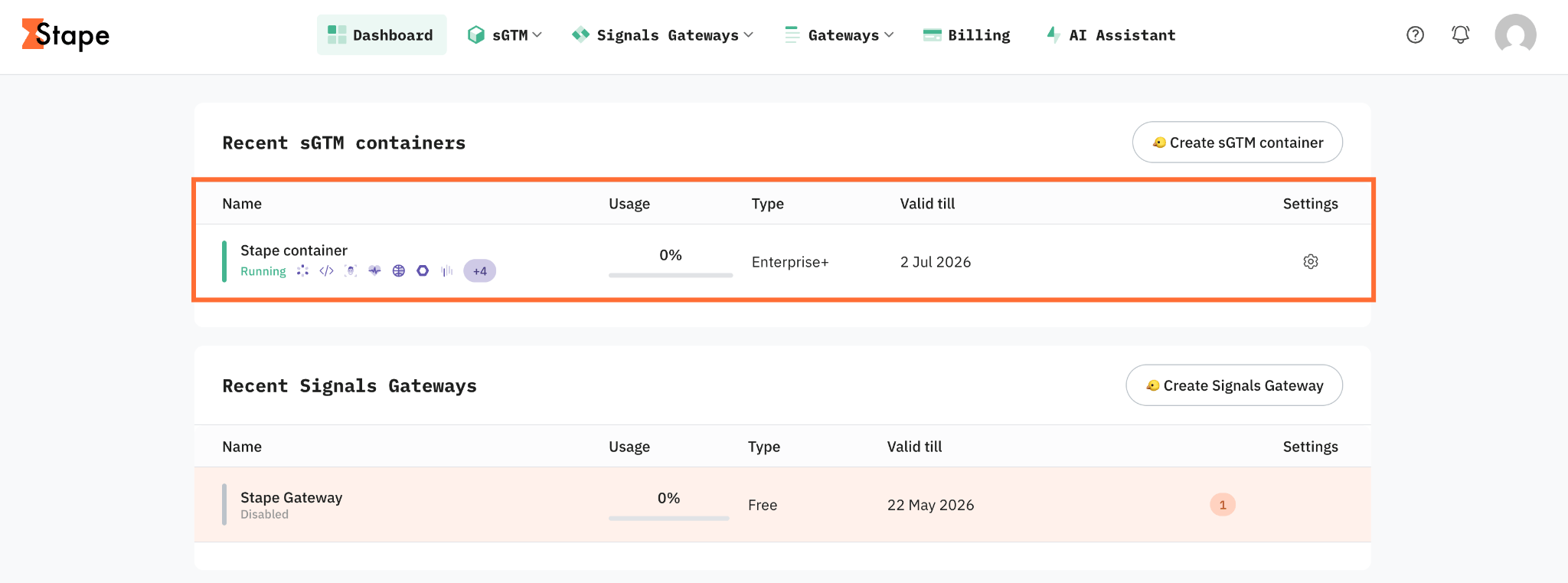
- 1.Log in to your Stape account and select your sGTM container from the dashboard.
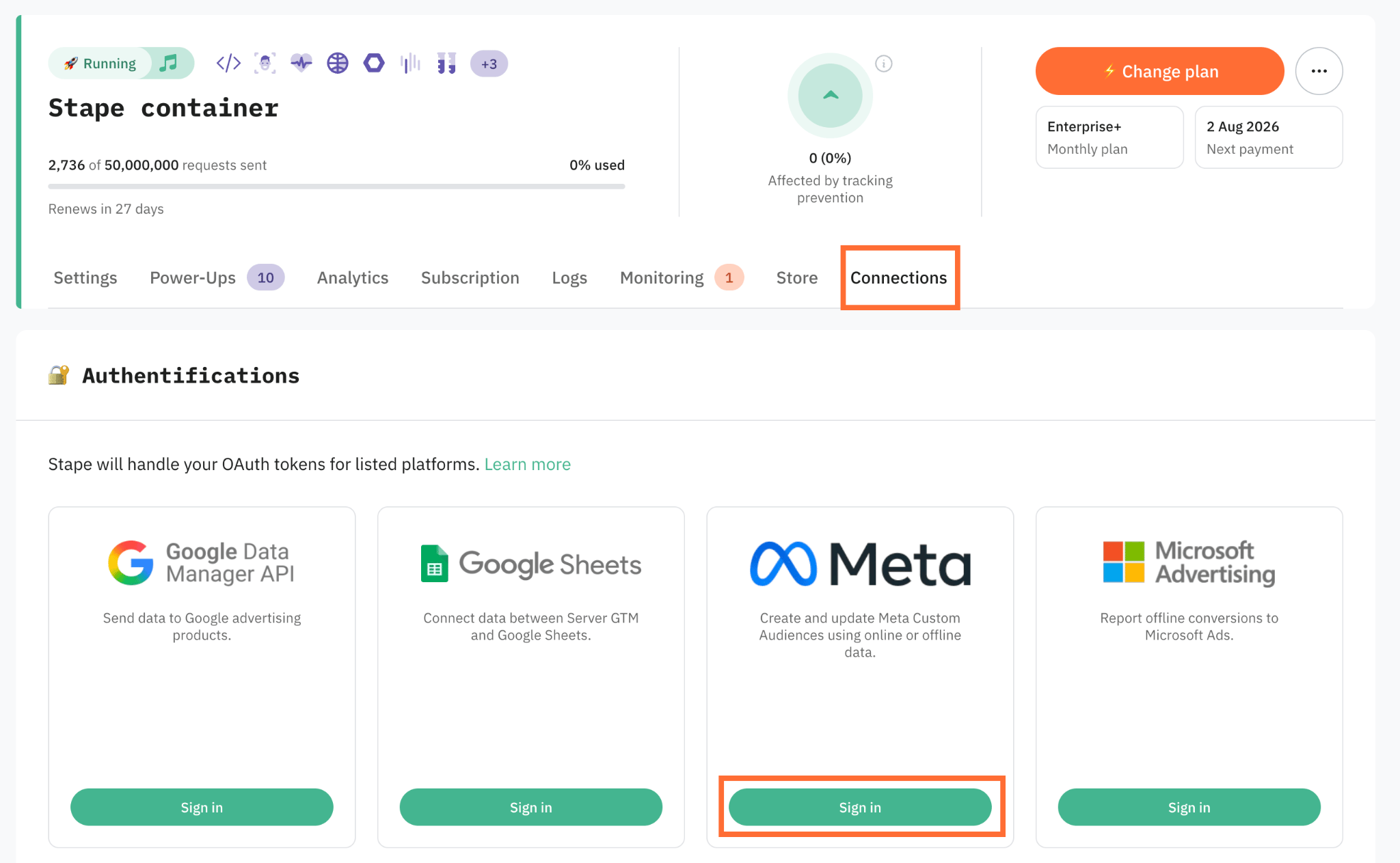
2. Click the Connections tab.
3. Click Sign-in in the Meta section.
4. Sign in with your Meta Business account.
5. Set up the Meta Custom Audiences tag.
How to verify the connection
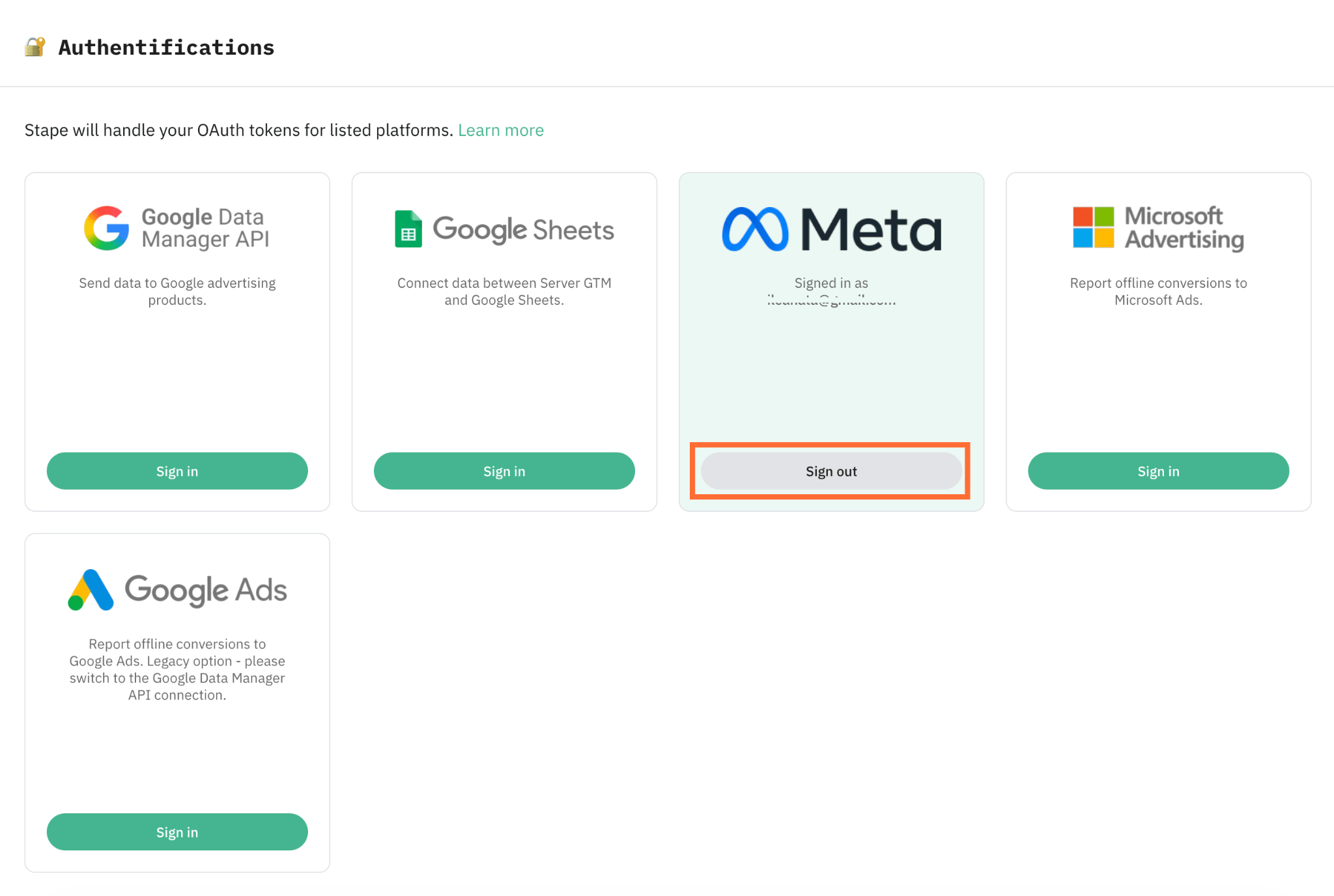
- In Stape – the Meta connection shows you as signed-in.
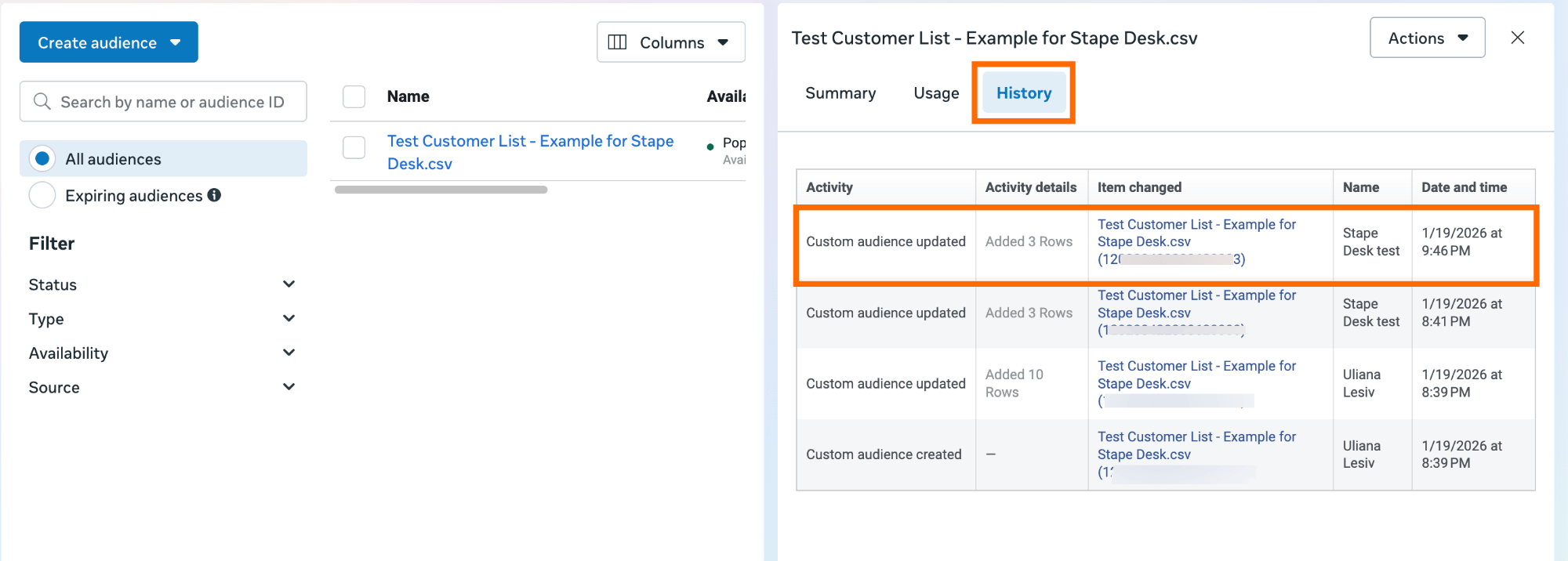
- In Meta – open Meta Ads Manager → Audiences → History, and confirm the target custom audience shows a recent update and a populated audience size.
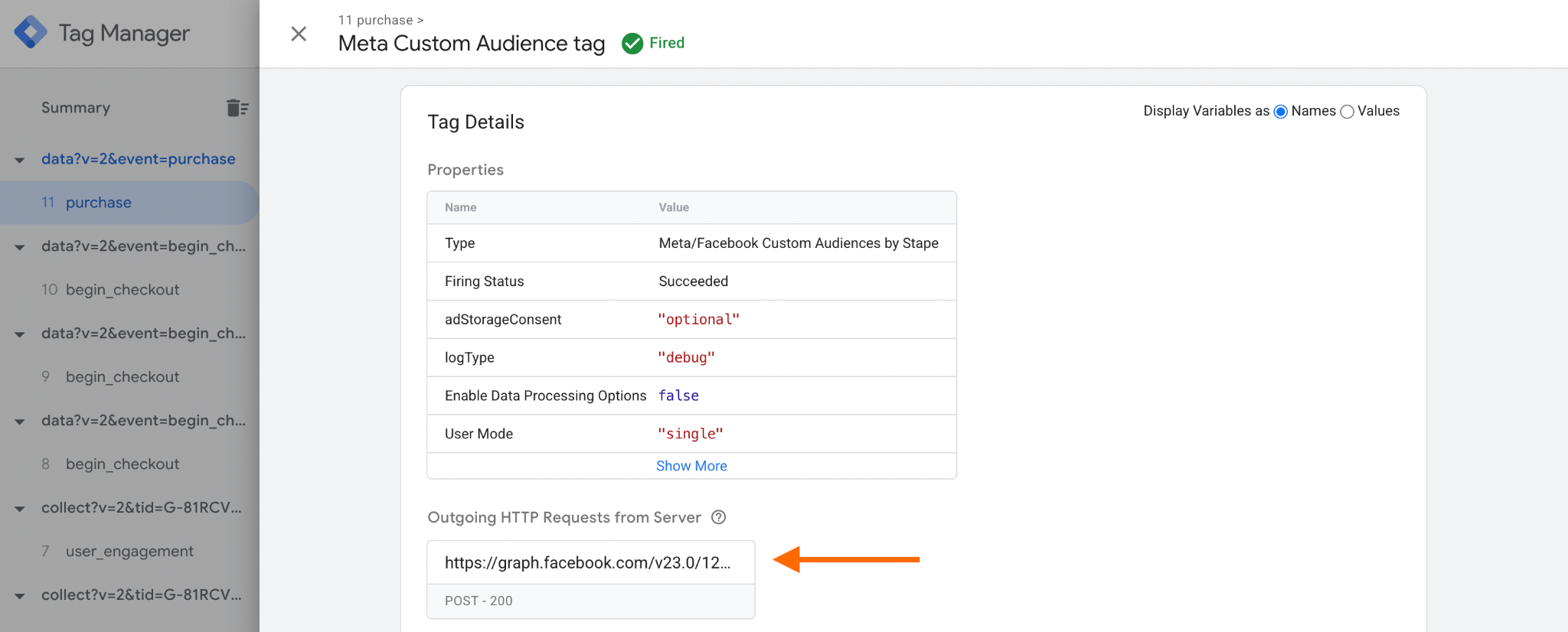
- Test – in Google Tag Manager open the sGTM Preview Mode and perform some actions on your website (such as making a purchase) to trigger an event. Select your Meta Custom Audience tag and inspect the outgoing HTTP request. If the API returns a 200 OK status with no error messages, the connection is successful and Google is processing your data in the background.
How to disconnect or reconnect
- Disconnect – click the Sign out button on your connection. This revokes Stape's stored token for that connection.
- Reconnect – click Sign in again and complete the authorization flow. Reconnecting replaces the previously stored credentials.
Troubleshooting
The access was revoked or the token is expired
Because Meta uses persistent access tokens instead of standard OAuth 2.0 refresh tokens, your connection may disconnect if the token expires. To fix this, click the Sign-in button and re-authorize your account.
Wrong account was selected
Disconnect the platform by clicking Sign out, then click Sign in again and choose the correct account with access during the authorization step.
Data isn't appearing in the destination
Check the following:
- Confirm the Meta Custom Audiences tag is installed and configured.
- The connection status in the dashboard is Signed-in.
- The signed-in account has the advertiser or admin permissions.
Was this article helpful?
🍽 Table of content:
Comments