How to delete Signals Gateway
Updated Oct 26, 2026
Warning:
Deleting a gateway is permanent. All pipelines, data sources, destinations, and configuration will be removed. Events Manager will no longer receive server-side events through this gateway after deletion. Make sure you have removed or updated any Pixel code or GTM tags on your website or GTM tag if you added signals pixel code via GTM before deleting. they’ll continue trying to reach a gateway that no longer exists.
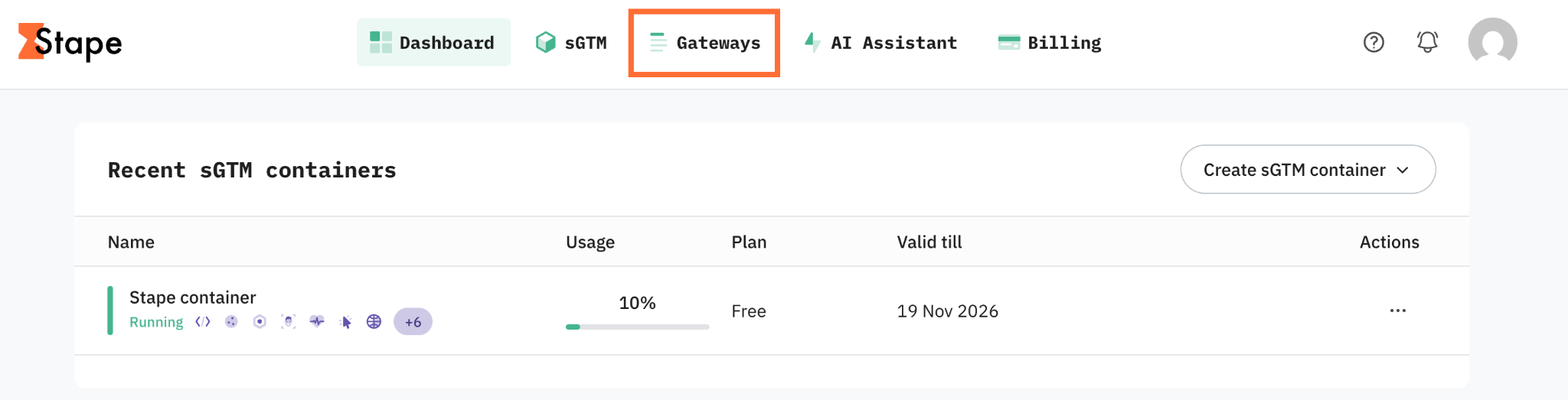
1. Log in to your Stape account and click Gateways → click on your gateway in the dashboard.
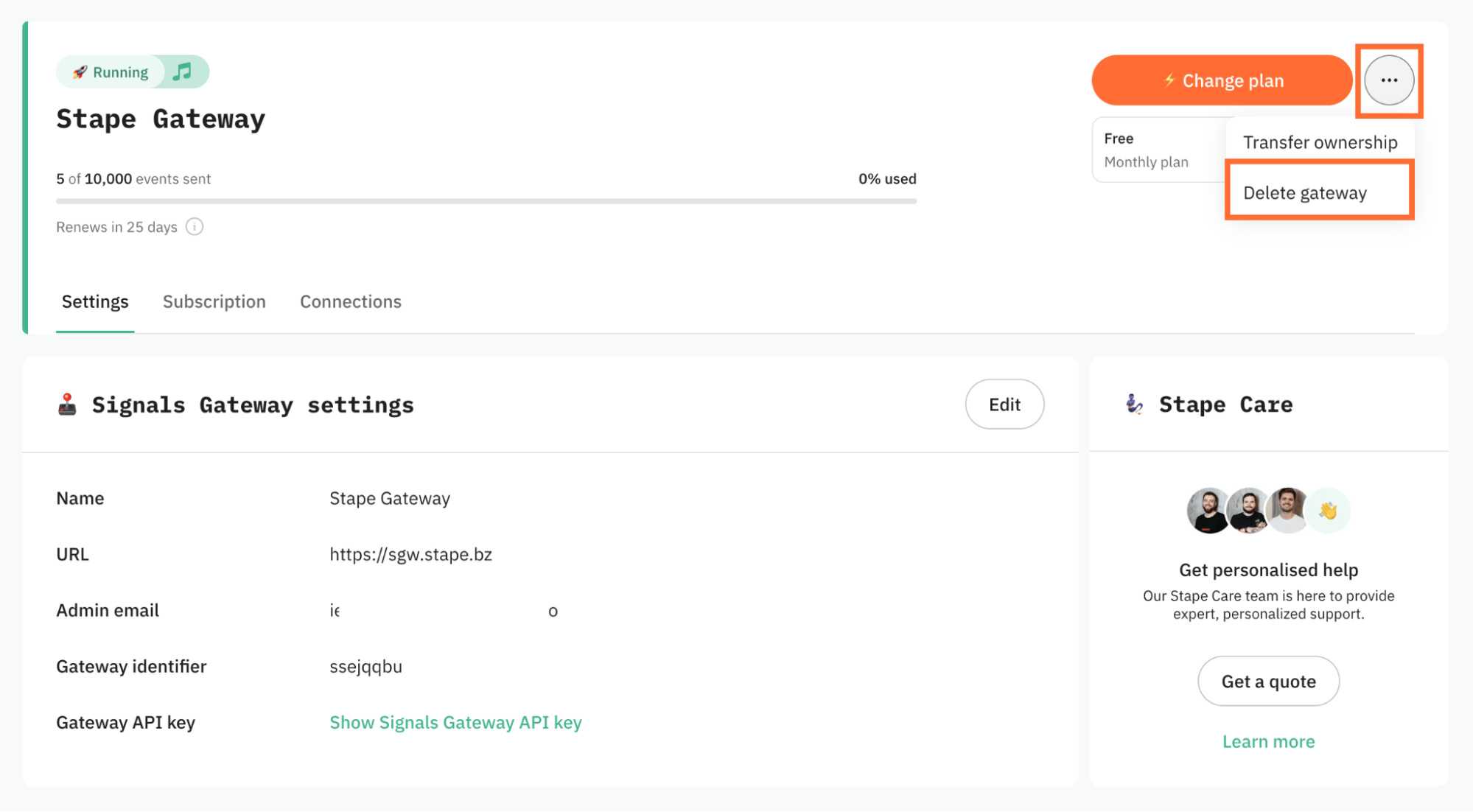
2. Click the three dots menu in the top-right corner of the gateway, and click Delete gateway.
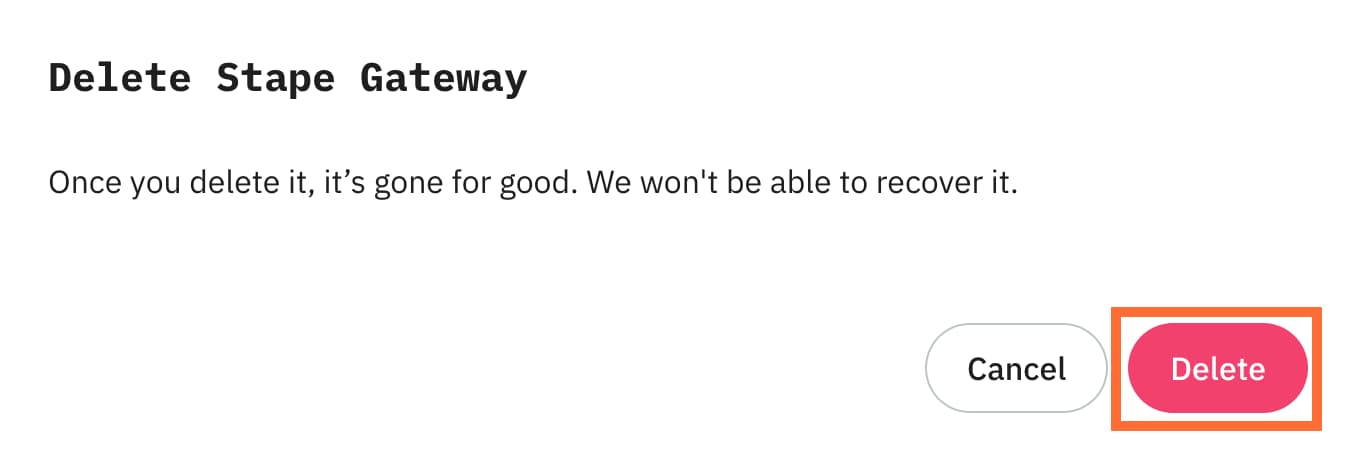
3. Click Delete.
Was this article helpful?
Subscribe to product updates:
Can’t find what you are looking for?
Comments