How to connect billing
Updated Jun 4, 2026
Before you begin
You should have billing info saved on your account. To add billing, see the How to add billing info to your account article. For gateways, you'll be requested to connect billing information during the purchase.
Connect billing to an sGTM container
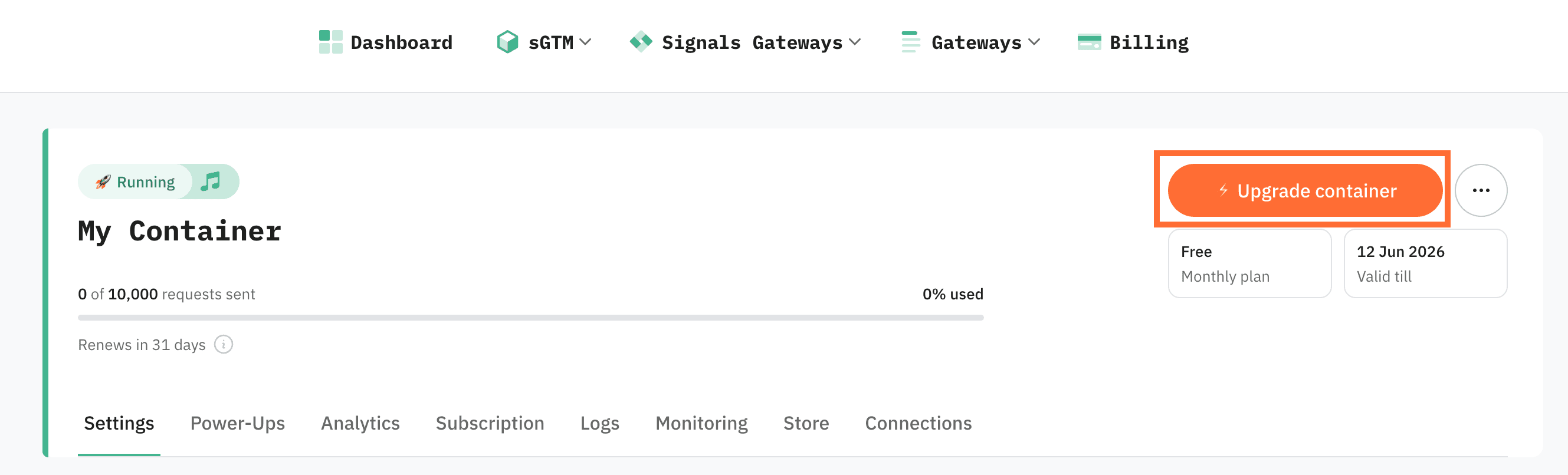
1. Open the container you want to upgrade.
2. In the top right corner, click Upgrade container.
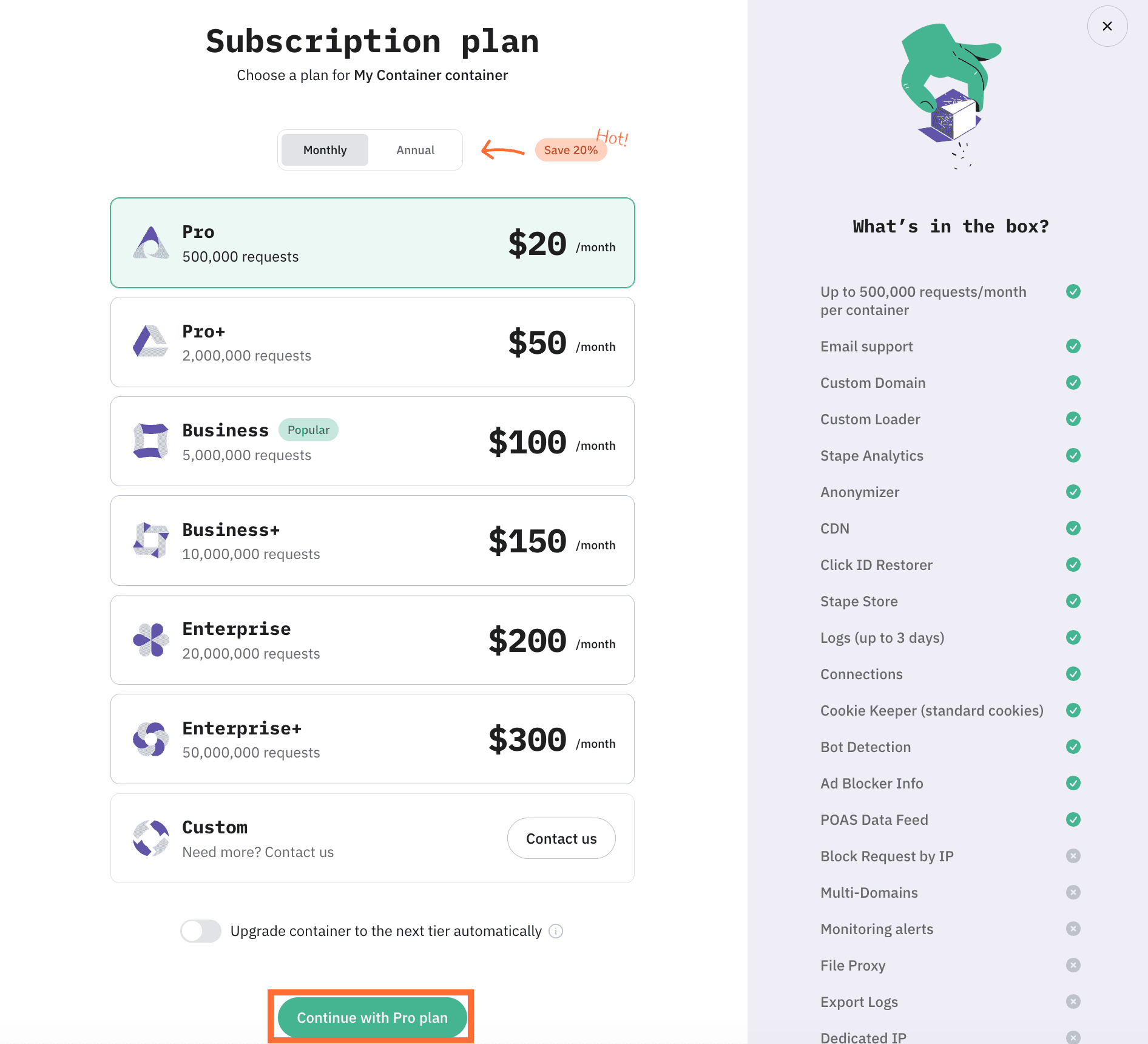
3. Select the plan tier you want and click Continue.
4. Review the card. It's the default card from your account billing. To pay with a different card, click Update and either pick another saved card or add a new one. If you haven't added it yet, please add the card at this step.
5. Click Subscribe now to confirm. Stape creates the subscription and starts charging the selected plan immediately.
🍽 Table of content:
Subscribe to product updates:
Can’t find what you are looking for?
Comments