How to add clients to your Partner account
Updated Jun 23, 2026
There are few methods to add a client to your Partner account on Stape:
- Create a new account for the client
- Link an existing Stape user
- Share your referral link
- Contact support
Important:
Stape has two locations: EU and Global. If you work with clients in both locations, you need two separate Partner accounts – one per location. For more information read Partner account overview.
Create a new account for the client
Use this method when the client doesn't have a Stape account yet and you want to set one up for them. The same instructions can be used both in the Dashboard and Users tab.
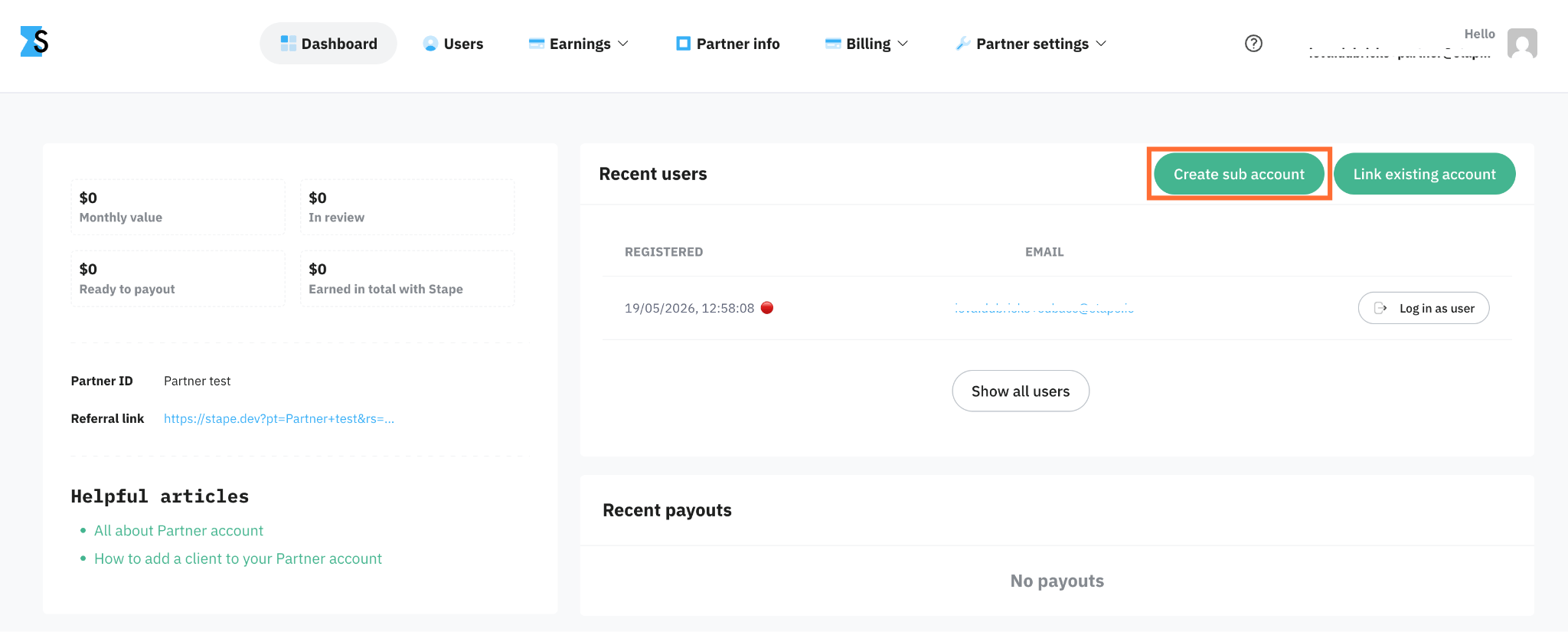
1. Open your dashboard.
2. Click Create sub account.
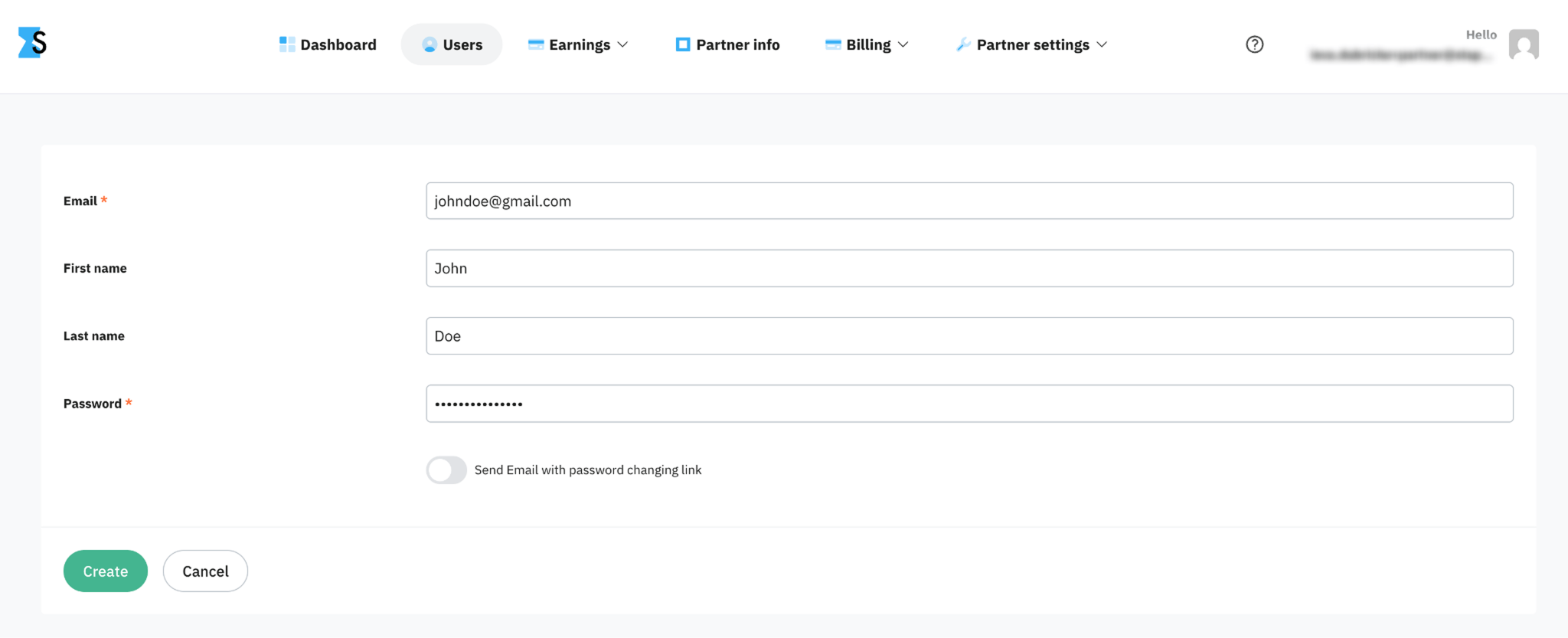
3. Enter the client's email for the new account.
If you wish to let your client change the password right after creating the account, toggle Send Email with password changing link.
4. Click Create.
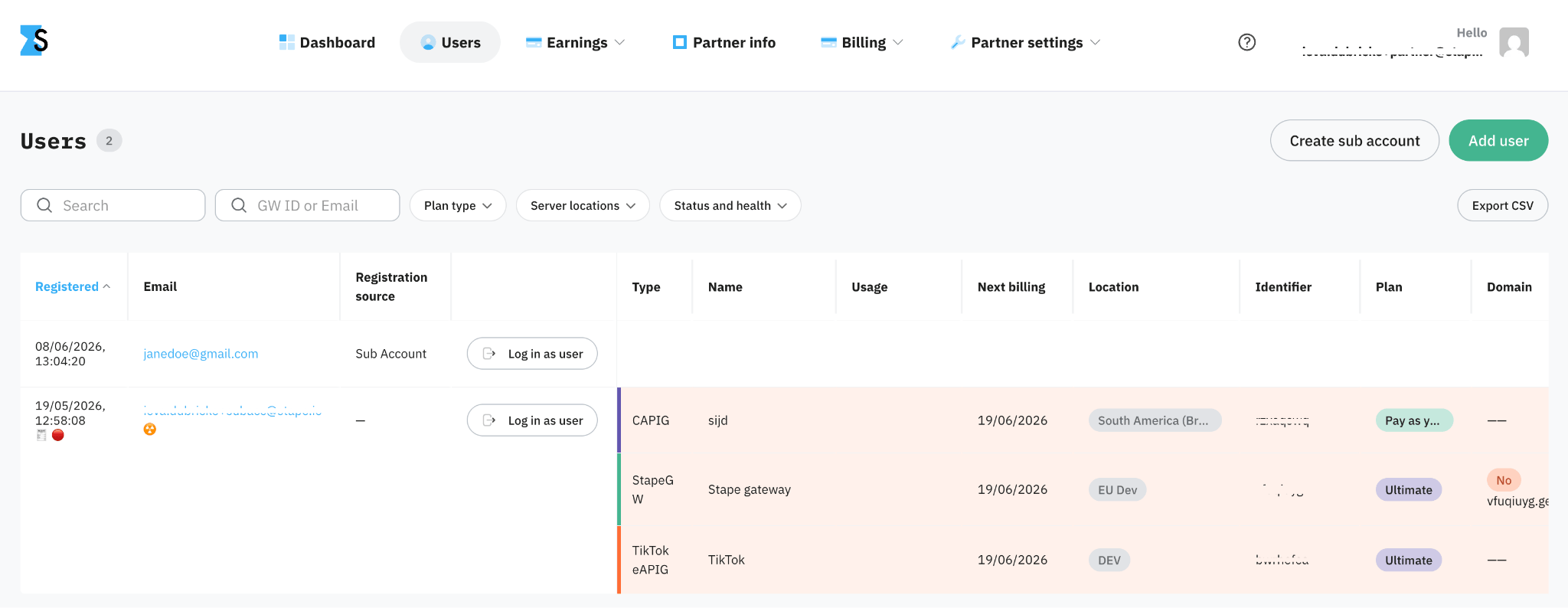
5. The new sub account appears in your Users list and is linked to your Partner account. You're automatically granted access to the account, and you can log in as a user right away.
Link an existing Stape user
Use this method when the client already has a Stape account and you want to add them to your Partner account. The same instructions can be used both in the Dashboard and Users tab.
Important:
This method only works if the client signed up less than 7 days ago and isn't already linked to another agency or partner. If the client's account is older than 7 days – they should email support and ask to be added to your partner account.
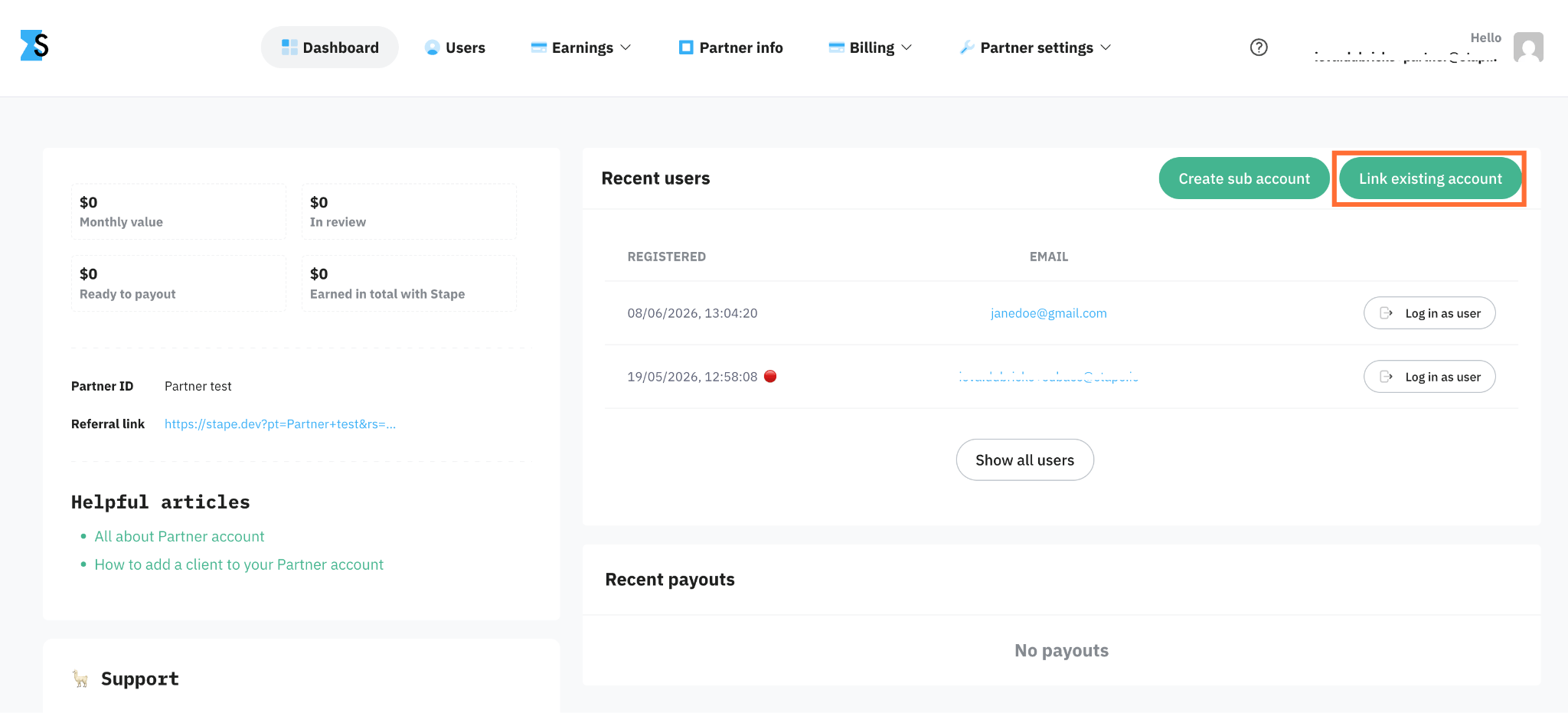
1. Open your dashboard.
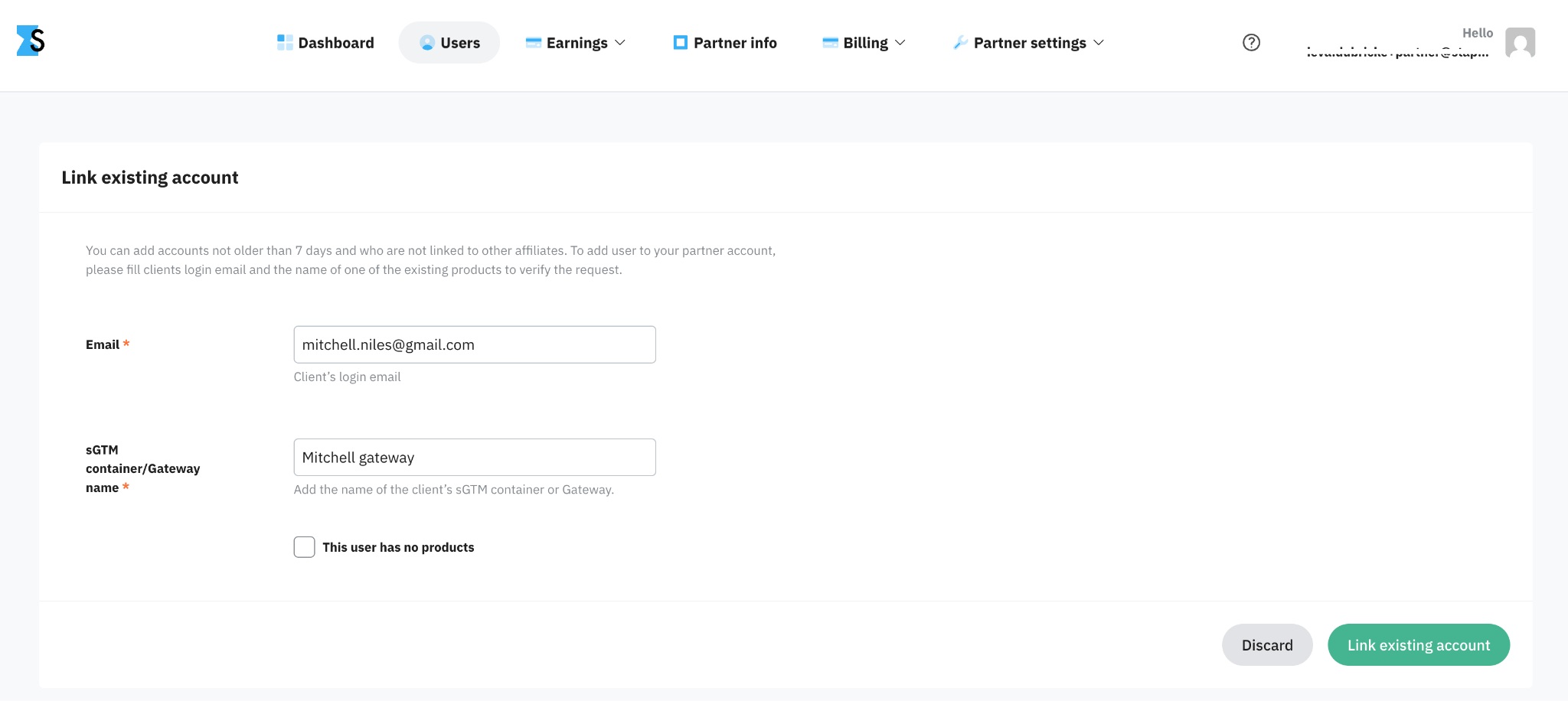
2. Click Link existing account.
3. Enter the client's login email and the name of one of their existing products (the client should tell you the exact name of the sGTM container or a gateway). If the user has no products yet, tick the This user has no products checkbox.
4. Click Link existing account.
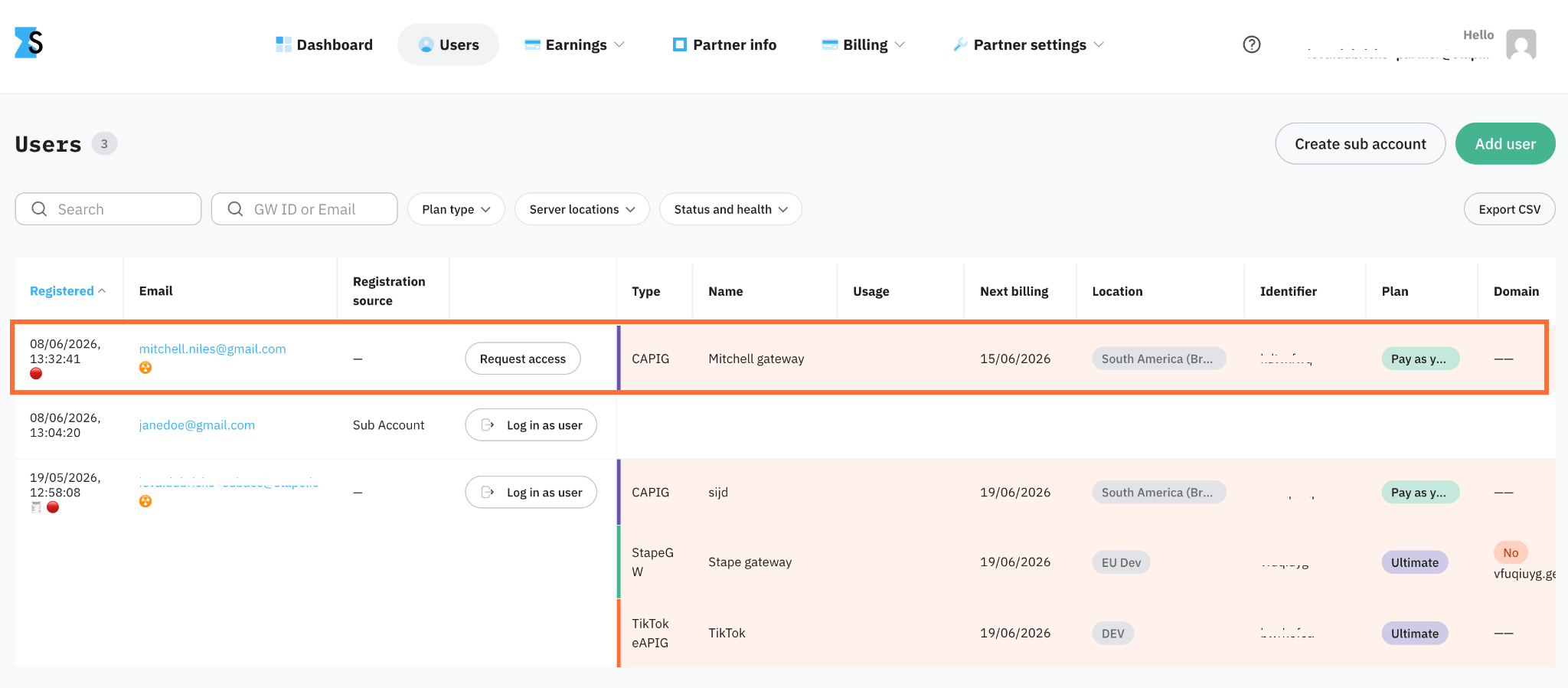
5. The new sub account appears in your Users list and is linked to your Partner account. To get access to that client's account, click Request access.
Share your referral link
Use this method when the client doesn't have a Stape account and you want them to sign up themselves.
1. Open your dashboard or Resources tab and copy your unique referral link. Inside the link, the parameter rs=site indicates the source of the incoming clients. Therefore, when you place the link on different platforms, you may want to change this parameter accordingly (e.g., rs=facebook, rs=youtube, etc.) to analyze your traffic sources.
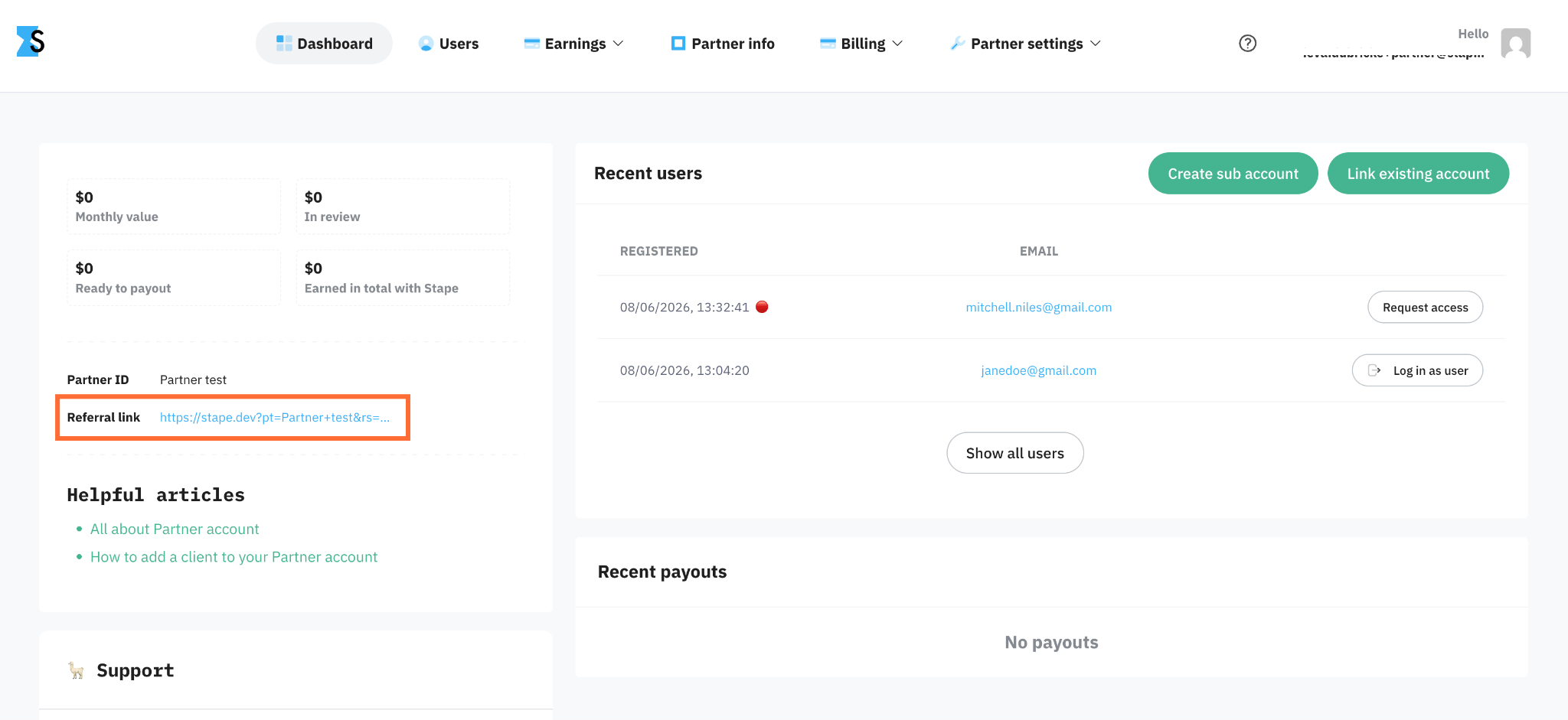
2. Send it to the client directly or add your link on the website of other resources.
3. After registration the new account appears automatically in your Users list and is linked to your Partner account.
Contact support
This method should be used when none of the first three methods work.
The person whom you wish to add as a client should email support@stape.io with the following information:
- Your Partner account email address
- The client's email address
- The name of container or gateway you want to link
Was this article helpful?
🍽 Table of content:
Comments