How to add a promocode?
Updated Aug 11, 2026
1. Open your Stape account.
2. Choose a container you'd like to upgrade.
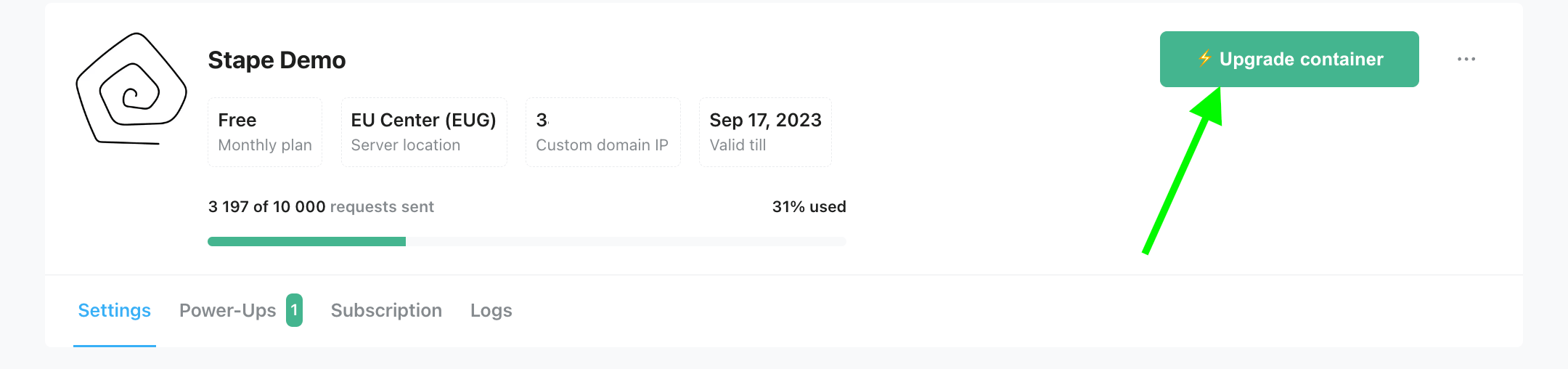
3. Click Upgrade container.
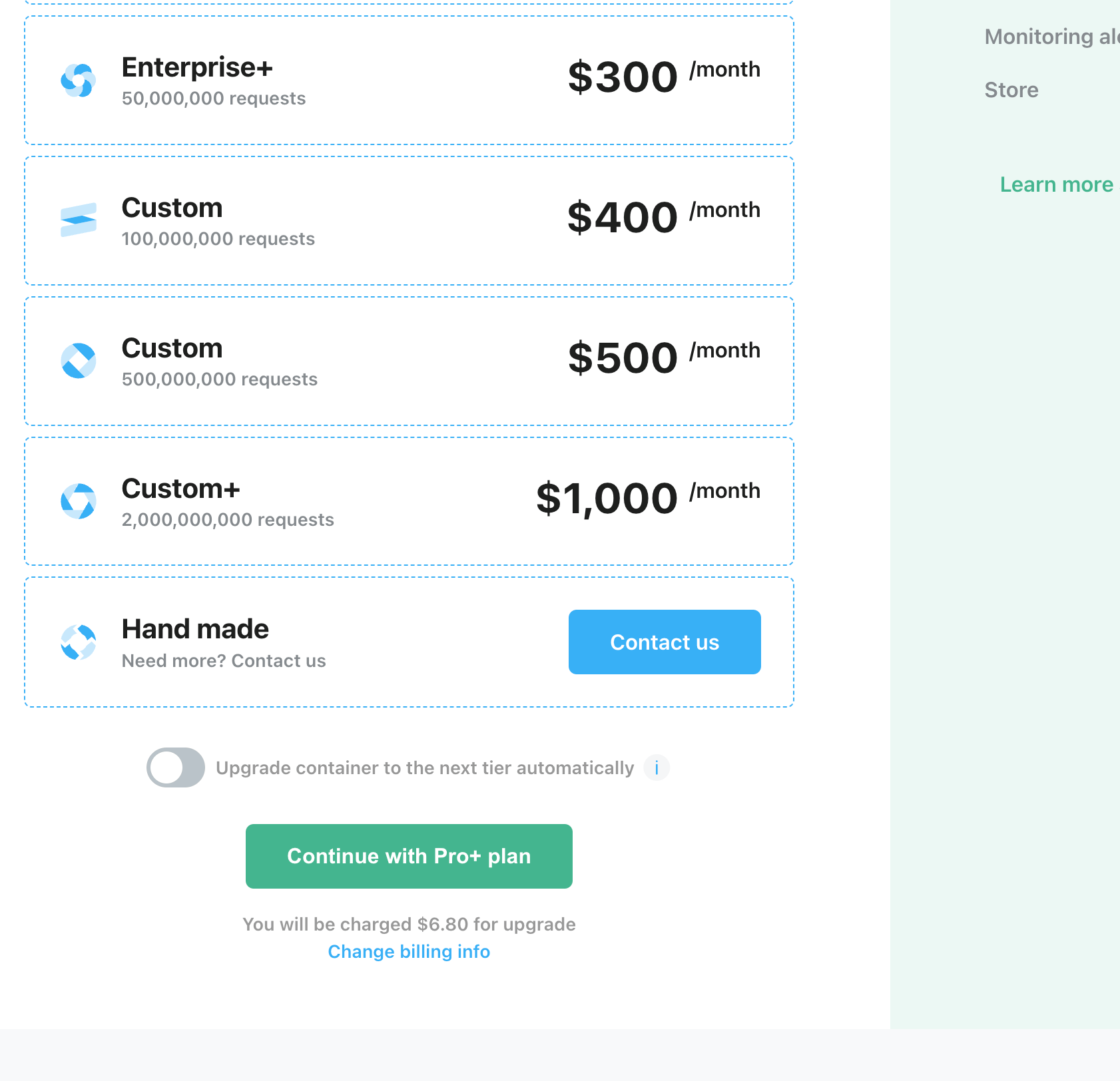
4. Choose a subscription plan. Click the button Change billing info.
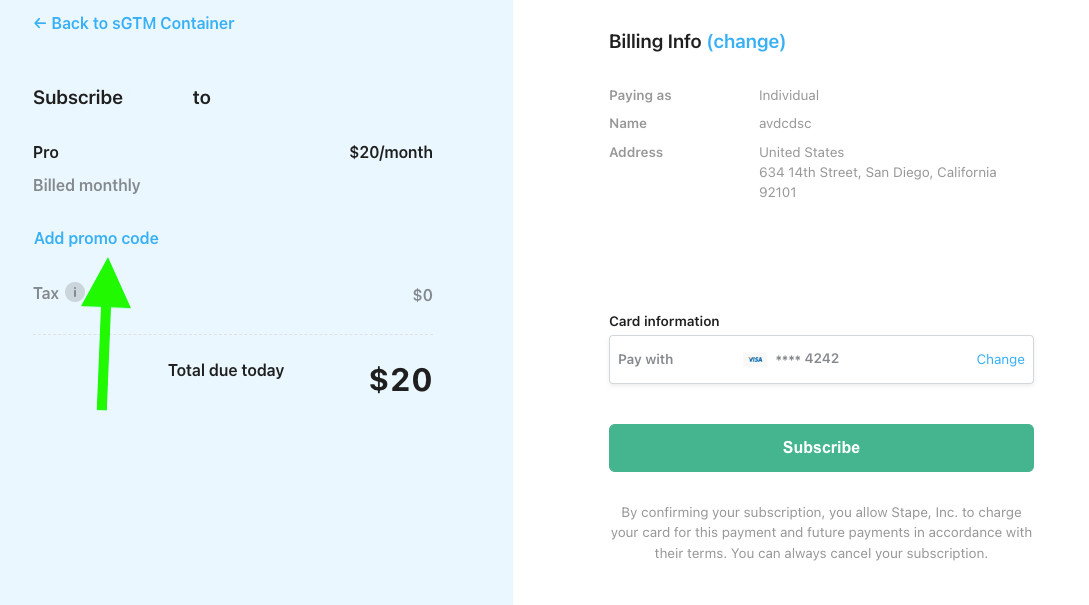
5. Click Add promo code.
6. Enter a promo code into the text bar. Click Apply.
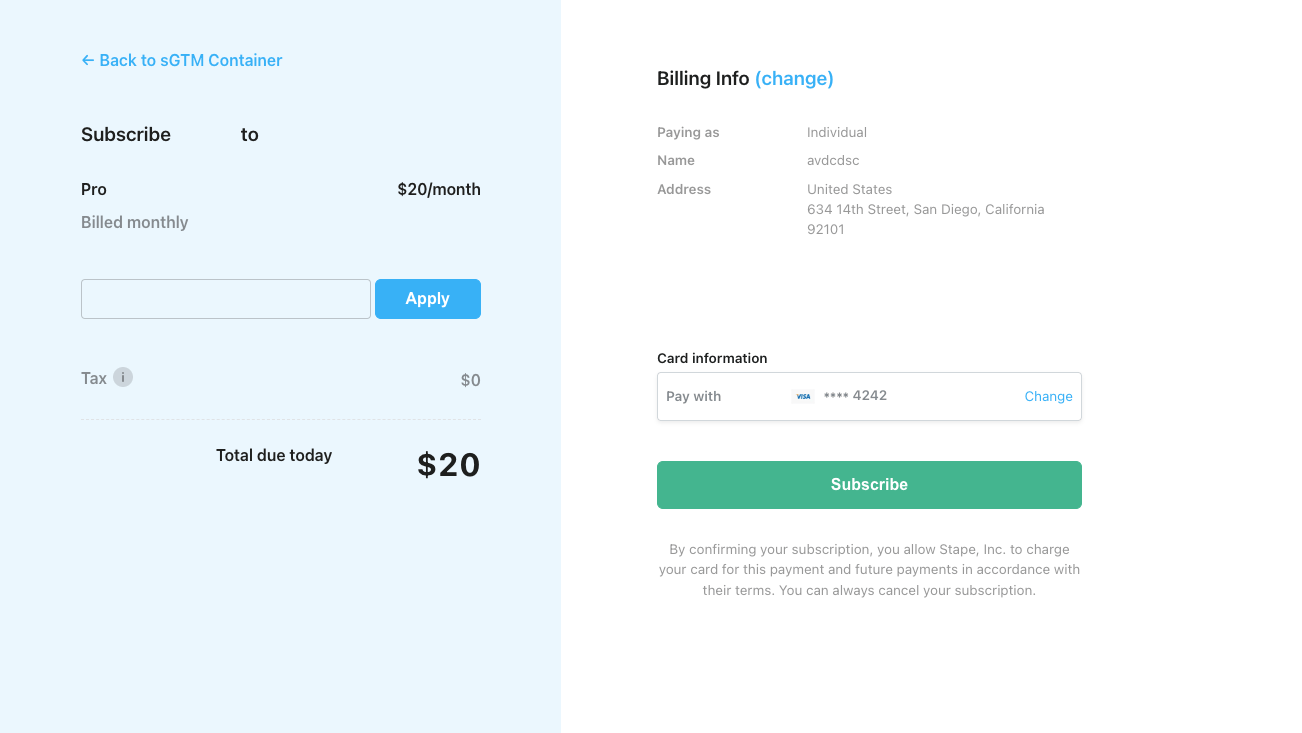
7. In the end, don't forget to click the Subscribe button.
Was this article helpful?
Subscribe to product updates:
Can’t find what you are looking for?
Comments