Release notes for Stape GTM Helper
Updated Aug 11, 2026
Learn more about Stape GTM Helper.
[3.1]-05-01-2026
What’s new:
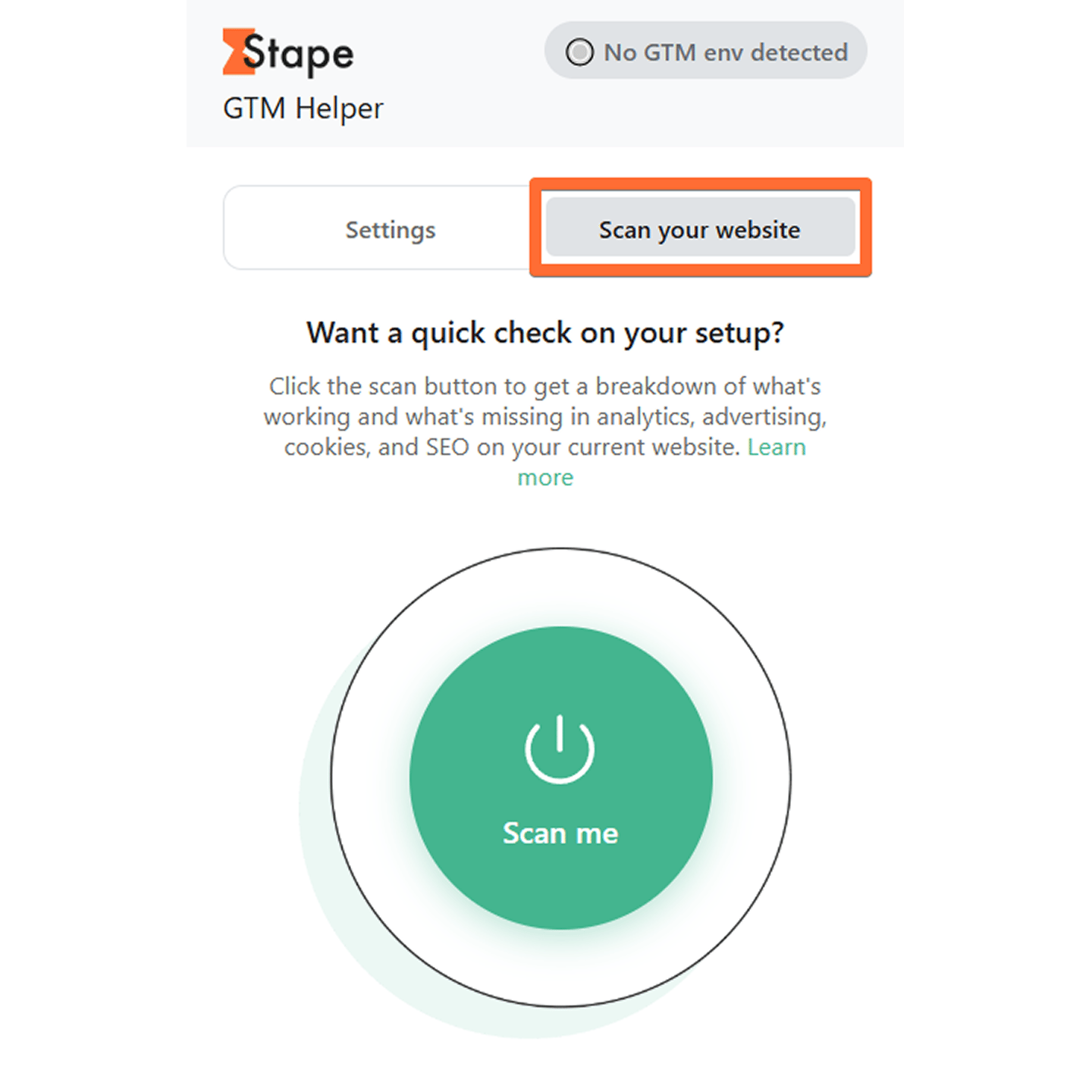
1. New feature - Scanner.
We’ve added the ability to scan your website’s tracking setup through GTM Helper. Simply open the Settings menu and click Scan me while on the website you wish to check.
Note: the Scanner feature is powered by Stape’s Website Tracking Checker. Check out our guide on Tracking Checker to learn how to read its reports and use it to its full potential.
[3.0]-12-09-2025
What’s new:
In this release, we’re introducing several new features:
1. Entities filter.
This feature allows you to filter through tags/variables for easier debugging, which is especially helpful if your container has a lot of them.
2. Copy the Request URL.
This option allows you to view the Request URL data in JSON format or as a table, and copy it.
3. Copy Request Body.
Similarly, this enables JSON formatting for Request Body data and allows copying it.
4. Consent type and its status.
GTM Helper can now display the consent type, along with its status (granted or denied).
5. Clearer tag status coloring.
We’ve added tag color coding to make it easier to distinguish between tags and spot those with failed status or requests with a status of 4xx or 5xx.
6. Platform logo.
The most popular tags (Meta, GA4, Google Ads, Microsoft, etc.) will now show their logos for easier navigation.
Was this article helpful?
🍽 Table of content:
Comments