How to sign up as an Agency
Updated Jun 26, 2026
Note:
If you already have a Standard account, you can convert it to the Agency account. For more information read How to convert a Standard account to Agency account.
EU vs Global
When signing-up, you have to choose your location, and it can't be changed later. Location affects where billing is handled, so make sure to pick the one that fits your client base.
- EU (Stape Europe) – invoicing in EUR, GDPR-aligned data handling. Select if you have clients based in the EU, or if you have clients that require the GDPR-aligned data handling. For more information see Payment country restrictions on Stape Europe.
- Global – invoicing in USD. Select if your clients are spread across the rest of the world.
Note:
If you have clients in both locations, you need to have two separate Agency accounts – one in each location. You can use the same email for both accounts. You can also contact Stape to get a universal link that will allow your clients to select the location that they want.
How to sign up
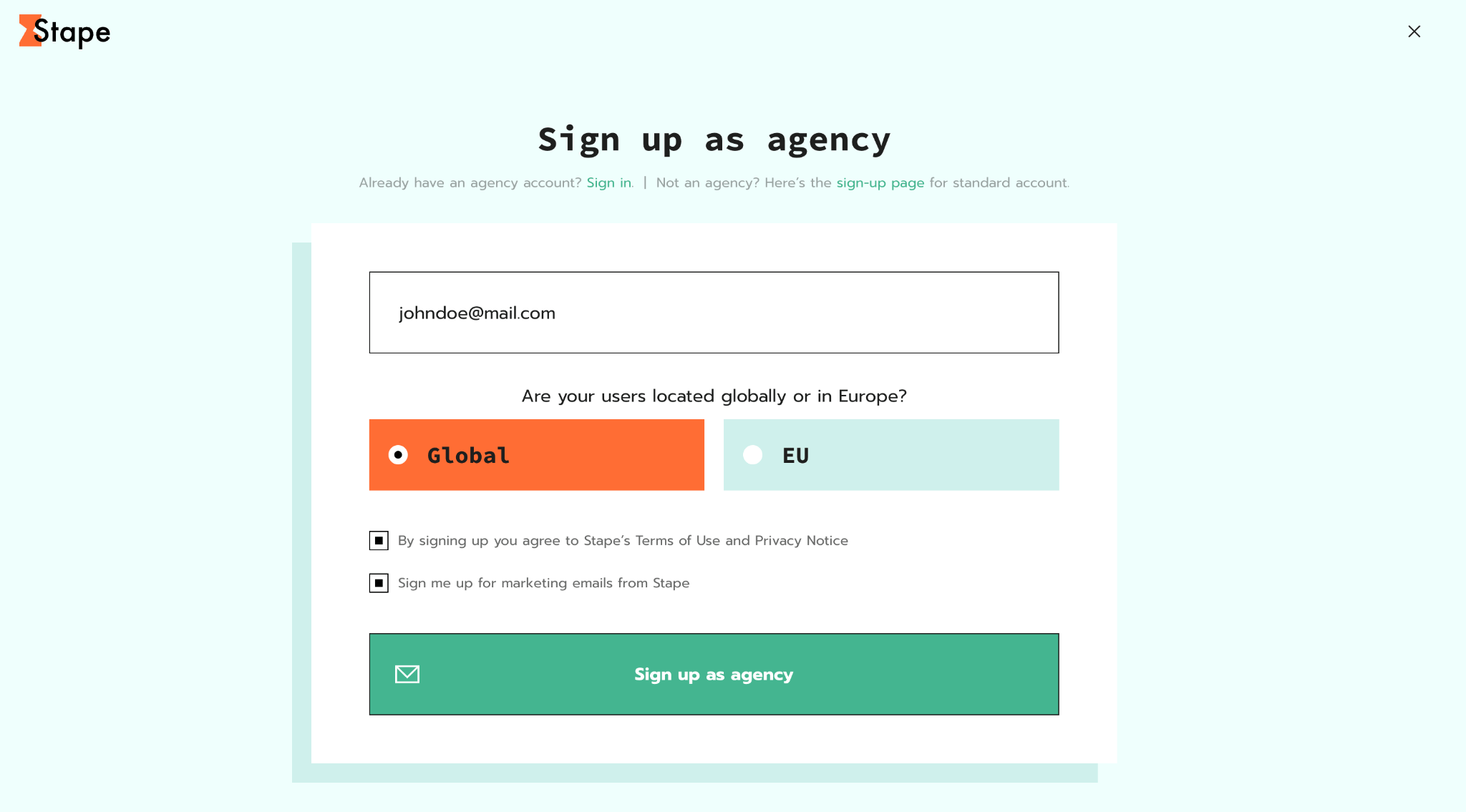
1. Go to the sign up as agency page.
2. Fill in the email address.
3. Choose your location: Global or EU.
4. Tick the box agreeing to Stape's Terms of Use and Privacy Notice. Optionally tick the marketing email box. Marketing emails include events, product updates and monthly digests, and you can unsubscribe from them anytime from your account.
5. Click Sign up as agency.
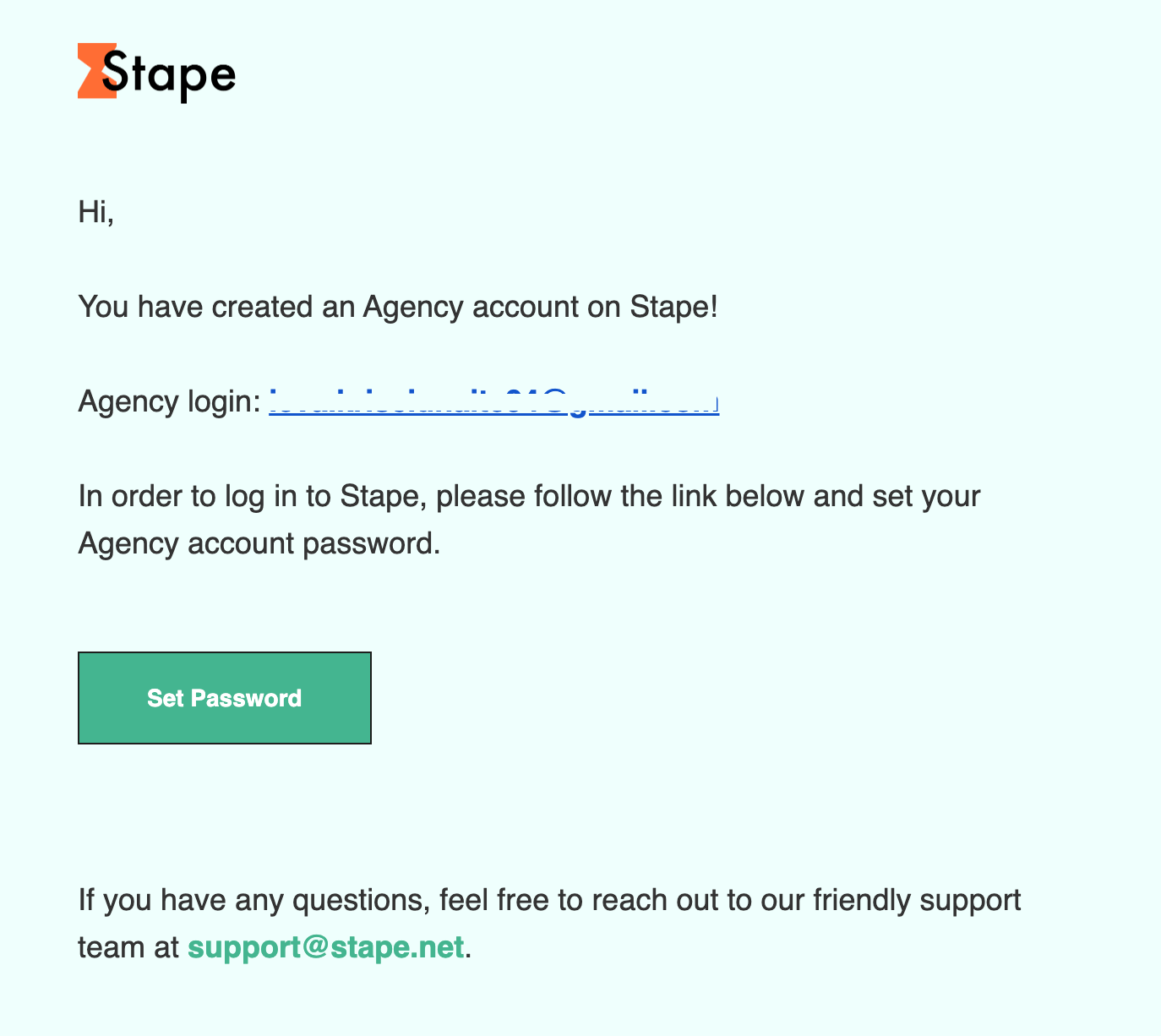
6. An email is sent to your mailbox. Click Set Password to set your password and start using Stape.
After logging in, you can change your email or password, and also set up another authentication type. For more information read Profile and security.
Note:
If you didn't get an email, please check your Spam folder, or contact support.
Was this article helpful?
🍽 Table of content:
Comments