How to delete Snapchat Conversions API Gateway
Updated Oct 28, 2026
Warning:
Deleting a gateway is permanent. All data sources and configuration will be removed. Snapchat Events Manager will no longer receive server-side events through this gateway after deletion. Make sure you have removed or updated any Pixel code, otherwise it’ll continue trying to reach a gateway that no longer exists.
- 1.Log in to your Stape account and click Gateways in the dashboard.
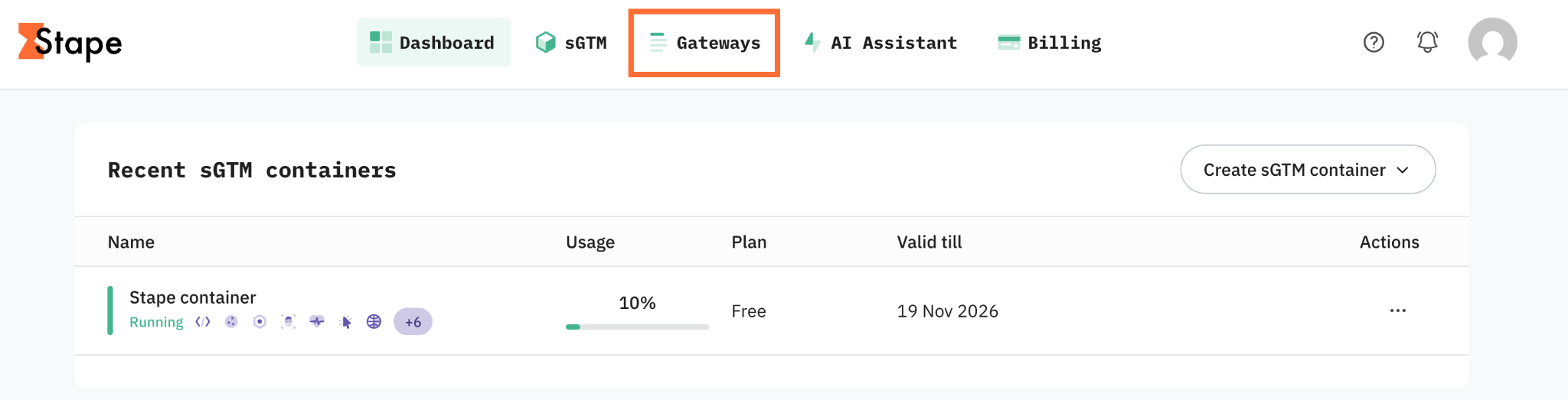
2. Select your Snapchat gateway.
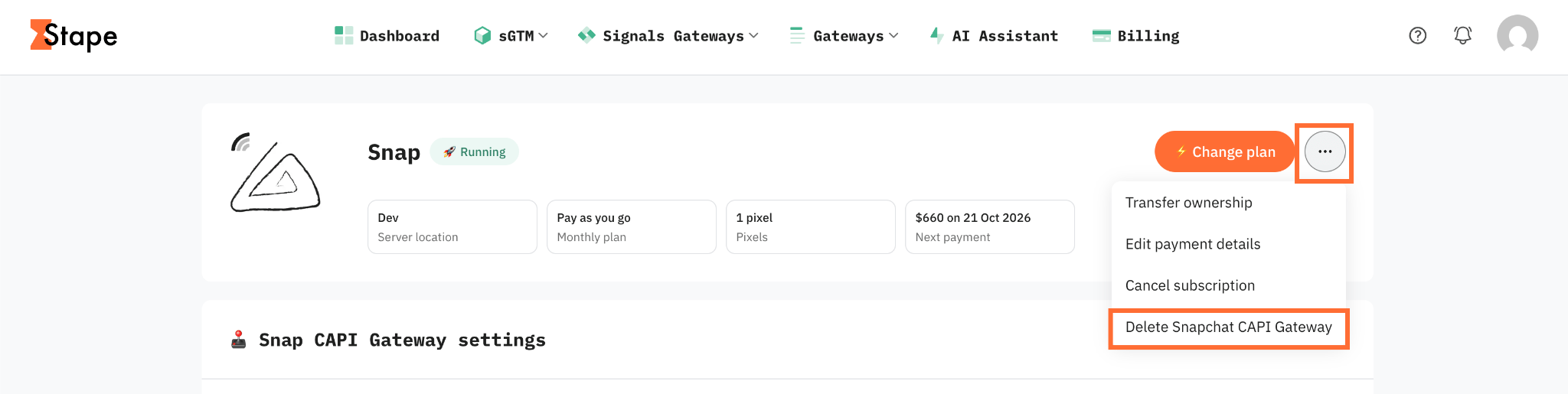
3. Click the three dots menu in the top-right corner of the gateway, and click Delete Snapchat CAPI Gateway.
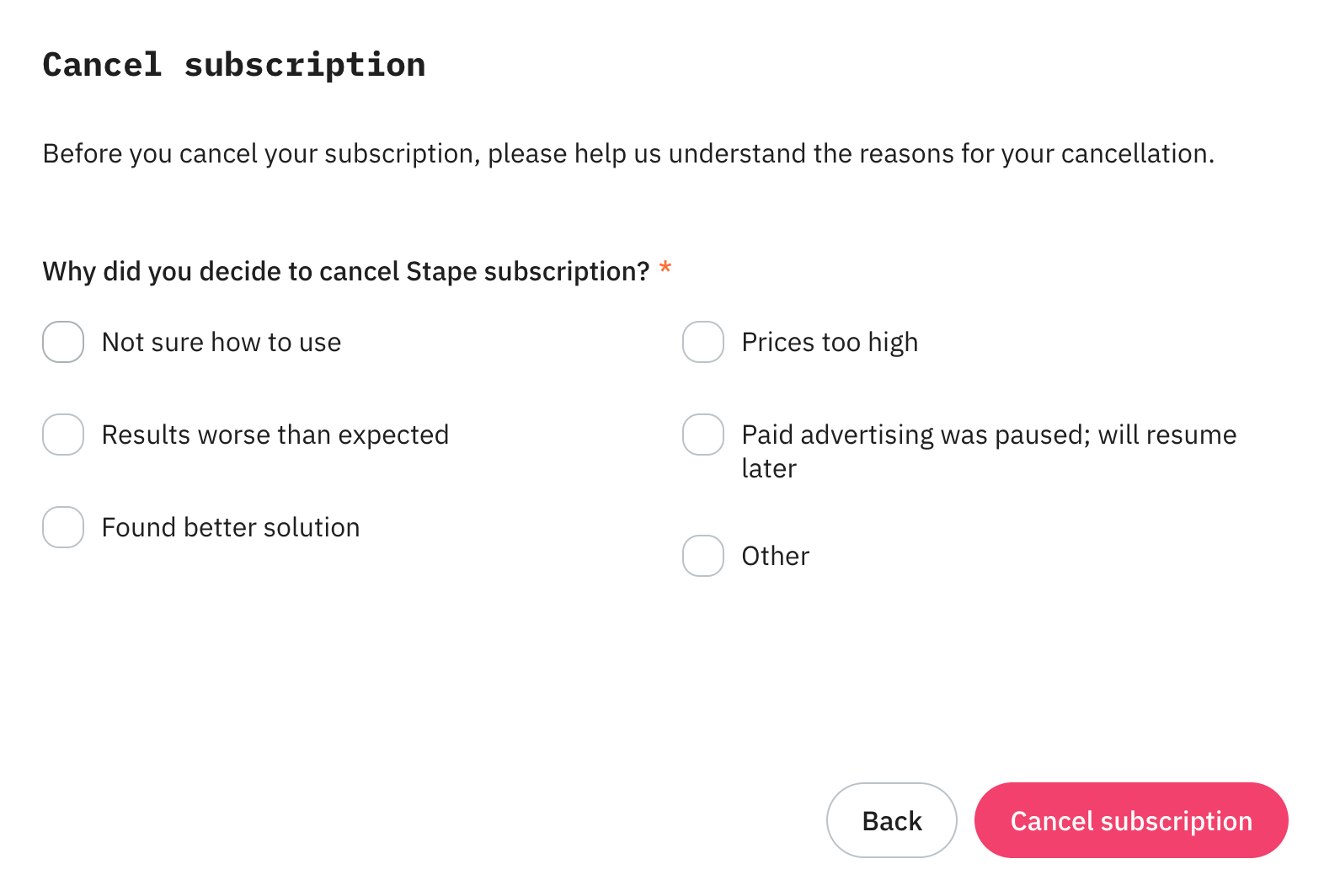
4. Select your reason for deleting, and then click Cancel subscription.
Was this article helpful?
Subscribe to product updates:
Can’t find what you are looking for?
Comments