Stape GTM Helper overview
Updated Jul 31, 2026
Stape GTM Helper is a free Chrome extension that makes debugging web and server-side Google Tag Manager (GTM) containers faster and easier. GTM’s built-in Preview mode can become cluttered when a container contains many tags, triggers, and variables. Stape GTM Helper makes it easier to navigate by adding formatting, color-coding, filtering, and scanning tools.
With this extension you can:
- Scan a website – run a quick tracking health check (analytics, cookies, ads, SEO) on any page.
- Inject GTM – manually add a GTM snippet to pages where script injection is normally blocked, such as a Shopify checkout page, so you can debug it in Preview mode.
- Set debugging aids – enable features like URL formatting, tag status/type coloring, entity filtering, JSON formatting, consent mode visibility, and bulk selection for GTM Preview mode.
You don't need a Stape account to use the extension – just an existing GTM container with tags configured for preview.
For more information on how to use the GTM Helper read the How to use Stape GTM Helper article.
How it works
- 1.Go to the Stape GTM Helper extension in the Chrome Web Store.
- 2.Click Add to Chrome.
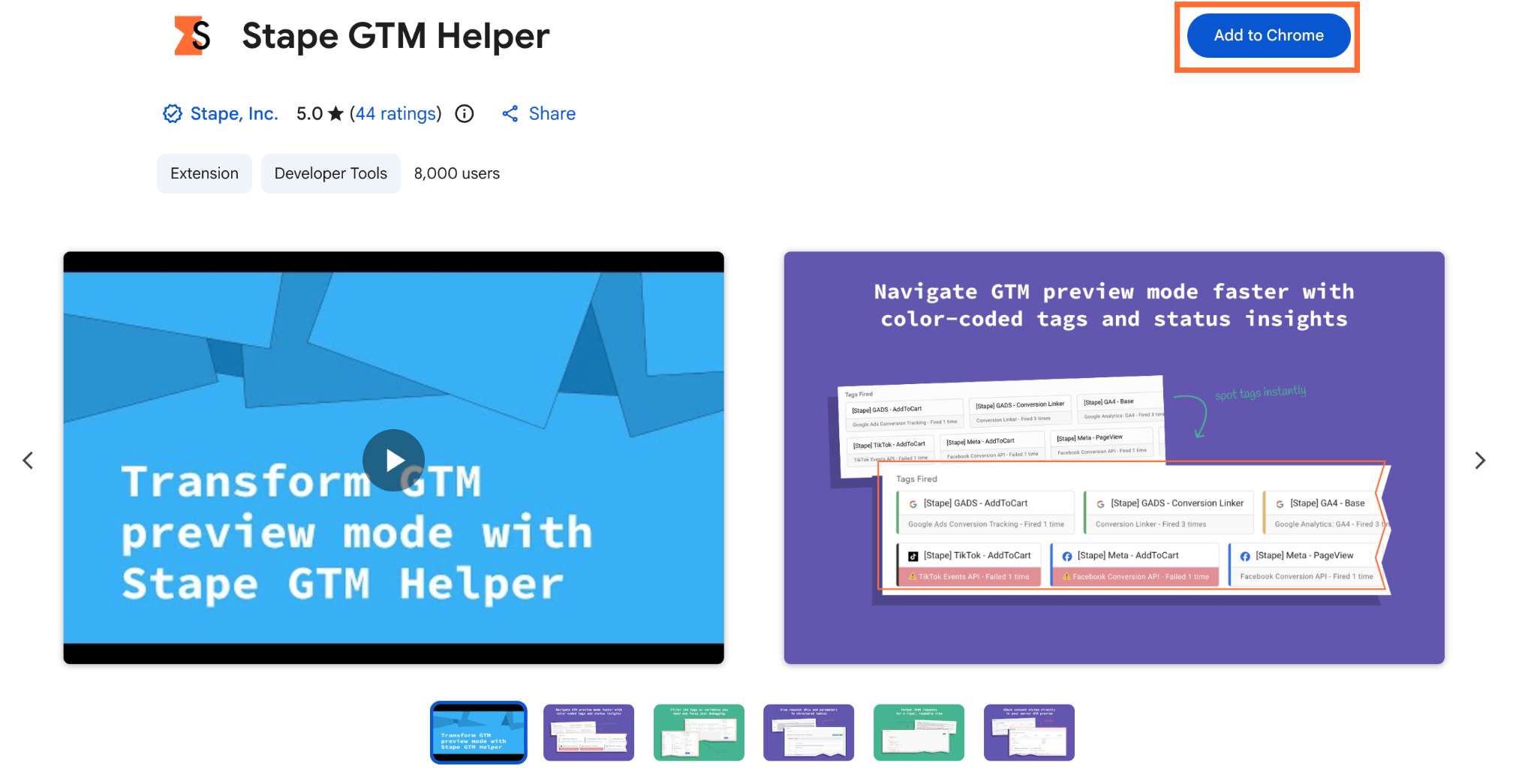
3. After successful finish, go to Extensions in your browser and click Stape GTM Helper. 4. You will see the extension view.
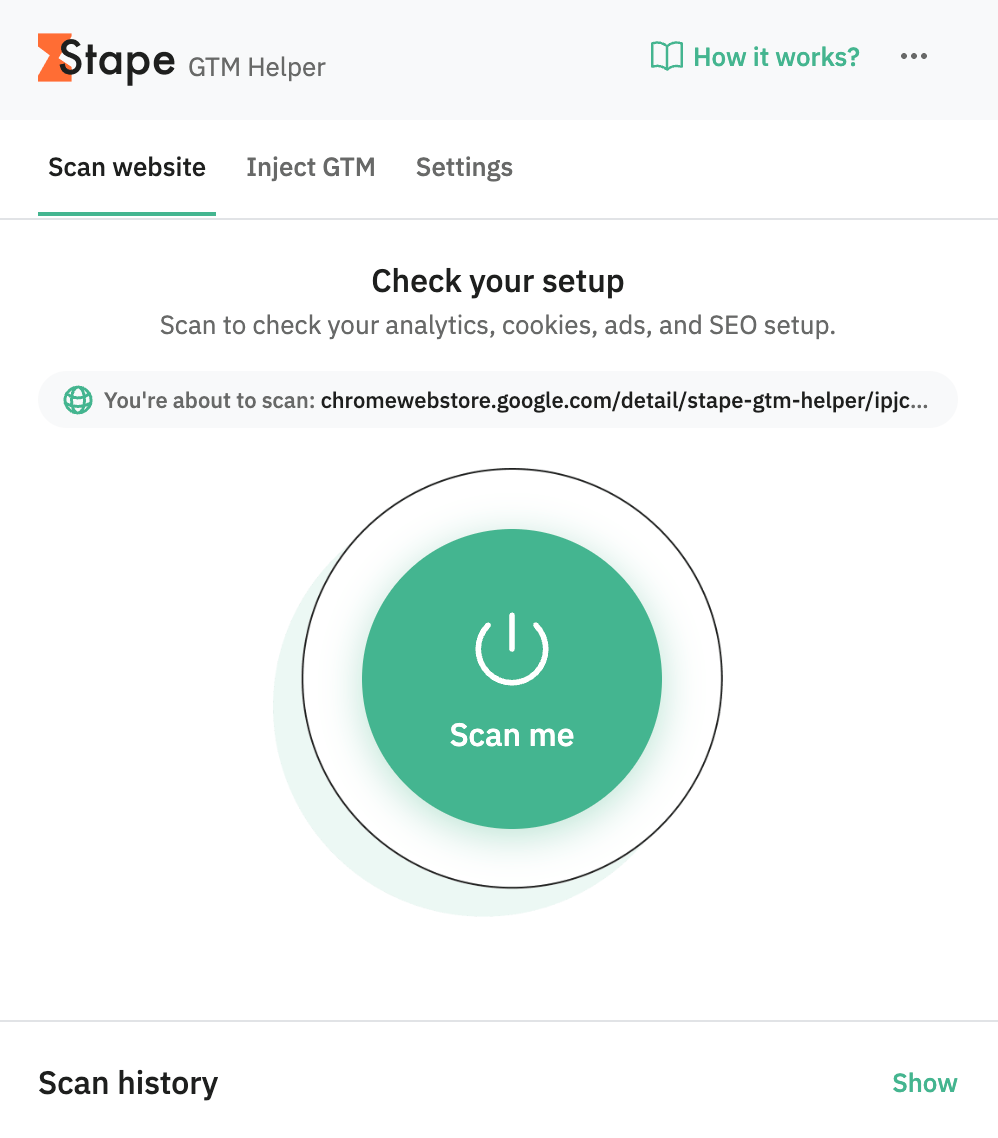
5. For the further instructions on how to use the GTM Helper features read the How to use Stape GTM Helper article.
Use cases
- 1.Isolating one integration during testing. If you’re only testing the Google Ads conversion tag but the container has dozens of other tags firing, you can enable the Entities filter to hide everything except what you're working on.
- 2.Pre-launch conversion tracking validation. Before a big sale, you may want to confirm the
purchaseevent in Shopify fires correctly at checkout. The Inject GTM feature lets you validate this in Preview mode ahead of time, catching issues before they cost tracked revenue. - 3.Pre-sales checks. If you want a quick tracking health snapshot of a prospective client's site before a pitch call, you can scan the website, and it’ll give you a shareable report in a couple of minutes.
Was this article helpful?
🍽 Table of content:
Comments