How to find Web Google Tag Manager (GTM) ID?
Updated Jun 22, 2026
1. Log in to your Google Tag Manager account.
2. Open the required web GTM container.
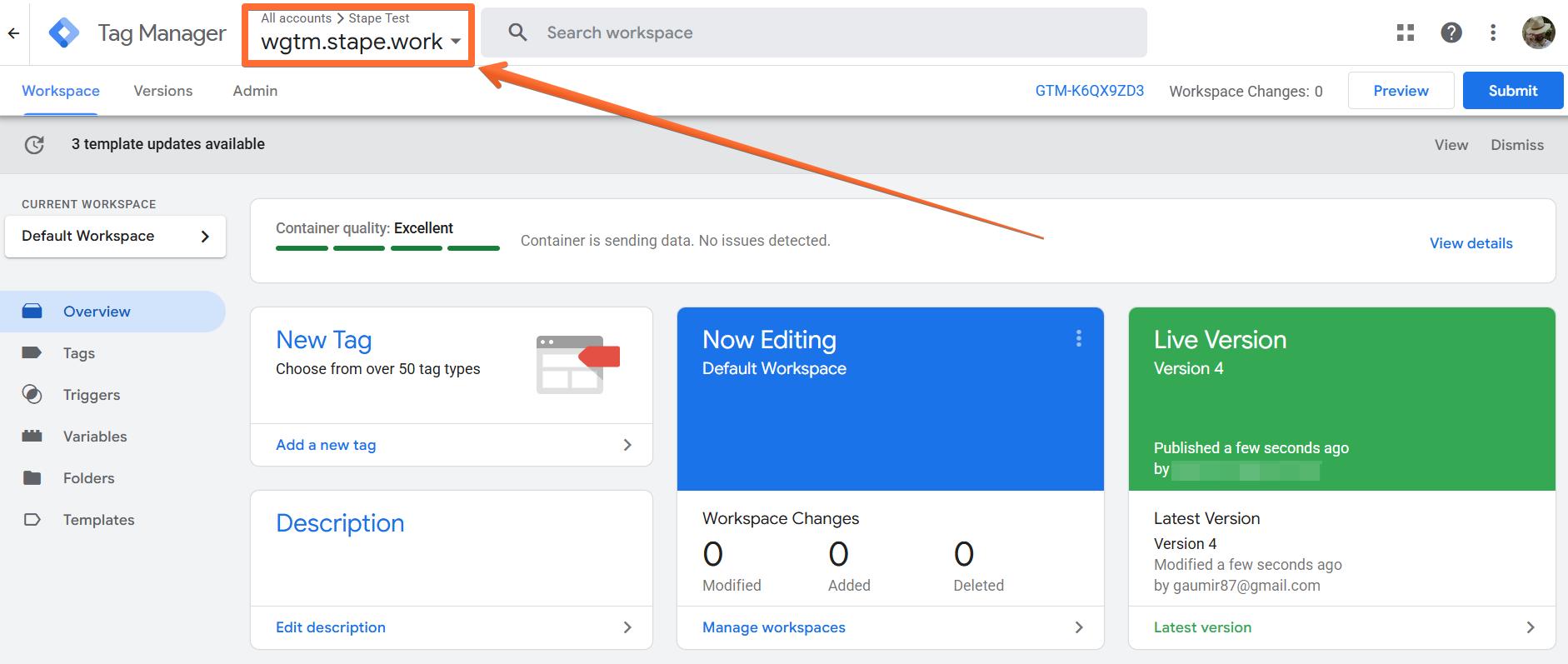
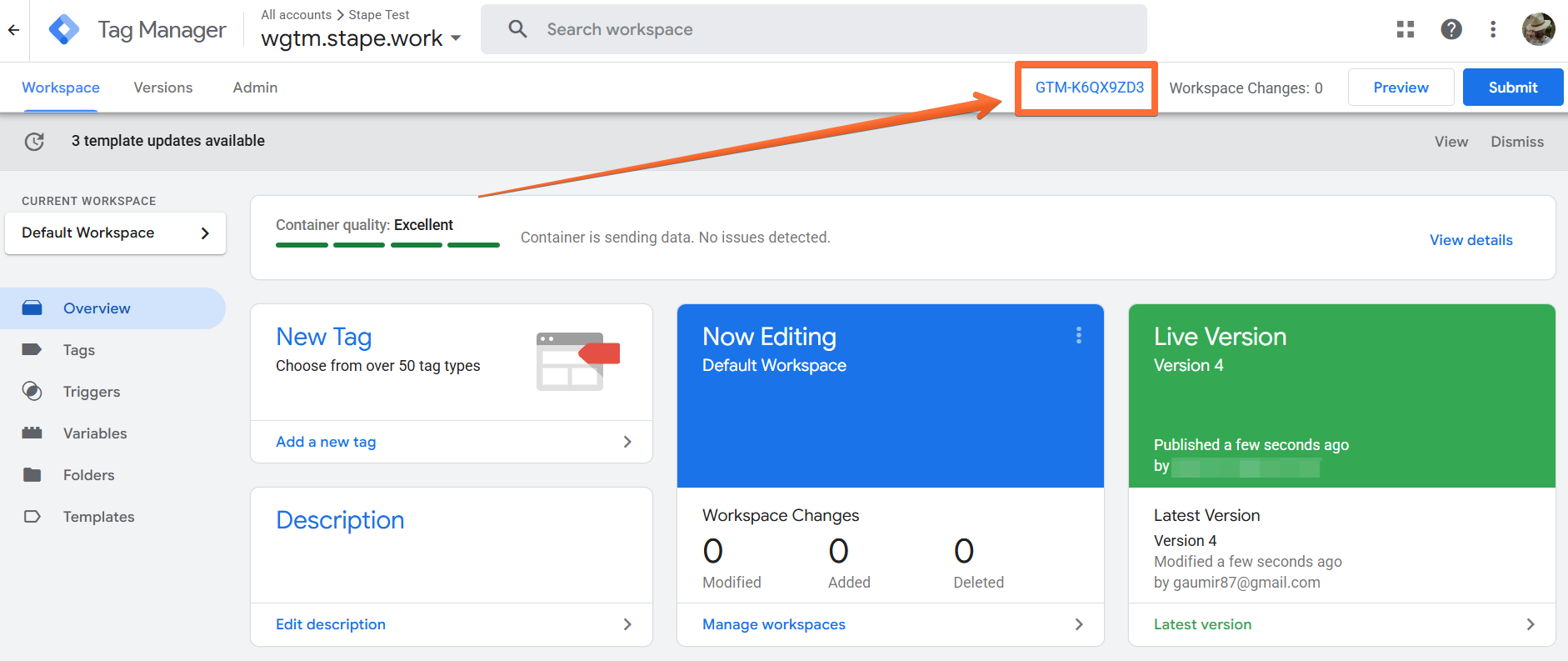
3. In the top right corner (next to the Submit and Preview buttons) you’ll see some short text that starts with GTM- and then contains some letters/numbers. That’s your Google Tag Manager ID.
Was this article helpful?
Subscribe to product updates:
Can’t find what you are looking for?
Comments